Token Mill

Token Mill

Launchpad
Token Mill is Trader Joe's new DEX live on Avalanche and Solana.

Supported Networks

AvalancheSolana
Download OneKey App

Use Token Mill with OneKey App

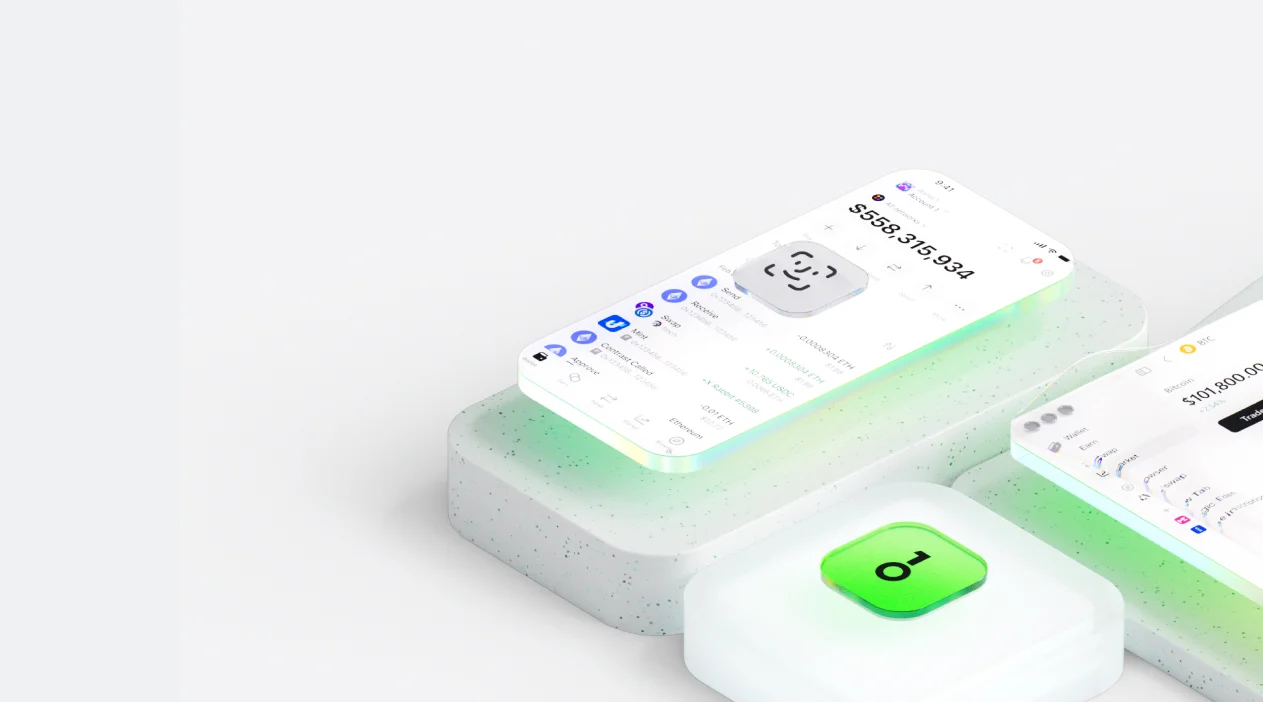
Secure wallet with built‑in trading and dApp access. Buy, trade, and connect from desktop, mobile, or browser.

What is Token Mill?

Token Mill is a decentralized application (dApp) developed to streamline the process of creating and deploying custom cryptocurrency tokens on various blockchain networks. The platform provides a suite of tools for users who need to generate fungible tokens without requiring extensive knowledge of Solidity or smart contract programming. It offers a user-friendly, no-code interface where individuals and project teams can define key parameters for their new digital asset, such as the token name, symbol, total supply, and decimal places. The service supports the creation of tokens compliant with widely adopted standards, including ERC-20 on Ethereum and compatible Layer 2 networks like Polygon, Arbitrum, and Optimism, as well as the BEP-20 standard on the BNB Chain. This multi-chain capability allows developers and entrepreneurs to choose the blockchain ecosystem that best fits their project's needs regarding gas fees, transaction speed, and community reach. Whether for a DeFi protocol's utility token, a DAO's governance token, or a community-focused project, Token Mill facilitates the initial technical setup. In an environment where smart contract security is a primary concern, the platform utilizes pre-audited and battle-tested smart contract templates. This approach helps mitigate common vulnerabilities and provides a higher degree of security for newly created tokens, giving creators and their communities greater confidence. By simplifying the technical barriers to token issuance, Token Mill enables a broader range of participants to launch and manage their own digital assets within the web3 ecosystem. The platform serves as a foundational tool for building new applications and economies on the blockchain.

How to use Token Mill

01

Open OneKey browser

how-to-use-step-1

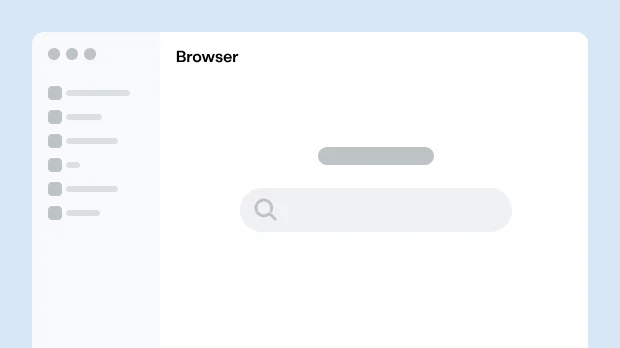
Open Browser in the OneKey App and search for Token Mill.

02

Connect wallet

how-to-use-step-2

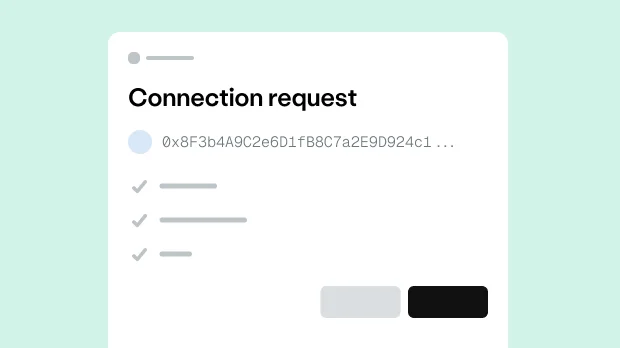
On the Token Mill page, choose OneKey and approve the connection.

03

Select operation

how-to-use-step-3

In Token Mill, choose an action and enter the details.

04

Confirm and sign

how-to-use-step-4

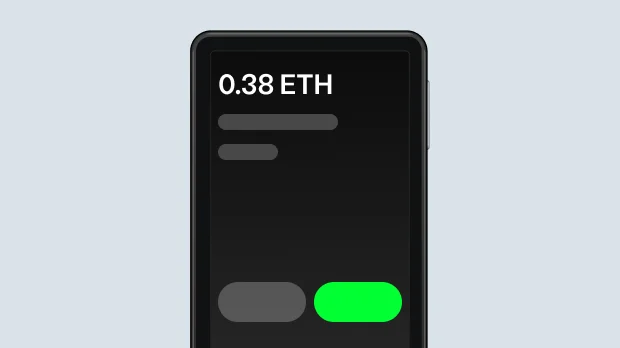
Review the transaction in OneKey, then confirm and sign on your device.

Why use OneKey with Token Mill for secure transactions

Supported on all platforms

Supported on all platforms

Desktop, mobile, and browser extension — securely connect to Token Mill from any device.

Multi-chain compatible

Multi-chain compatible

Native support for the major public chains where Token Mill operates (such as Ethereum, Arbitrum, Polygon, BNB Chain, Avalanche, etc.), allowing one wallet to manage assets across multiple chains.

Built-in dApp browser

Built-in dApp browser

OneKey’s secure dApp browser gives you one-tap access to Token Mill, with contract and phishing checks for safer interactions.

Hardware-level security

Hardware-level security

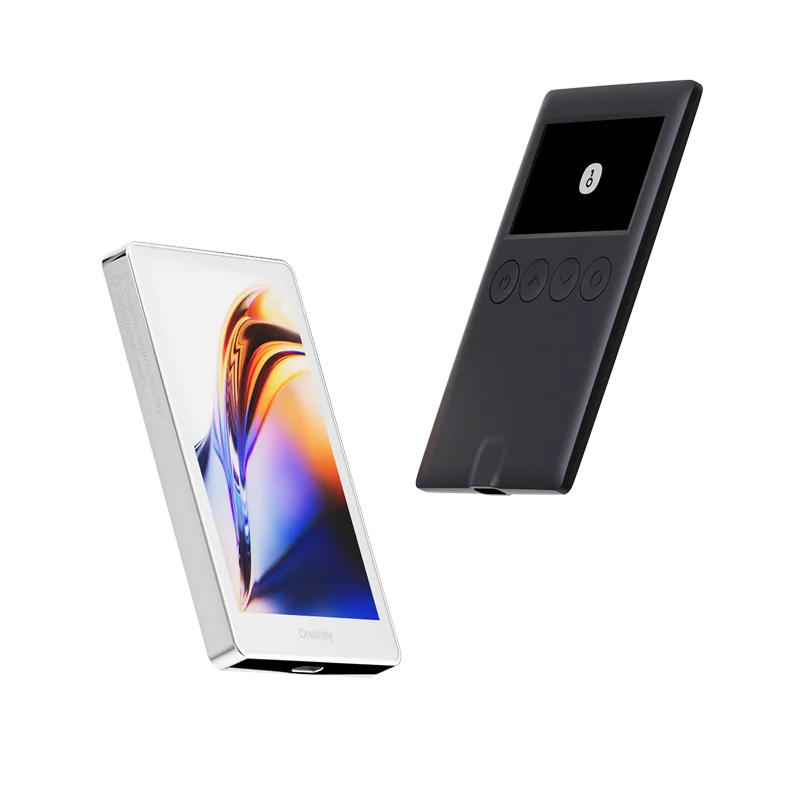
With a OneKey hardware wallet, keys stay offline and every critical action is confirmed on the device for hardware-level protection.

Why hardware wallets make dApps safer

Private key stored offline

Your private key lives in a secure offline chip and never touches the internet.

Private key stored offline

Physically confirm every transaction.

See and approve every transaction on your hardware wallet’s screen.
Physically confirm every transaction.

Protect against malware

Even if your phone or computer is infected, the secure chip keeps your assets safe.
Protect against malware

Open-source verifiable

OneKey is fully open source, with security proven by the community.
Open-source verifiable

Pair with a OneKey hardware wallet to keep your keys offline and verify every transaction on-device.