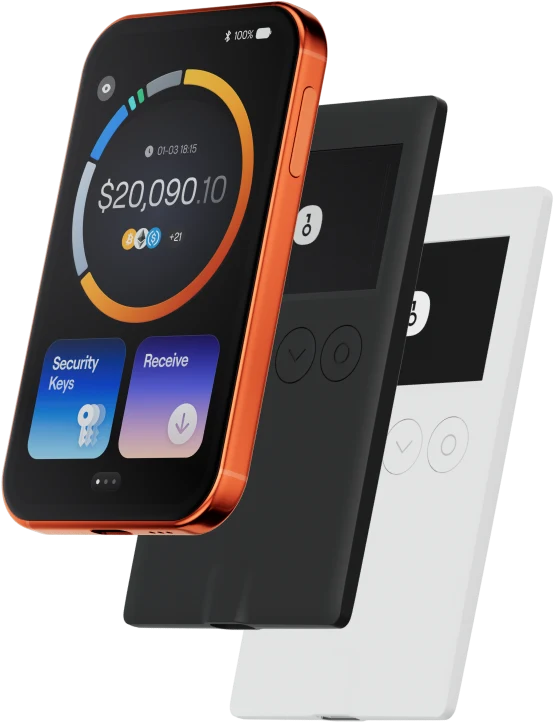
The Alephium wallet helps you easily store, send, and receive digital assets. You can perform cross-chain token transactions at any time, explore NFT marketplaces and dApps, and discover more opportunities. An integrated wallet for the Alephium ecosystem, it provides you with a secure on-chain experience.
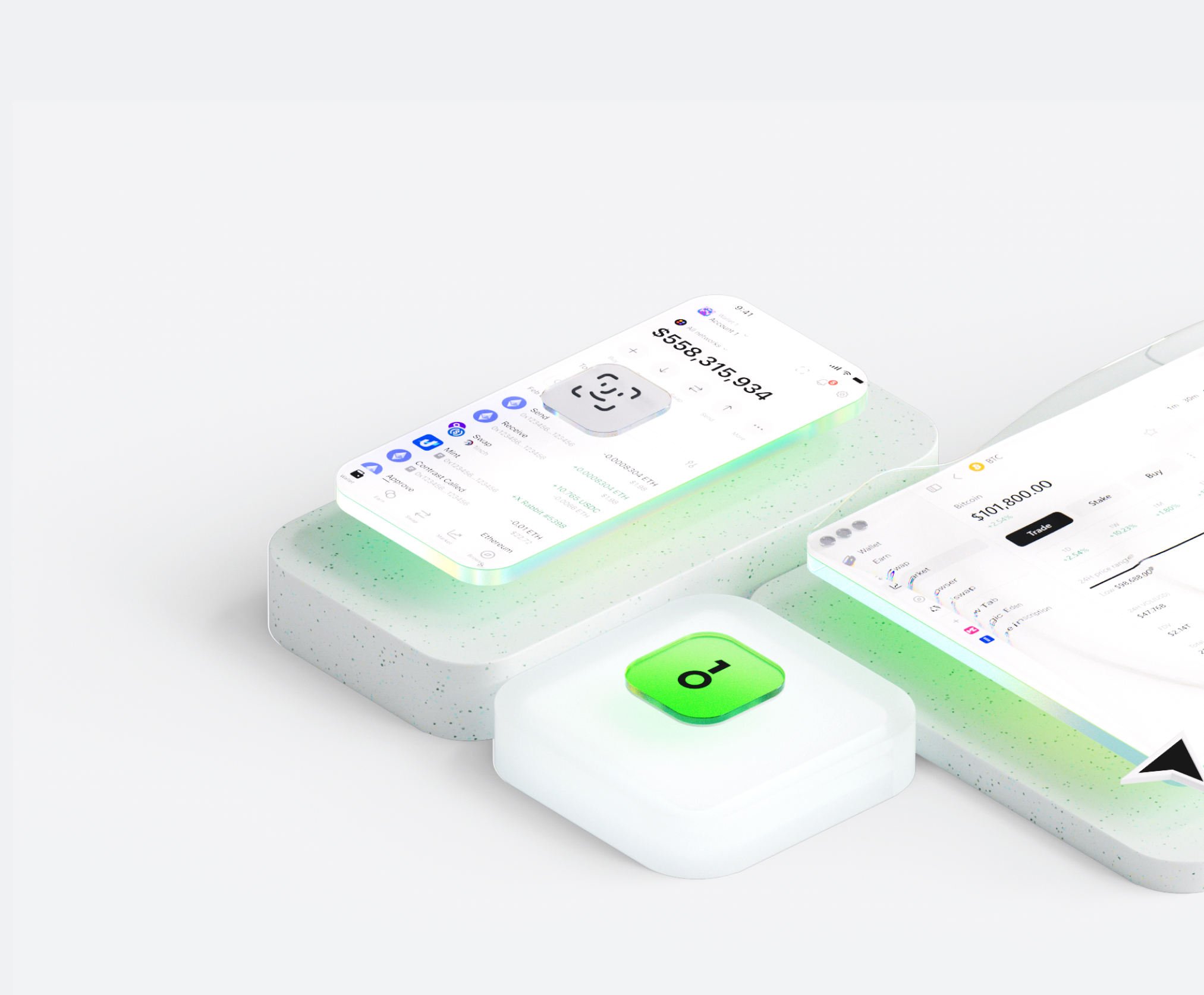

Why choose Alephium wallets with OneKey

Take control of the safety that belongs to you
No real-name verification required. We collect and track no user data. Your wallet belongs only to you.
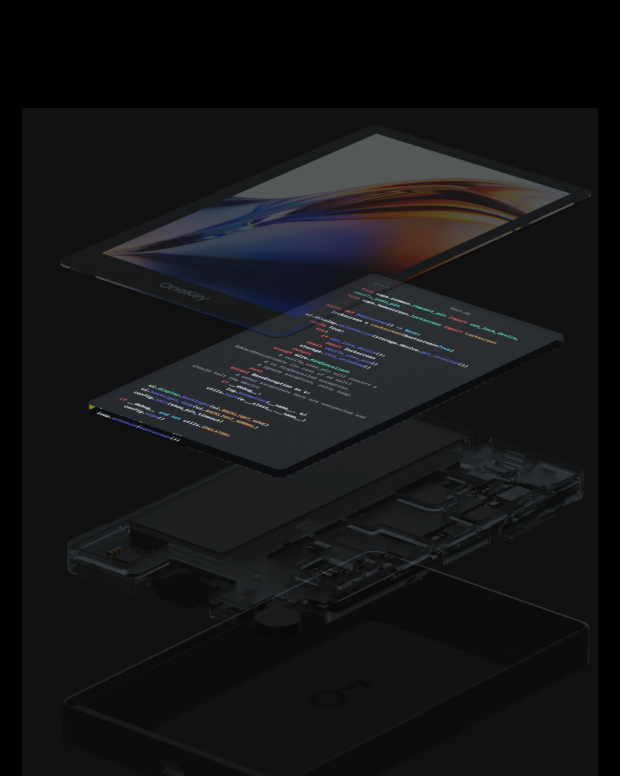
100% open-source and transparent
Alephium wallet is a fully open-source wallet; every line of code can be audited and verified by security experts. Security is not based on promises, but on transparency.
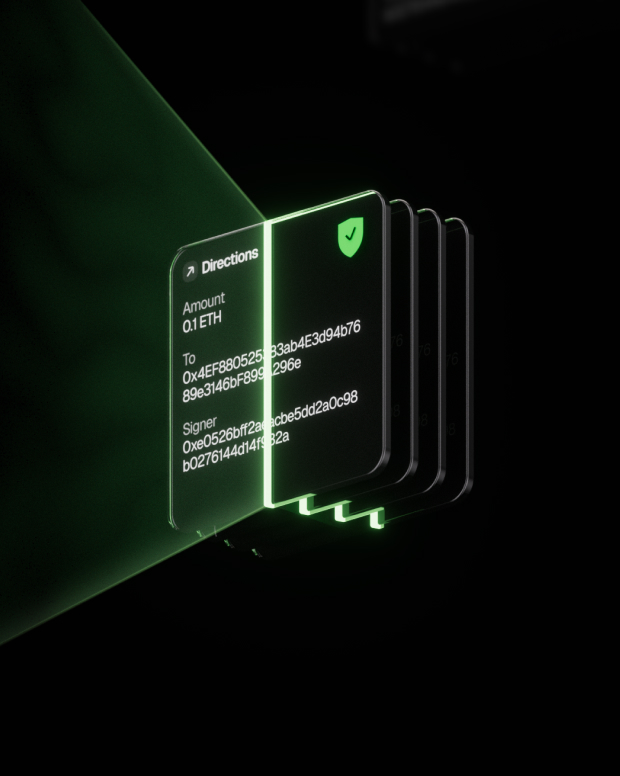
Intelligent Risk Protection
Built-in dApp phishing protection and suspicious token folding features automatically detect risky contracts to prevent malicious approvals or asset theft.

Global support
Provide 24/7 multilingual customer support to resolve your issues at any time.
FAQ’s
Alephium is the first operational sharded blockchain bringing scalability, ETH-inspired smart contracts, and dApps capabilities to Bitcoin's proven core technologies while ensuring better performance and improved energy efficiency.
From its technical design to its interfaces, Alephium has been created to address the challenges of accessibility, scalability, and security encountered by decentralized applications today.
The best Alephium wallet should balance both security and ease of use.
With a Alephium wallet, you can not only securely store and manage (token name), but also freely conduct cross-chain transactions, participate in DeFi protocols, and interact with DApps.
Alephium wallet provides real-time transaction tracking, open-source and transparent security mechanisms, and a smooth experience on the Alephium network, giving you complete control over your crypto assets.
1. Download wallet: Visit the OneKey official website and download the OneKey App for macOS, Windows, iOS, or Android.
2. Create wallet: Open the App, select "Create New Wallet" or "Connect Hardware Wallet".
3. Backup wallet: Safely write down the recovery phrase and store it offline. We never upload or save your recovery phrase.
4. Deposit Alephium: Copy the wallet address and transfer Alephium from an exchange or another wallet.
All private keys are generated and stored offline on the device, giving you complete control over your assets.
1. Send Alephium: Enter the Alephium address and amount, then confirm the signature in the App. The transaction will be broadcast to the blockchain immediately after completion.
2. Receive Alephium: Click "Receive" to get the wallet address, share it with the sender, and you can view the balance in real-time in the App after receiving the tokens.
3. Manage assets: Track transaction history, access DeFi protocols, or perform cross-chain operations in the Alephium wallet, all in one App.
Subscribe to our newsletter
Subscribe to OneKey newsletters for the latest product news and offers.