Design
Beautiful in every detail.
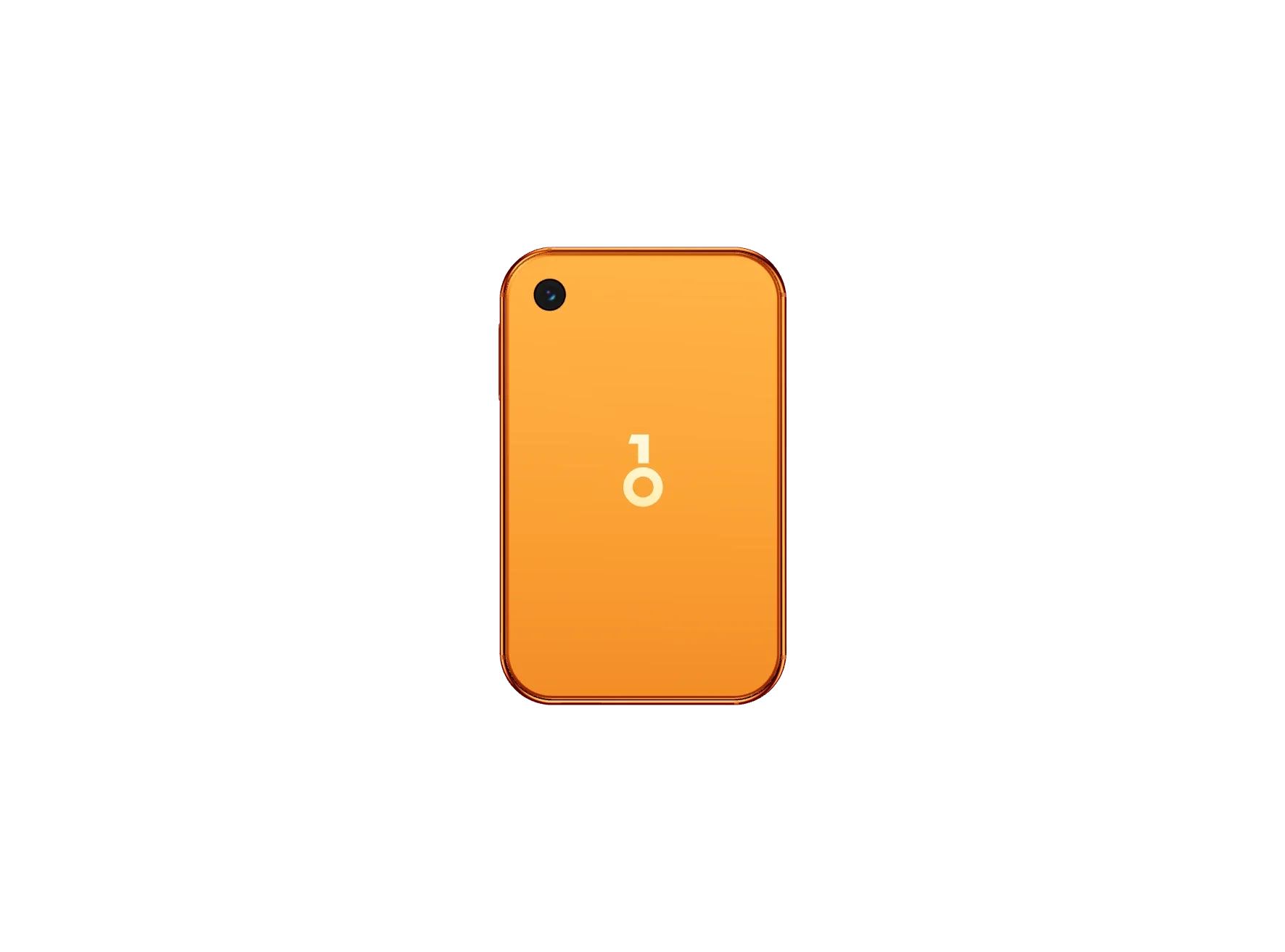
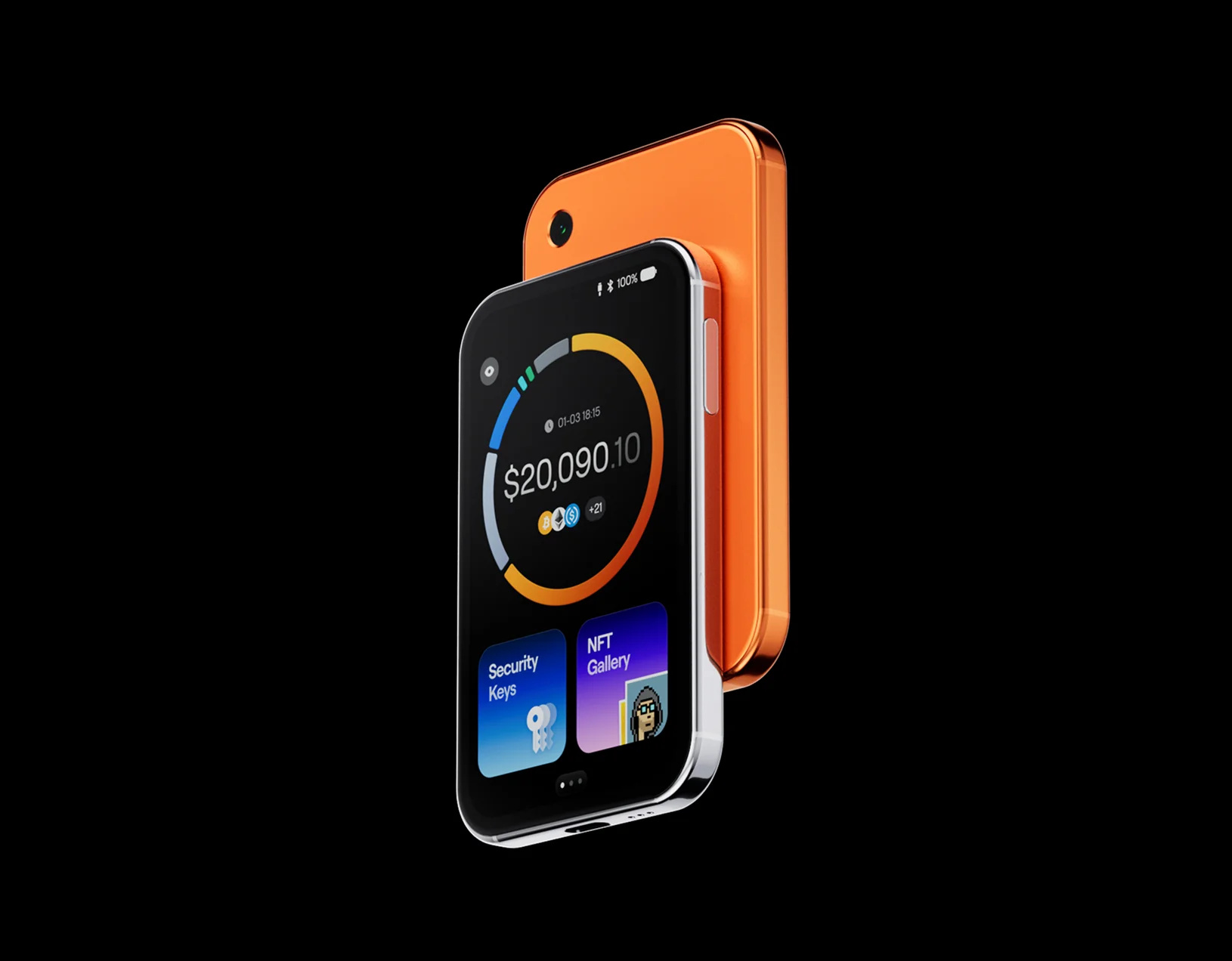
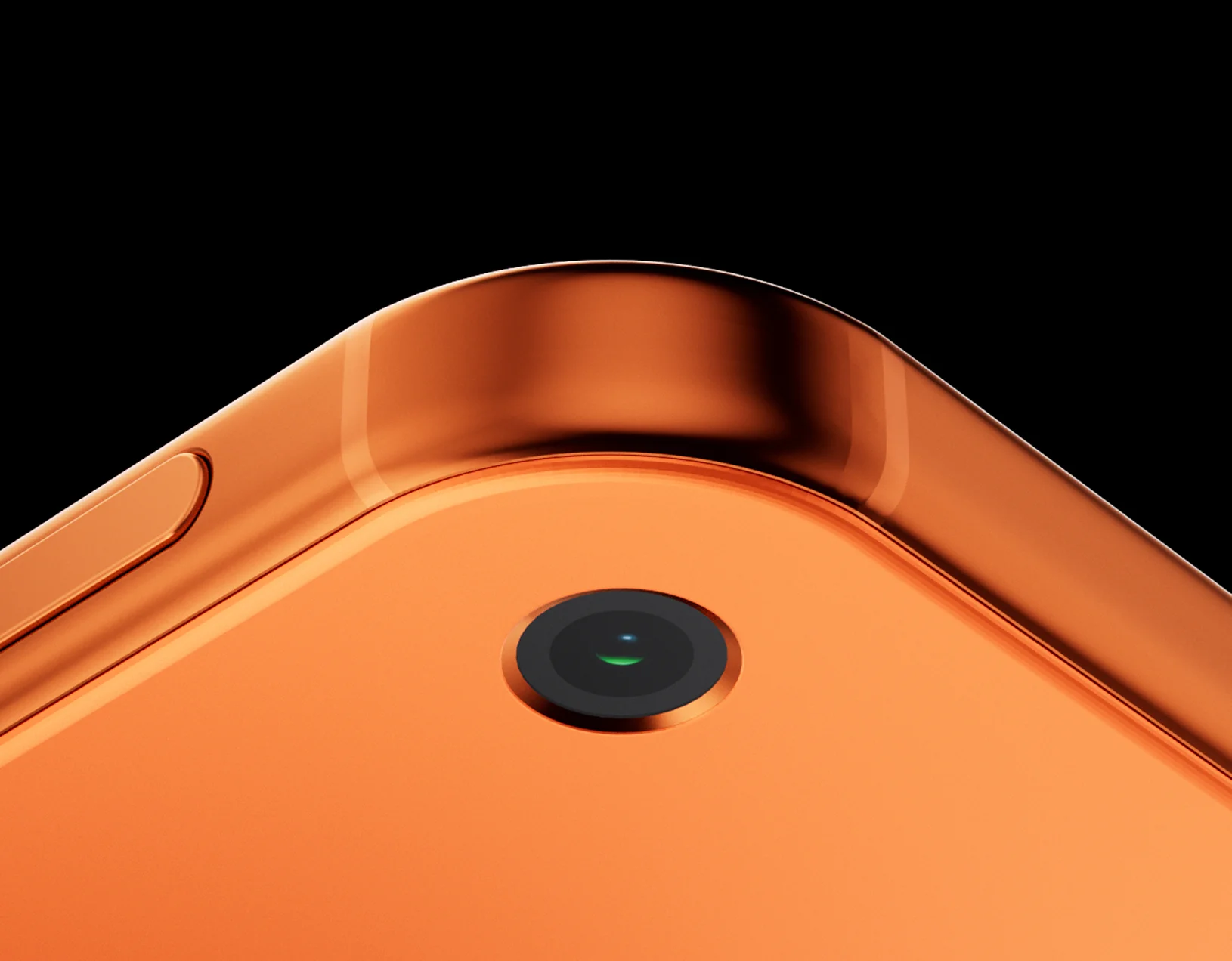
From its distinctive colors to the curve of its frame, Pro 2 is made to look good and feel right. Clean at a glance. Carefully crafted up close.
Take a closer look.
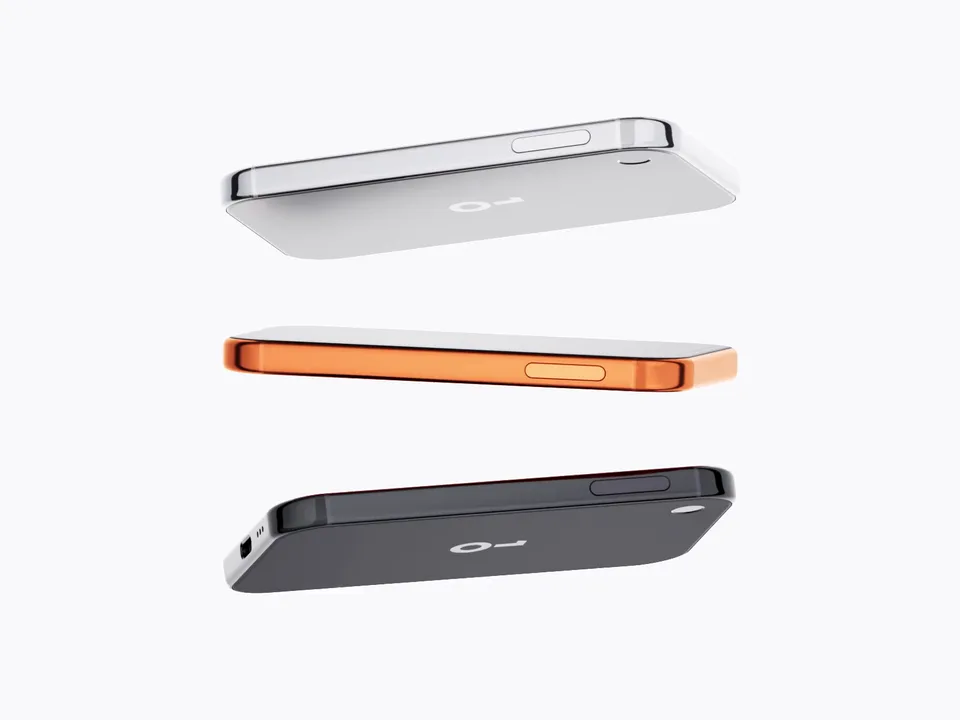
Three colors. Each with a character of its own.

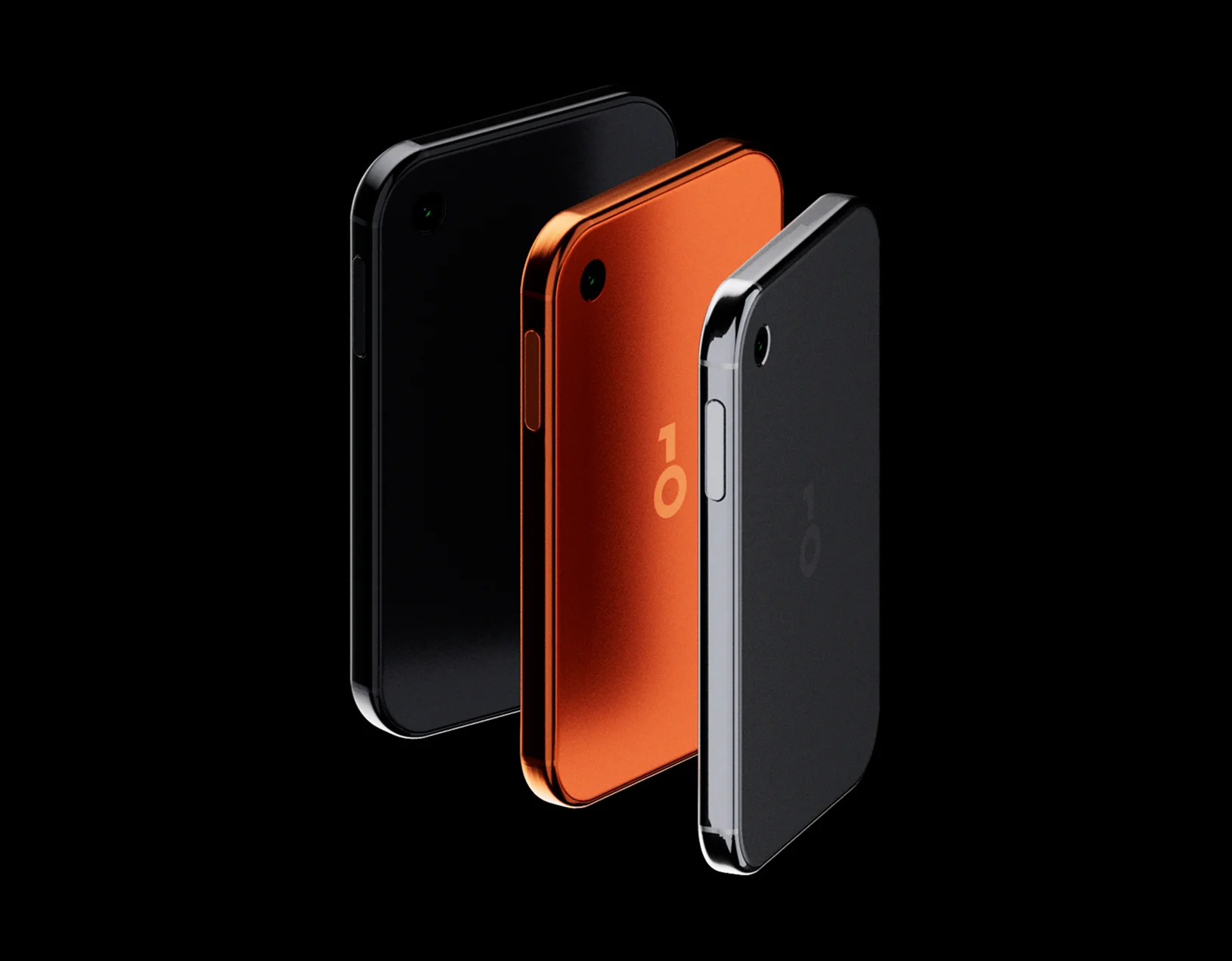
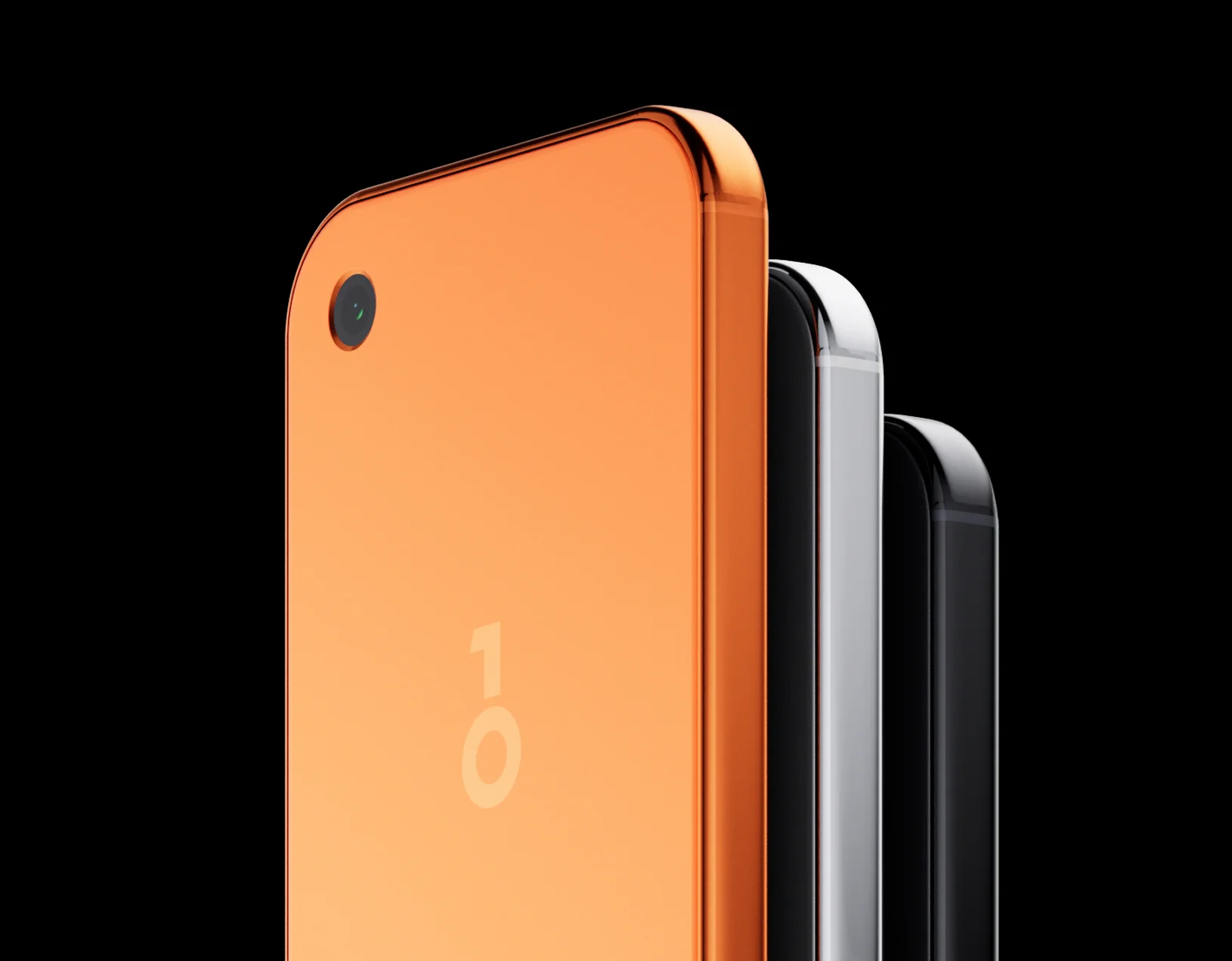
More to see. Less to carry.

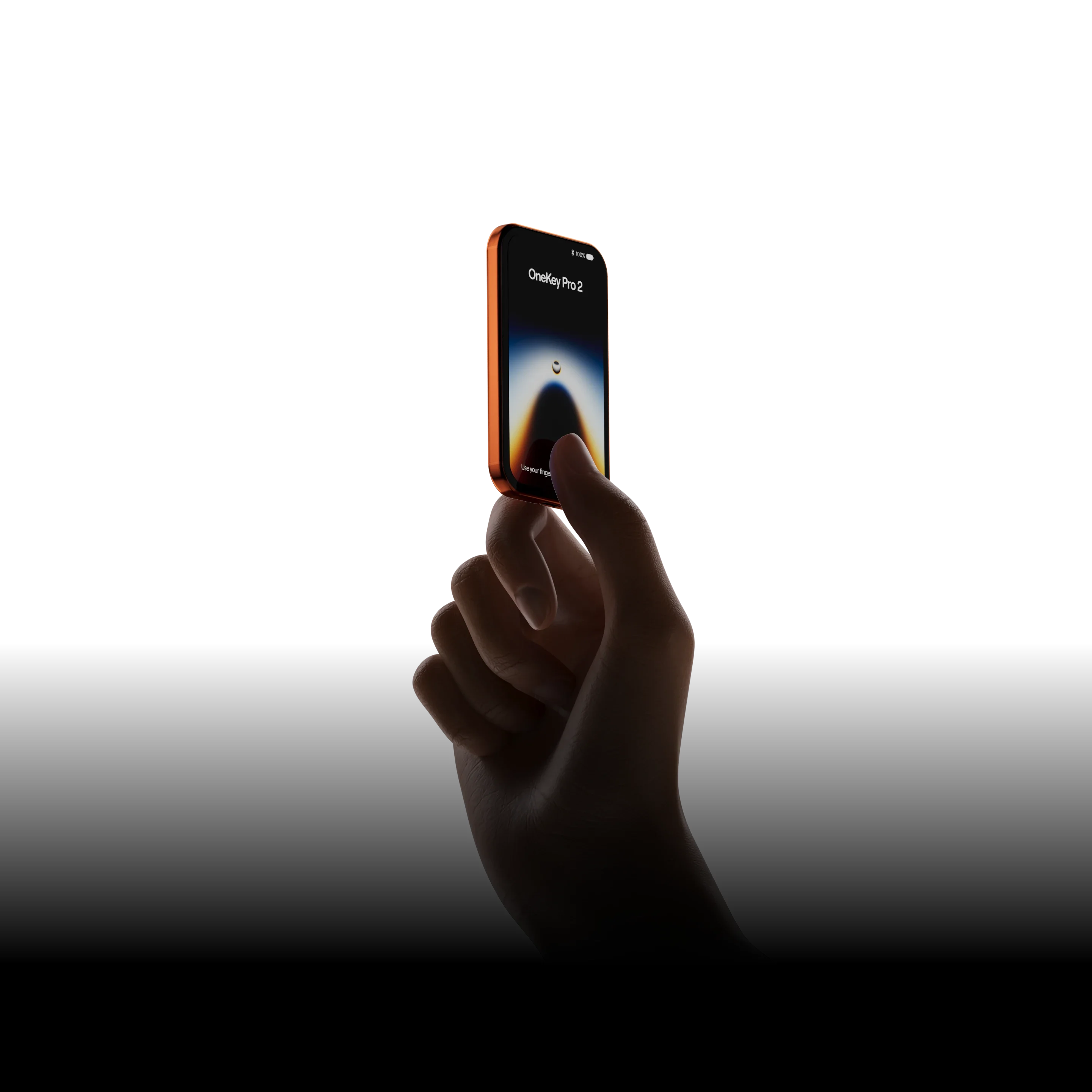
3.54″
OLED display
800 nits
Peak brightness
1.1 mm
Uniform bezels
6.2 mm
Thin profile
A brilliantly clear view.
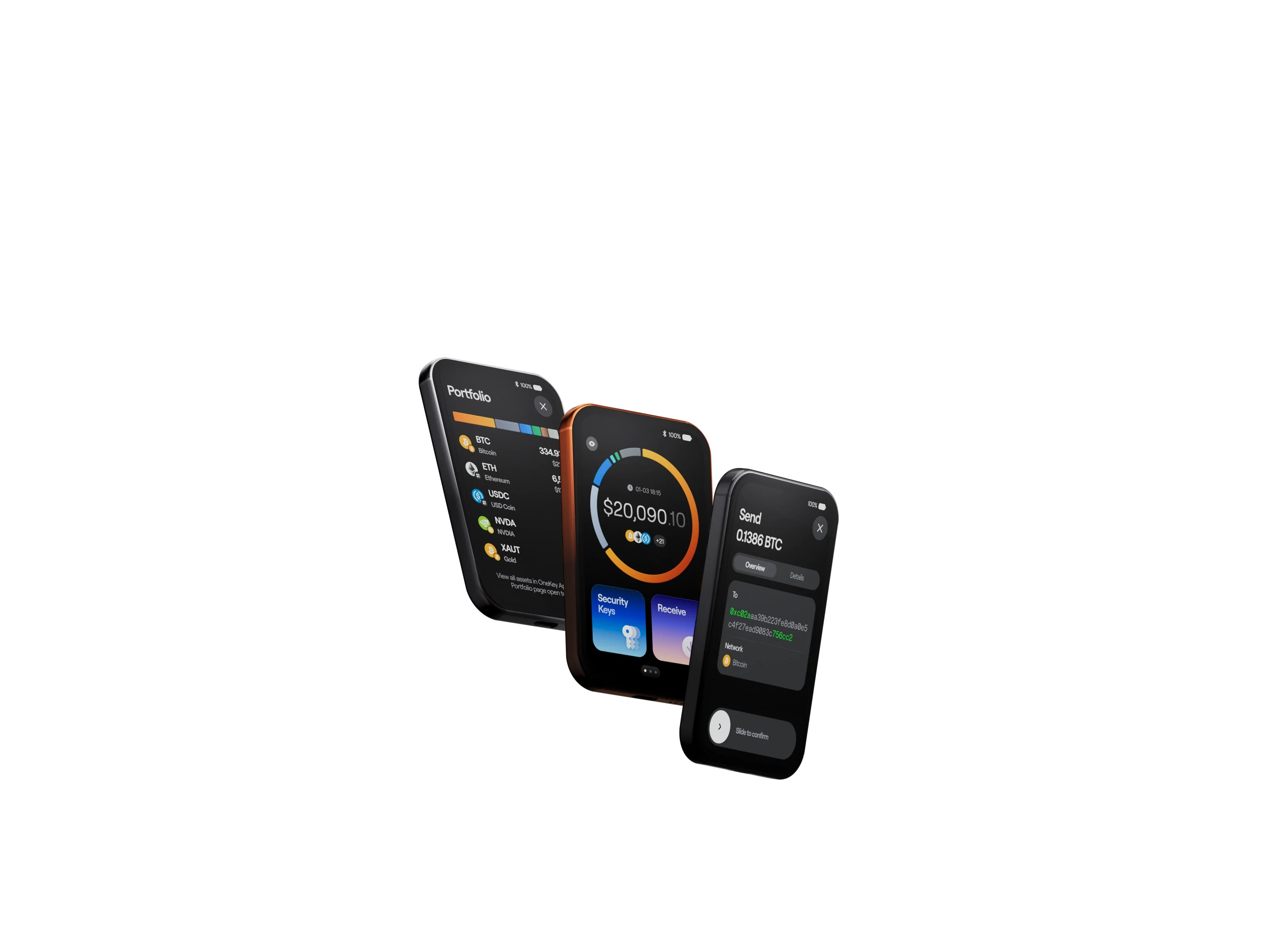
A 3.54-inch, high-resolution OLED display brings transaction details into focus. In full color, with up to 800 nits of brightness.
Slim borders. Smooth curves.
Uniform 1.1 mm bezels frame all four sides. Gently curved 2.5D glass meets the contours of the body for an expansive, seamless look.
Just 6.2 mm thin.
A slim profile that slips easily into your pocket. Ready to go wherever your day takes you.
System
All-new safeOS 2. Clearer. Smoother.
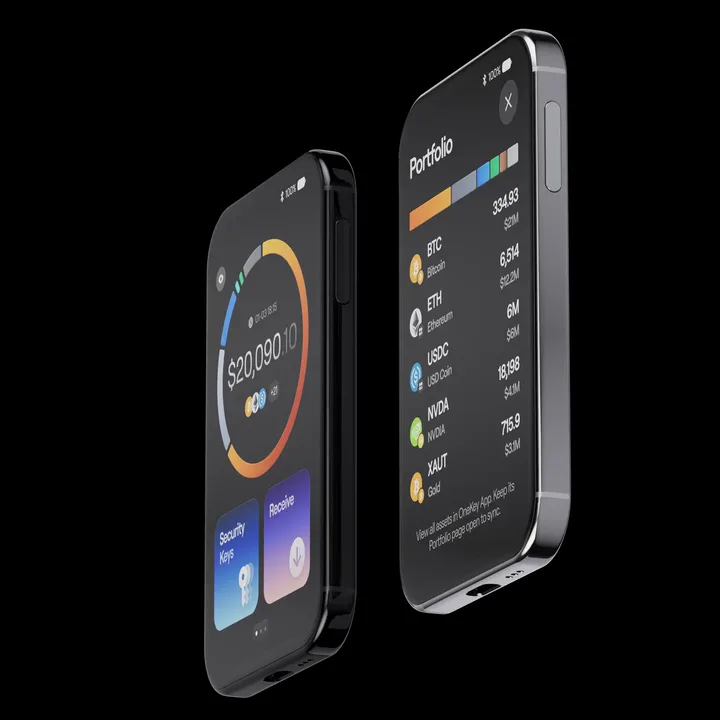
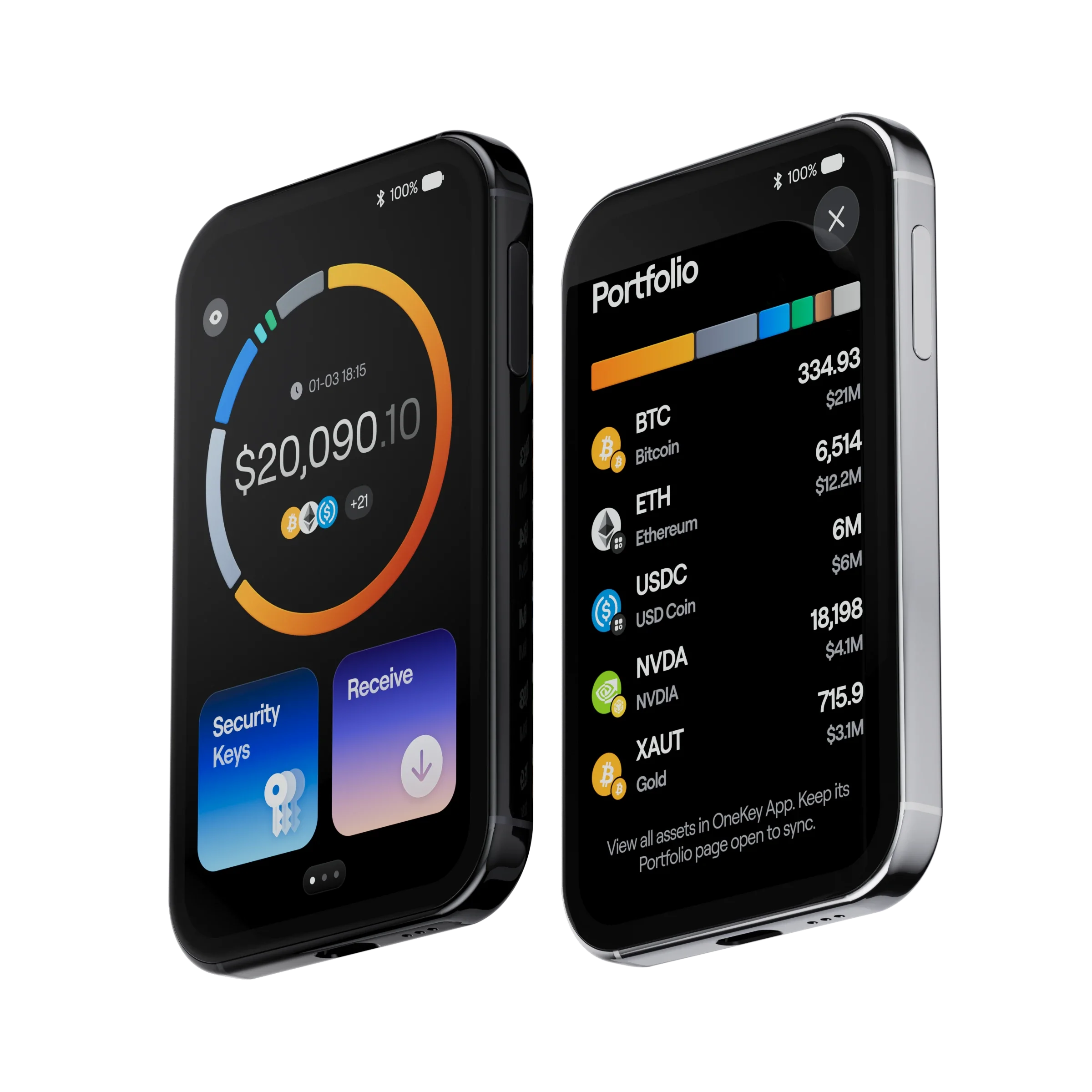
Your assets. At a glance.
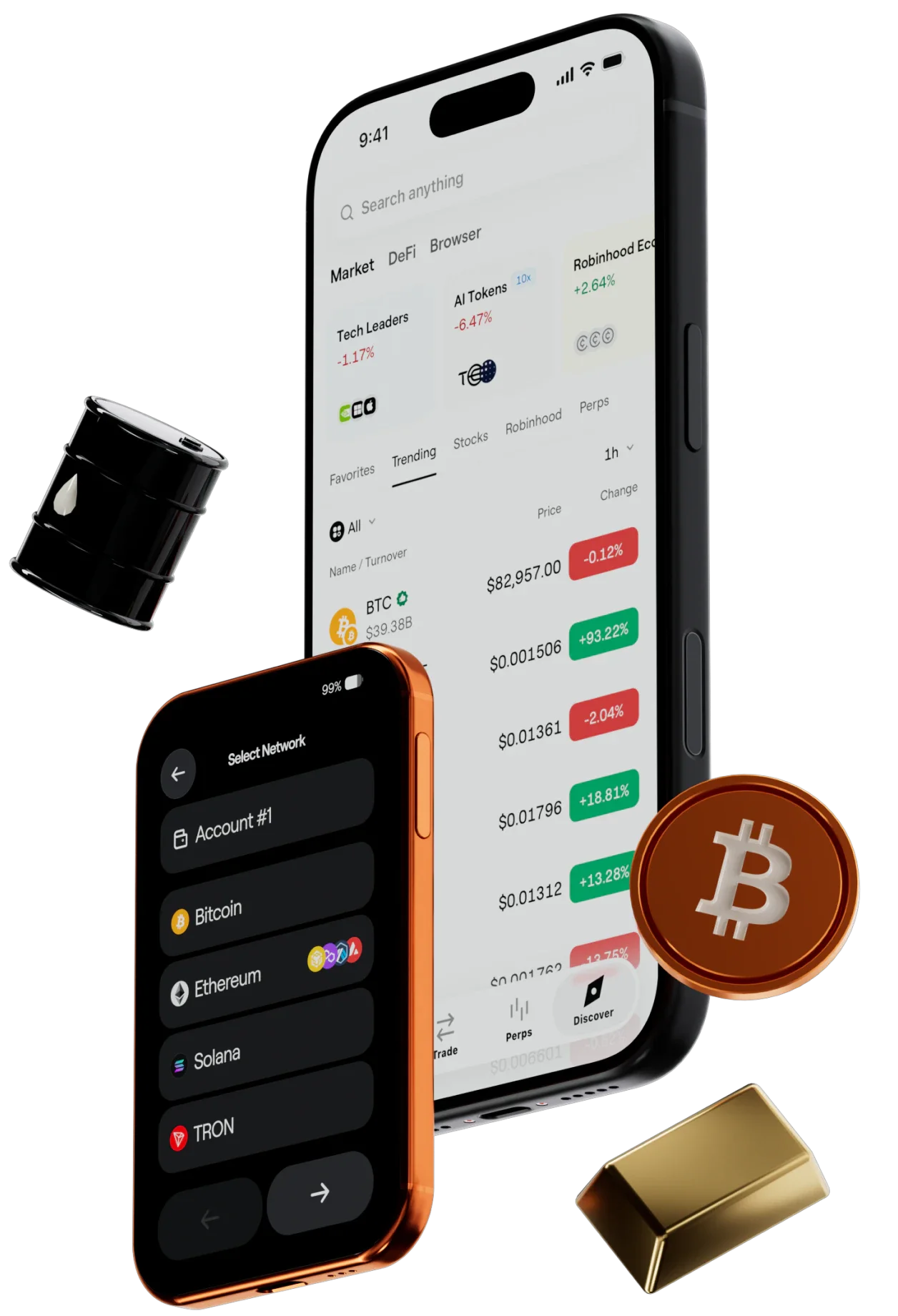
See balances across chains, account status, and key changes. Right on Pro 2.
Requires the OneKey App for the full experience.
A fresh point of view.
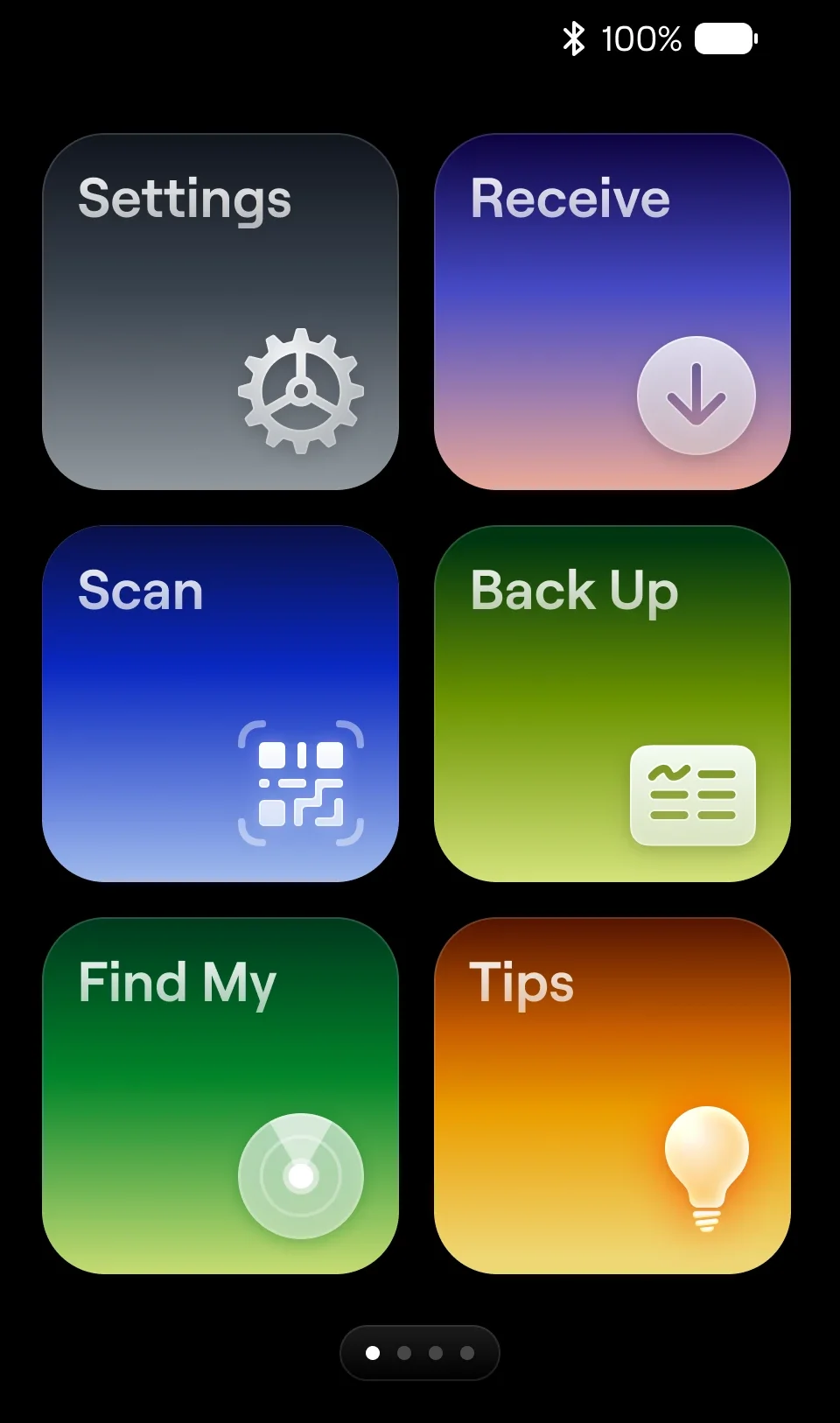
Redesigned layouts, icons, and animations bring what matters into focus. With a clearer path to every detail.
Rebuilt to flow.
A new runtime architecture increases frame rates by over 60%. For smoother scrolling, animations, and transitions.
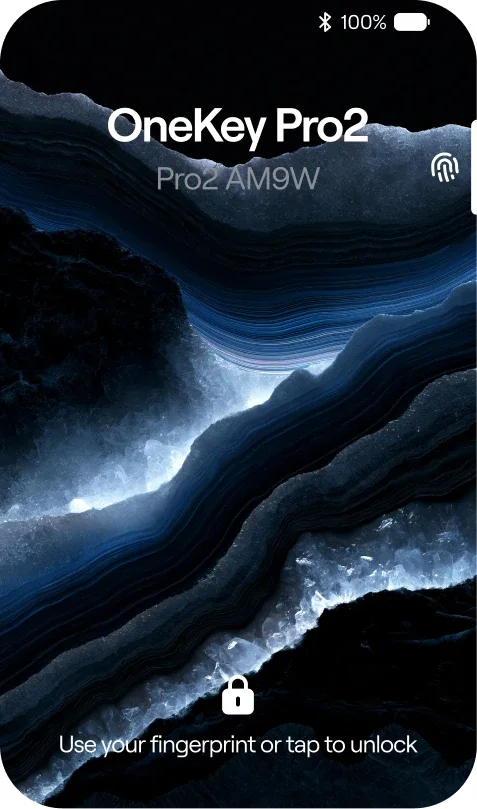
Make it yours.
Set your own wallpaper. Add a little of you to every wake-up.
Hardware security
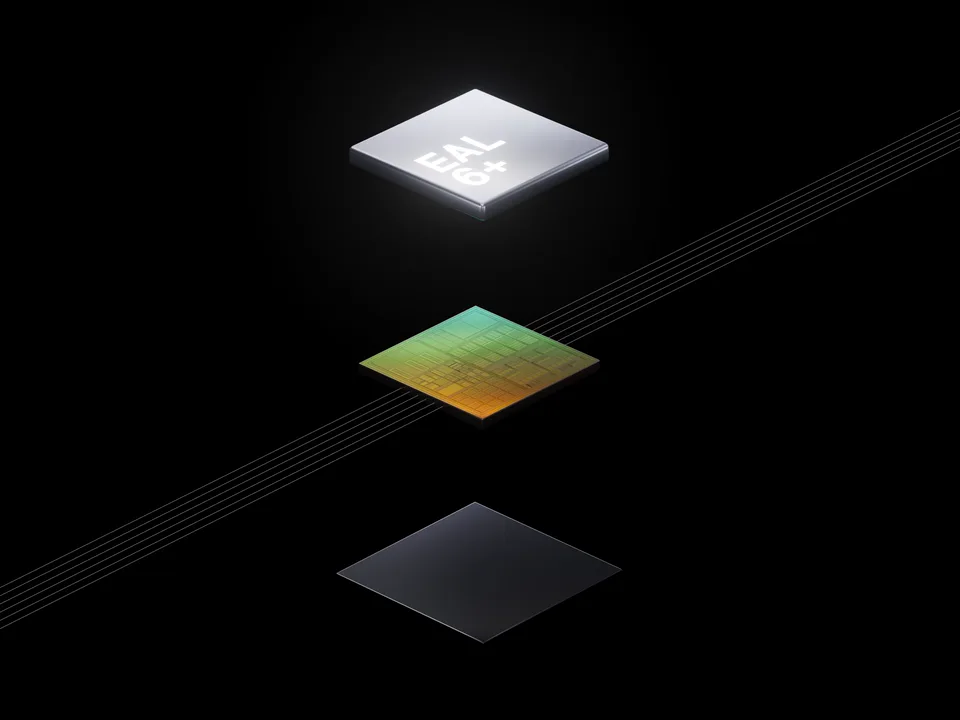
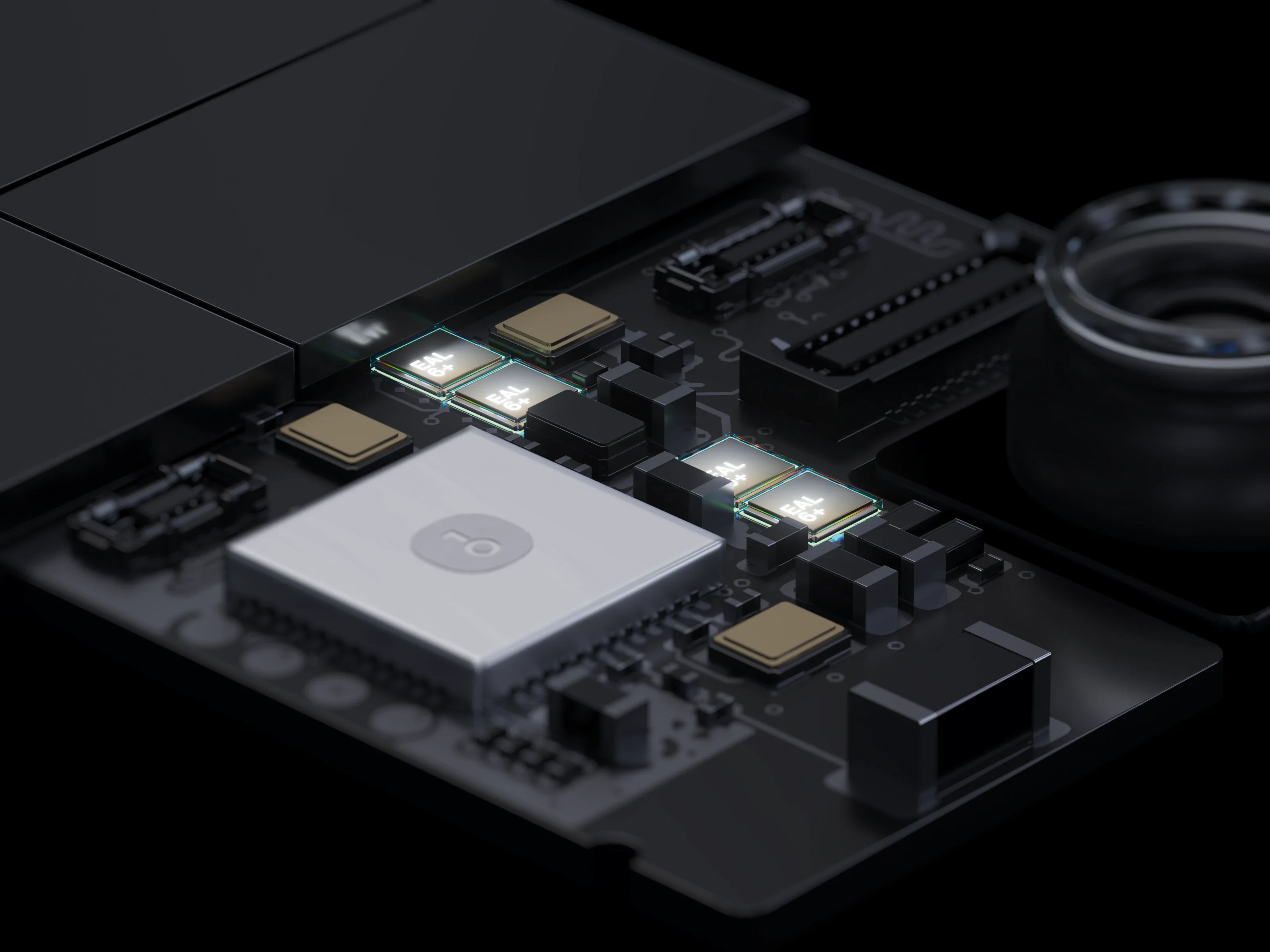
Four chips. Security by separation.
The only hardware wallet on the market with 4 EAL6+ certified Secure Elements.
Transaction security
Know what you sign. See risk sooner.
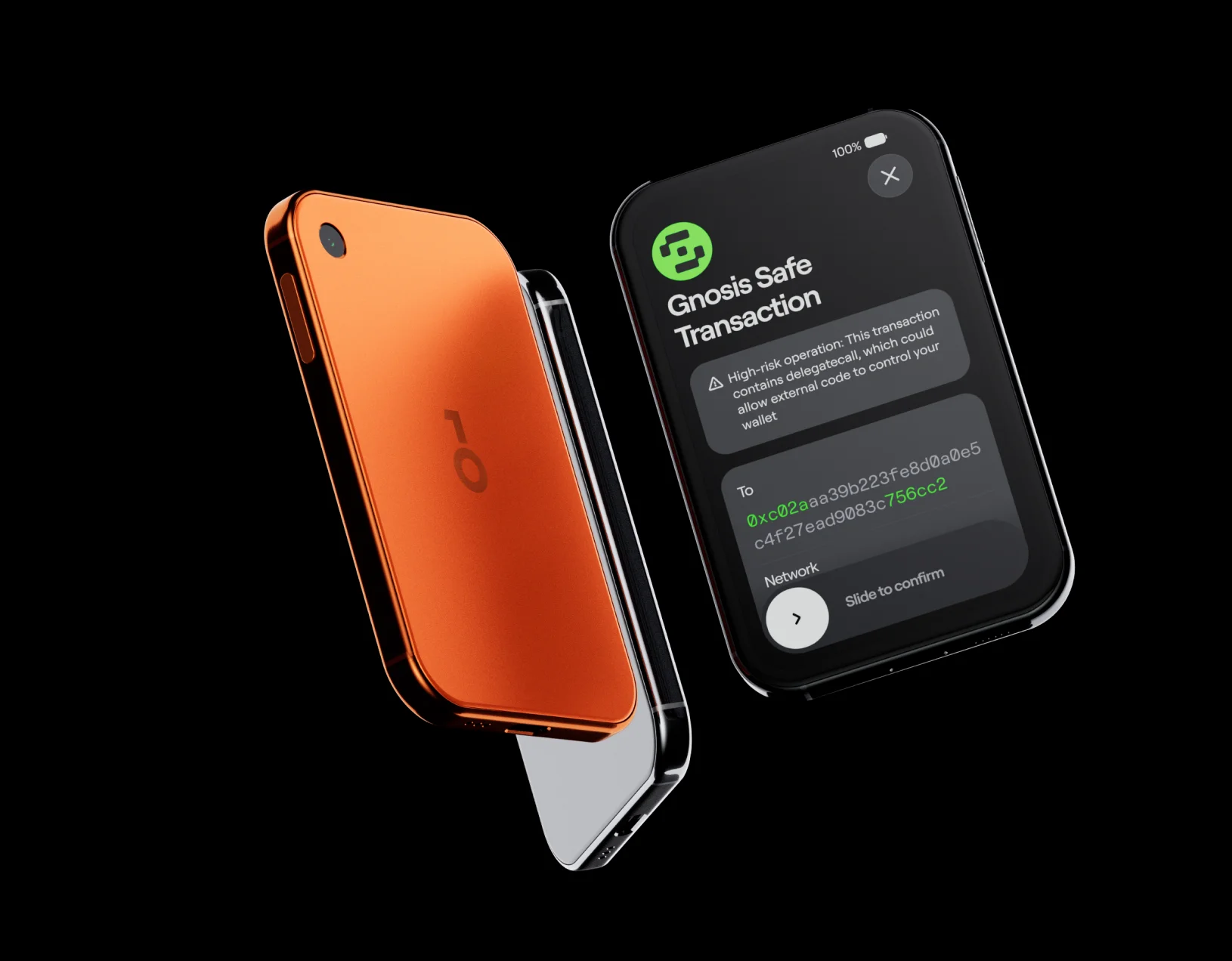
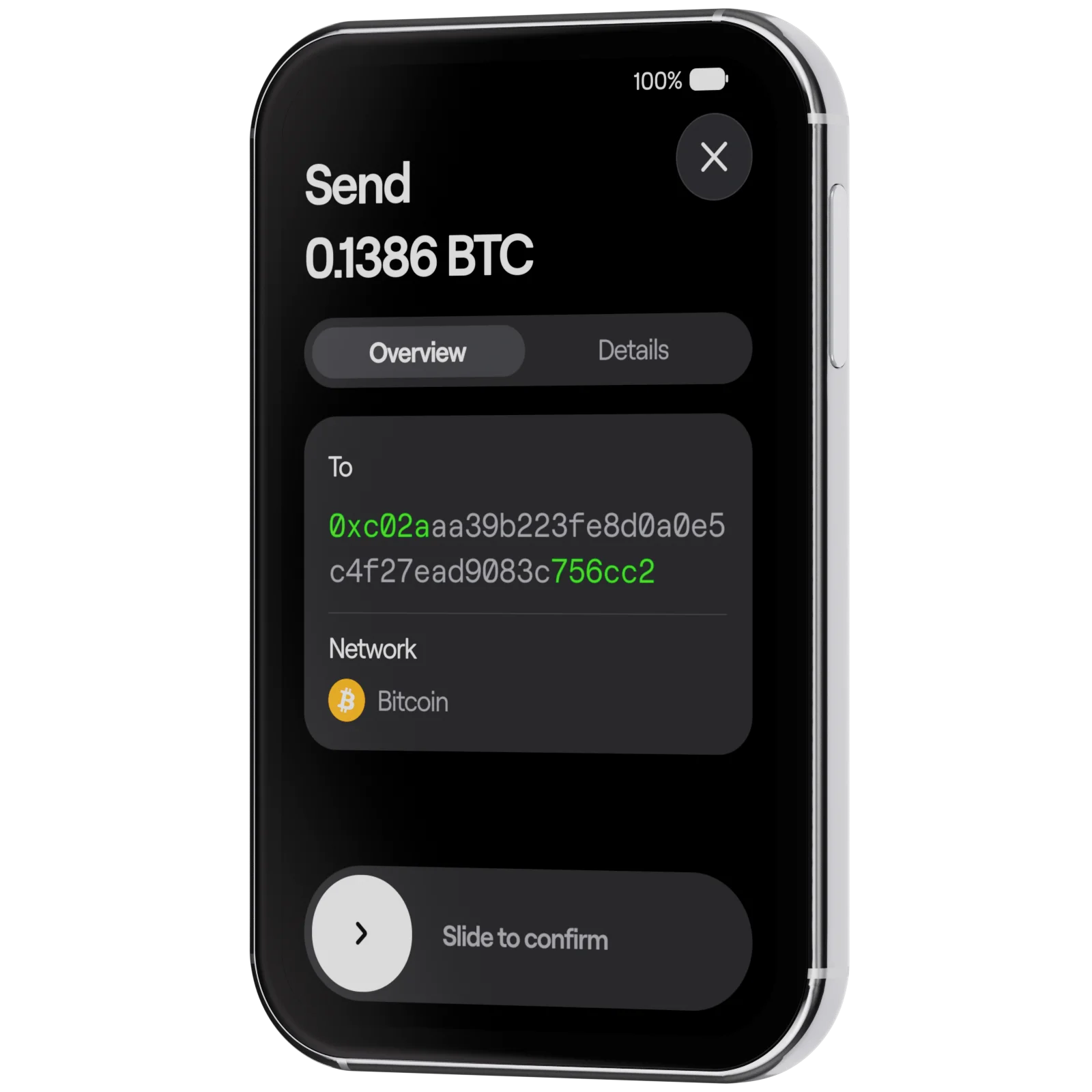
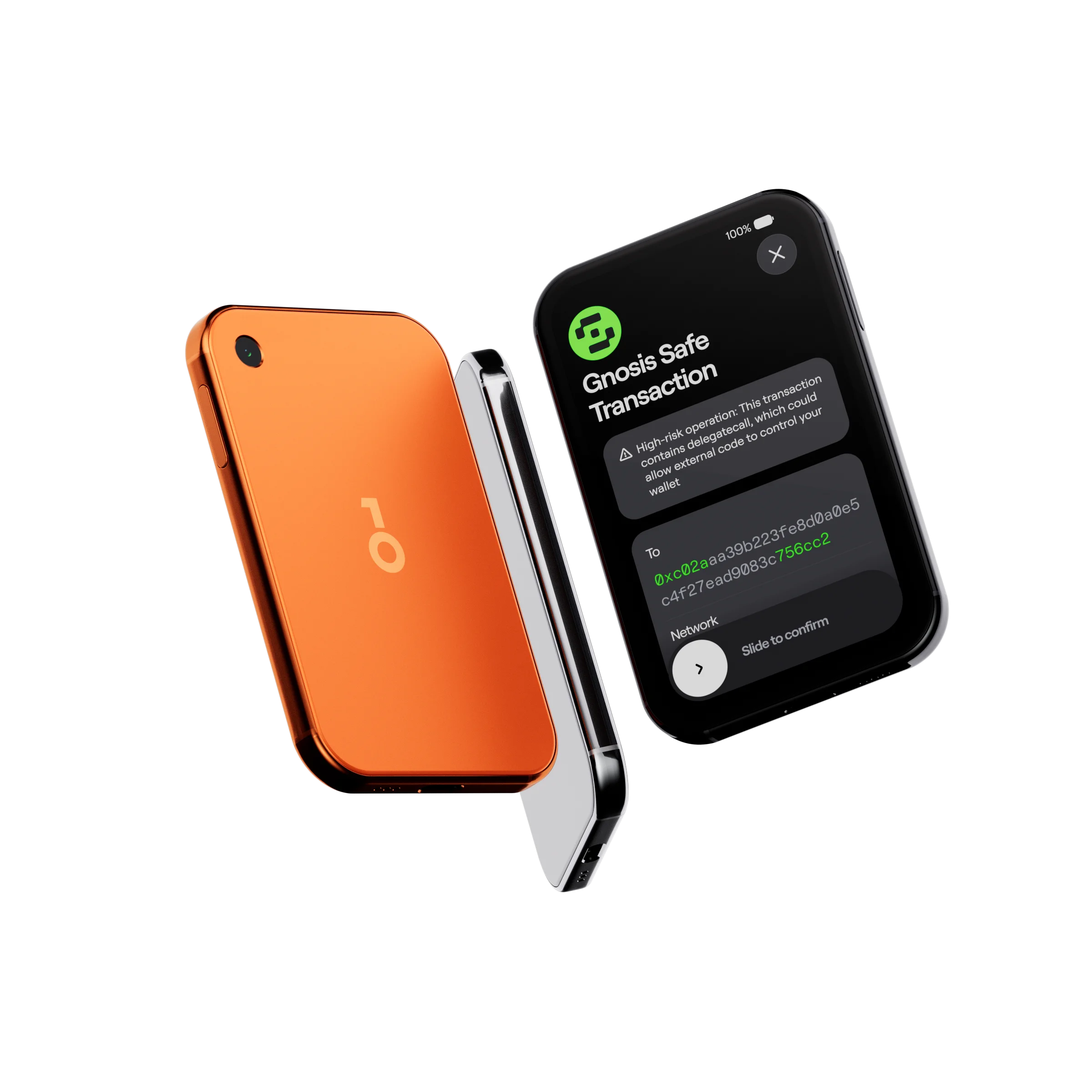
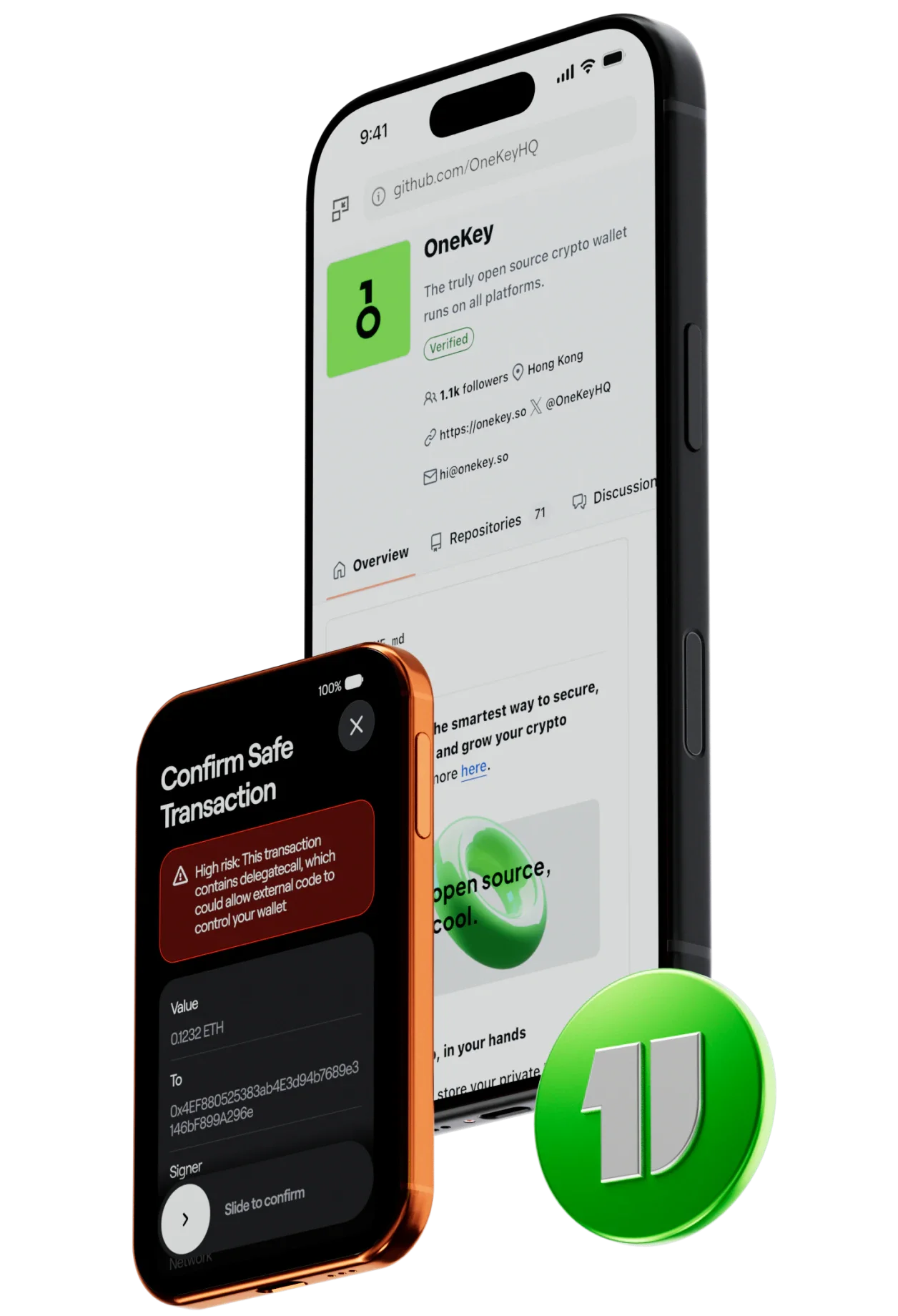
Developed by the OneKey Anzen security team, Clear Signing and SignGuard make transaction details clear and potential risks visible. So you can confirm with greater confidence.

Clear Signing
Every transaction. In words you understand.
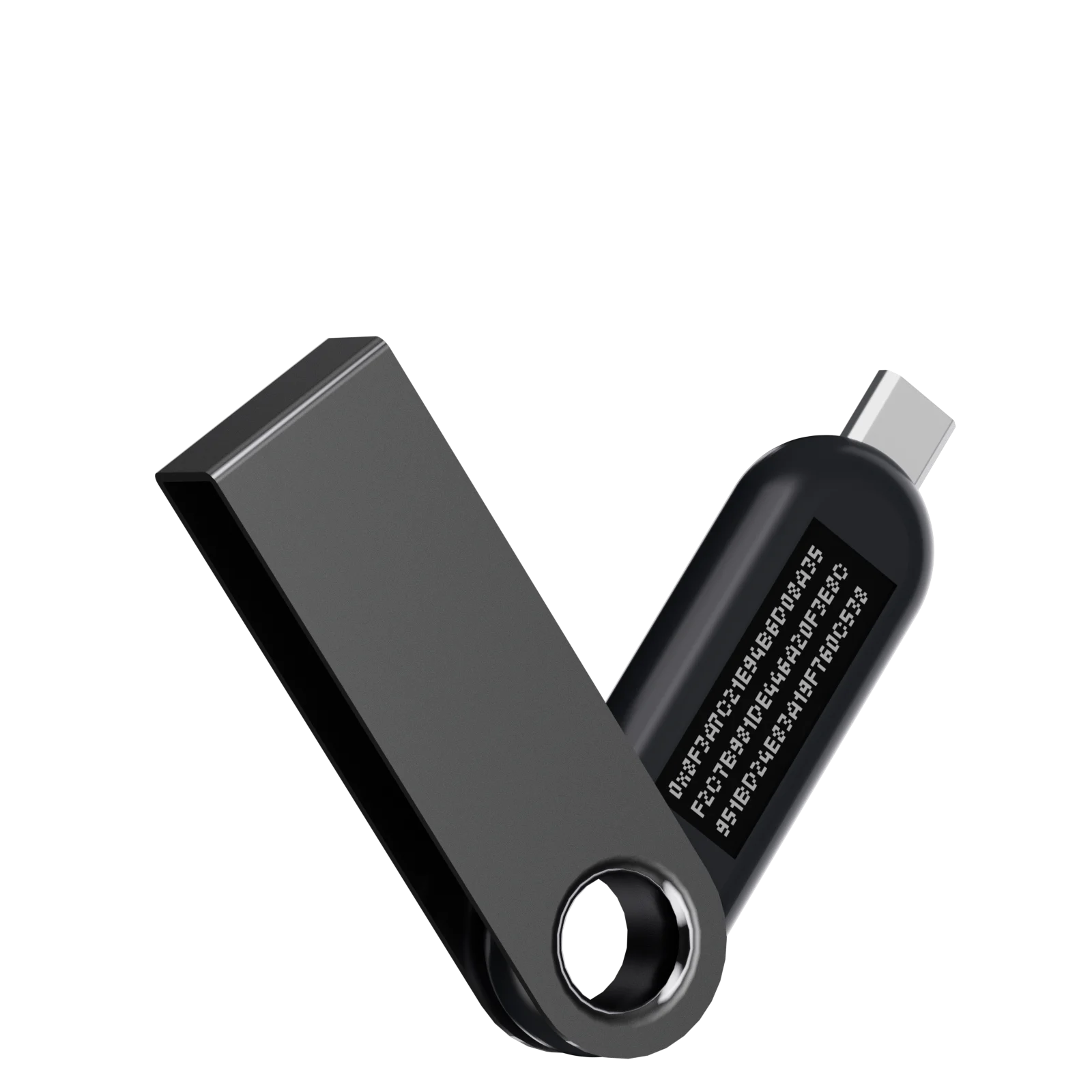
Clear Signing turns complex transaction data into readable details: addresses, assets, amounts, who you’re authorizing, and which permissions will change.
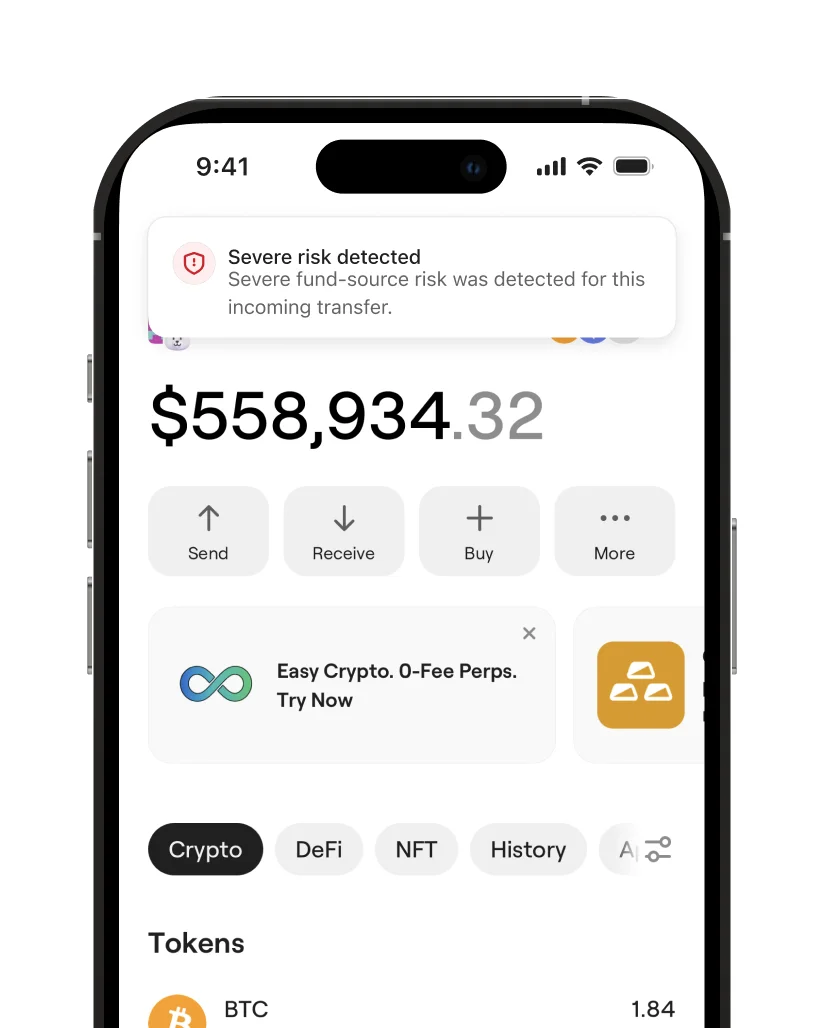
A heads-up. Before you go ahead.
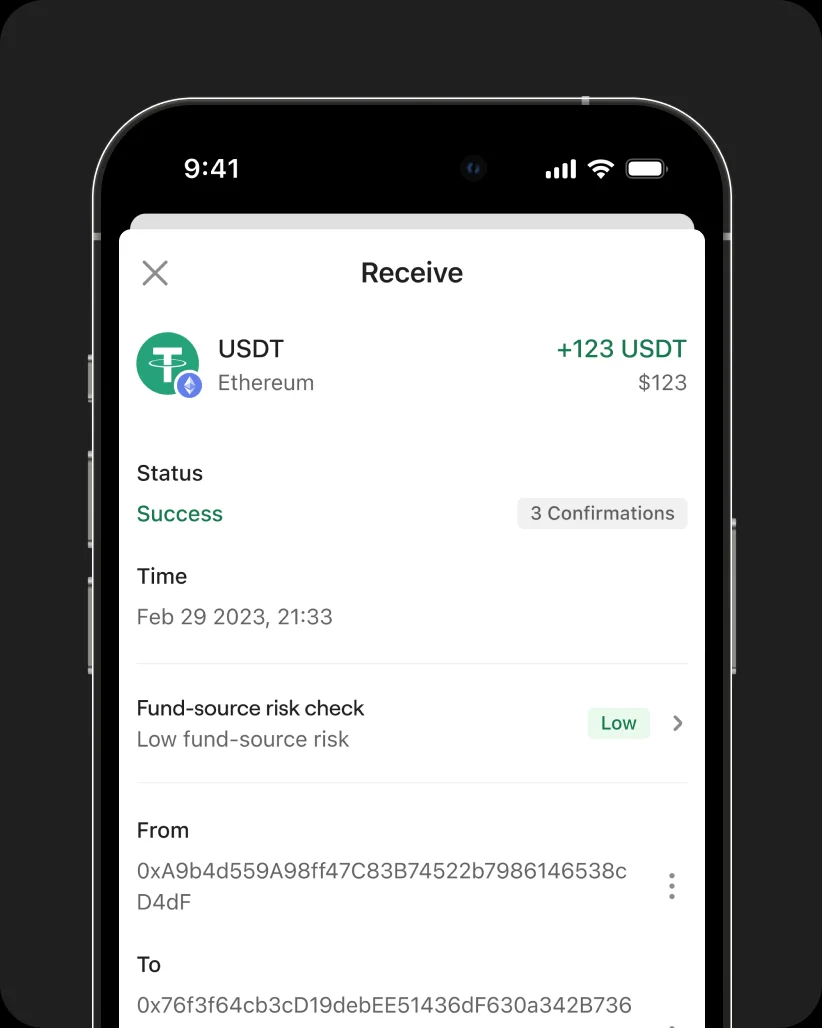
KYT · Address and funds risk
KYT helps identify risks associated with recipient addresses and the source of funds.
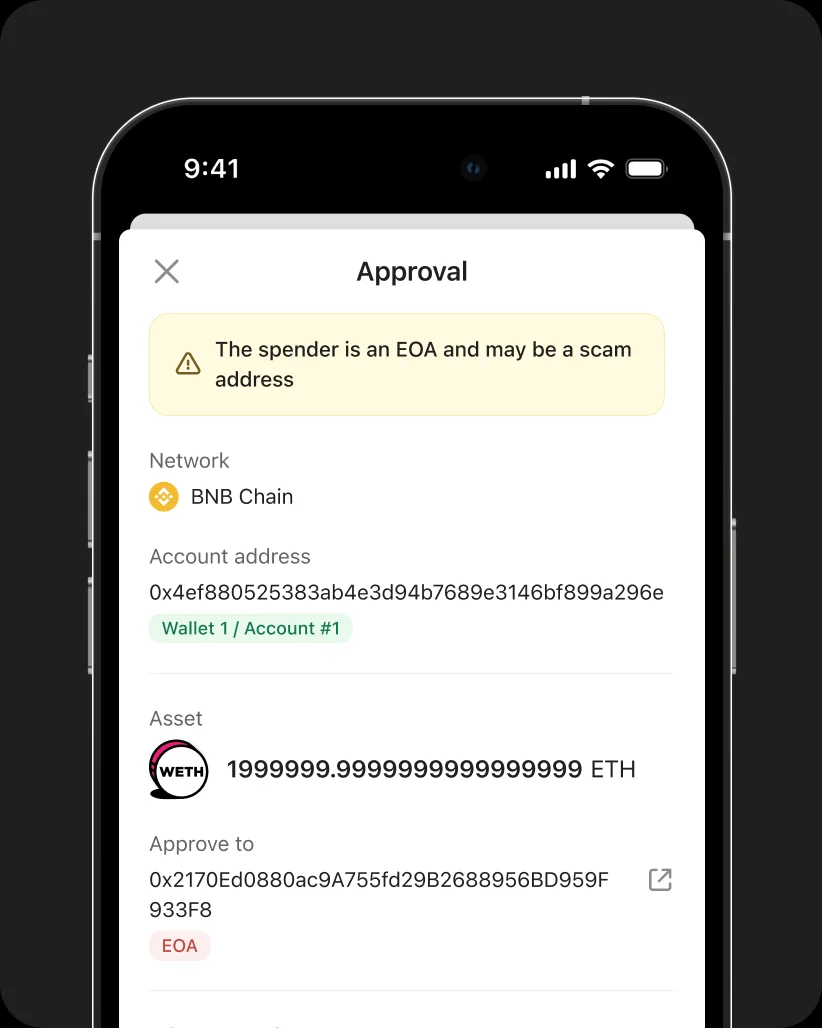
Approval and asset risk
Approval and asset risk checks flag suspicious approval targets, unlimited permissions, fake tokens, and honeypot contracts. Transaction simulation previews changes to your assets before you sign and flags unusual contract calls.
Site Scan · Website screening
Site Scan flags phishing sites, risky dApps, malicious domains, and suspicious connections.
Open source
Open code. Visible security.
All software and firmware are open source, with independent audits by SlowMist and Keylabs.
You can also export hardware-generated random data to assess its quality yourself.

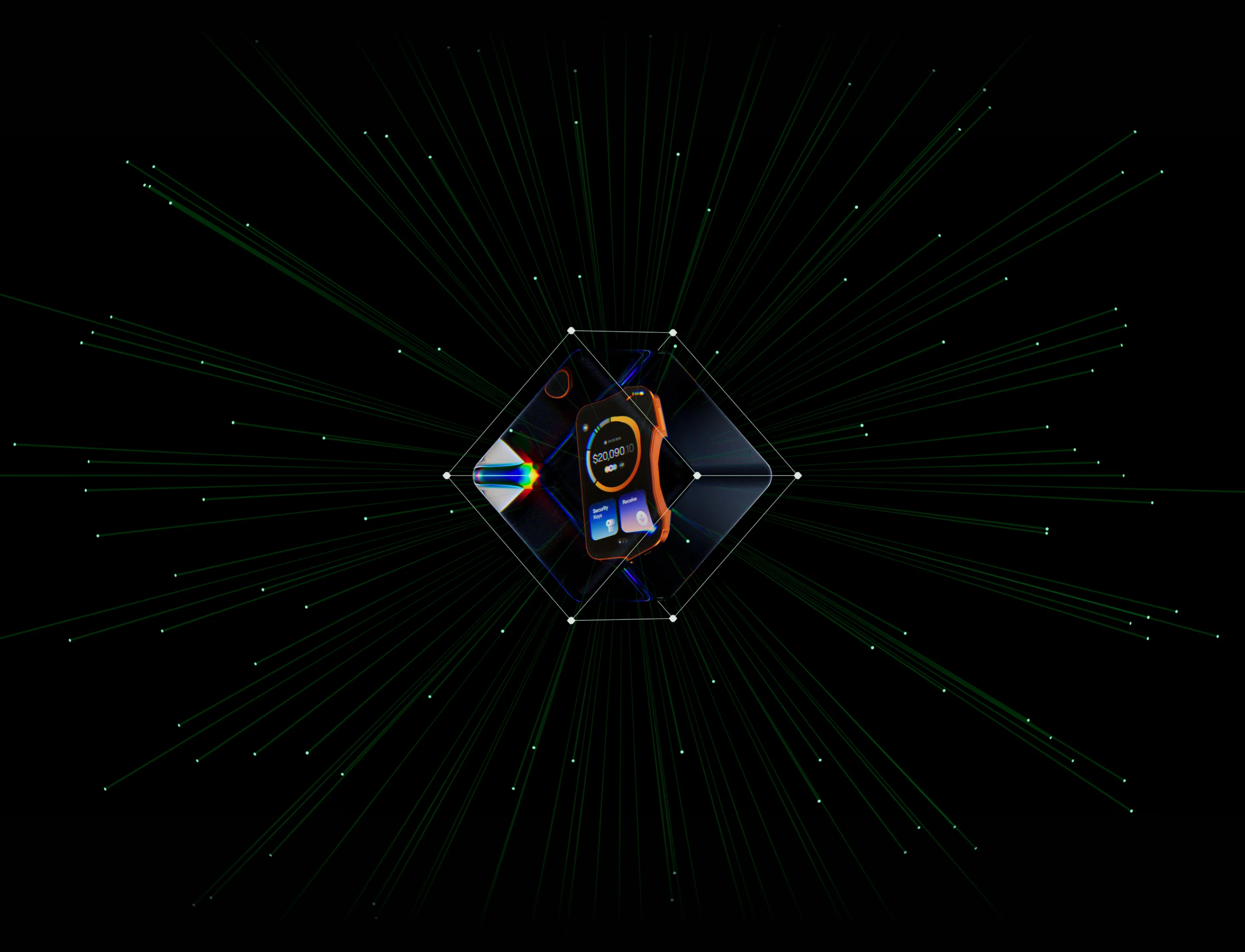
Built for the future
Quantum-ready by design.
Built with quantum-resistant cryptography, Pro 2’s architecture is designed for post-quantum standards, with room for advanced security capabilities.
Experience
More to do. Built right in.
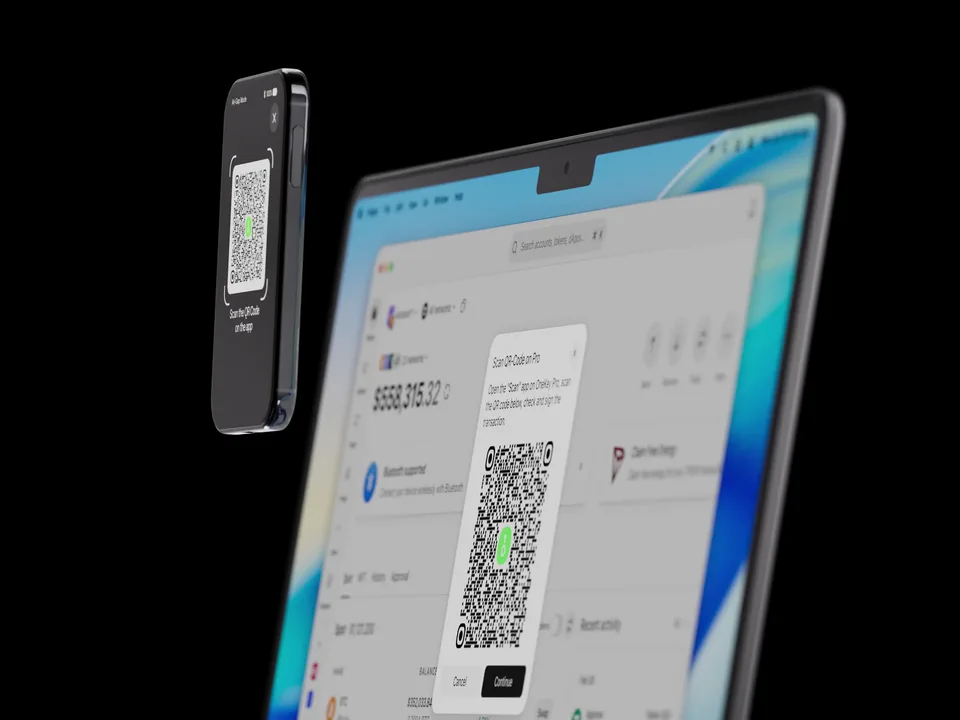
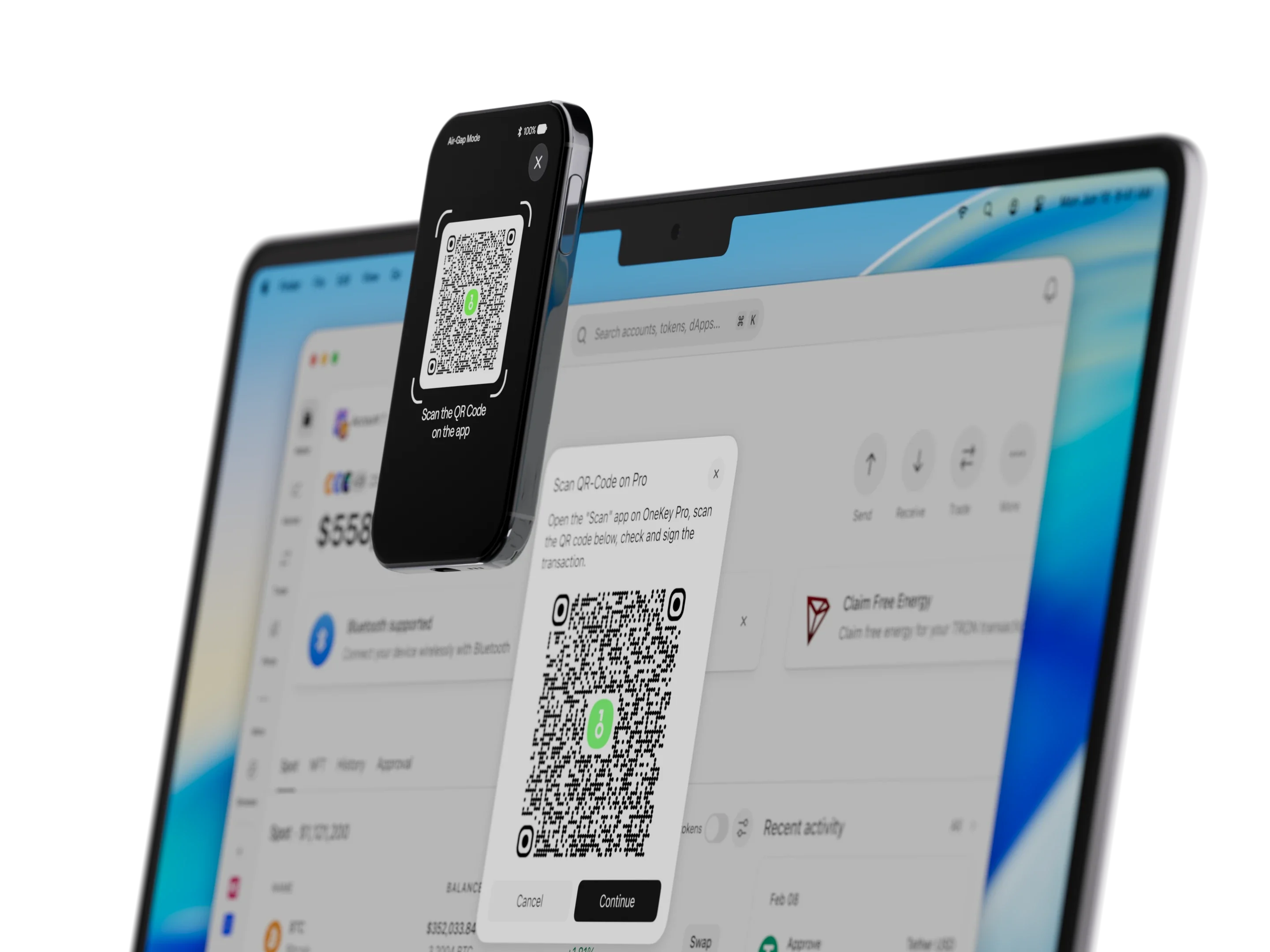
Connect your way.
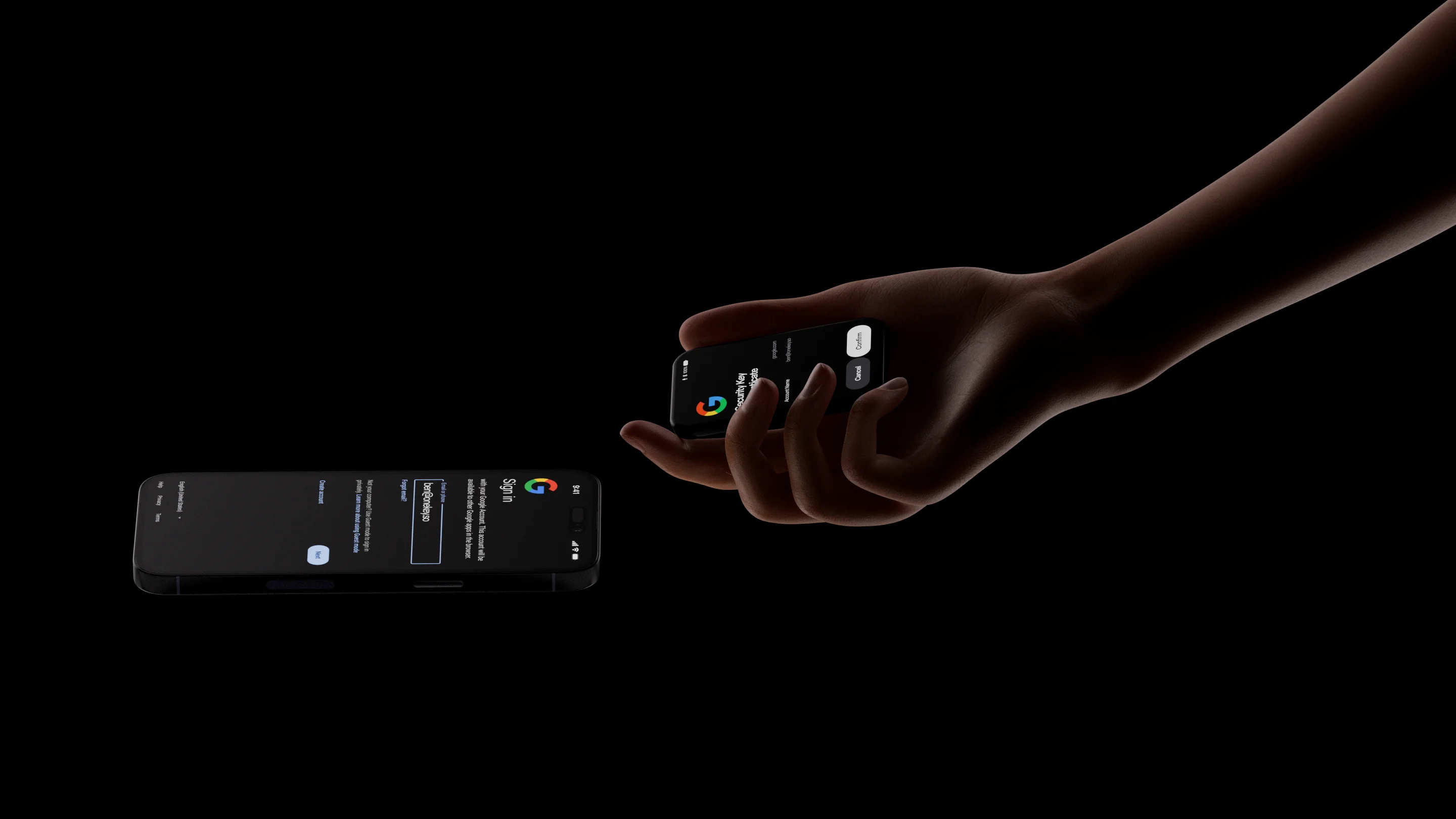
Pair with your phone. Tap to back up. Plug into your computer. Scan to sign. Bluetooth, NFC, USB-C, and Air-Gap give you the right connection for the moment. Every key confirmation happens on your device.

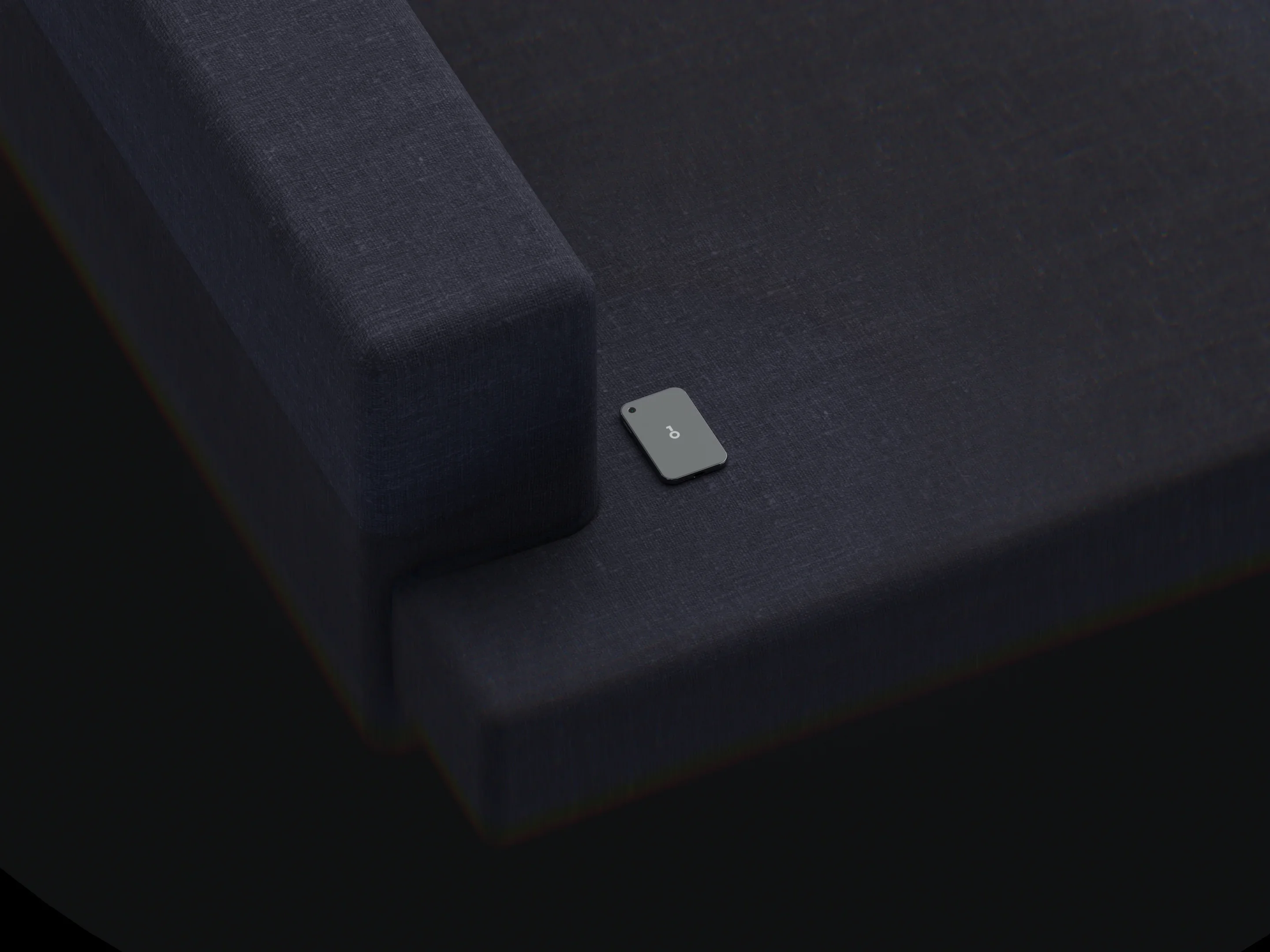





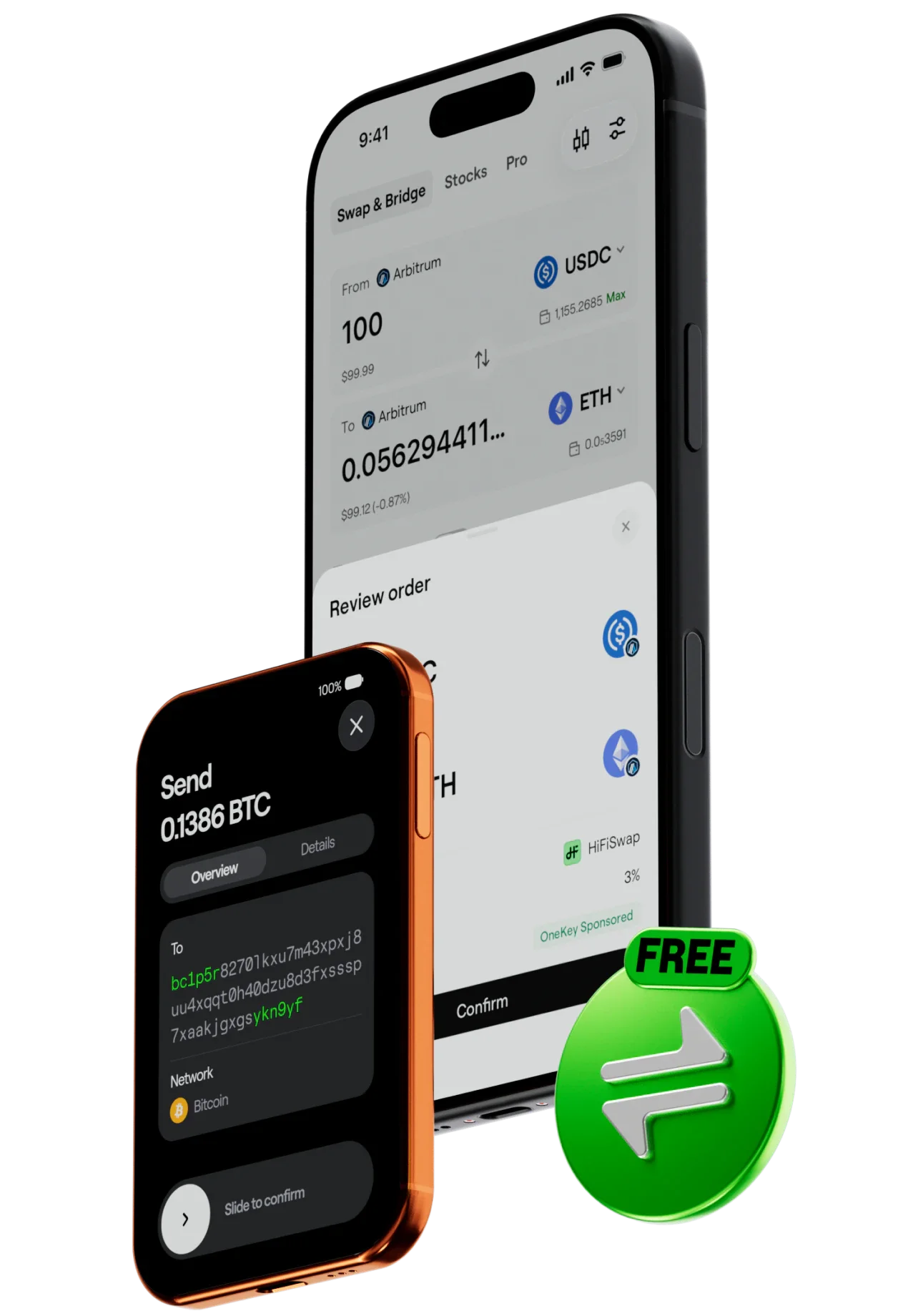
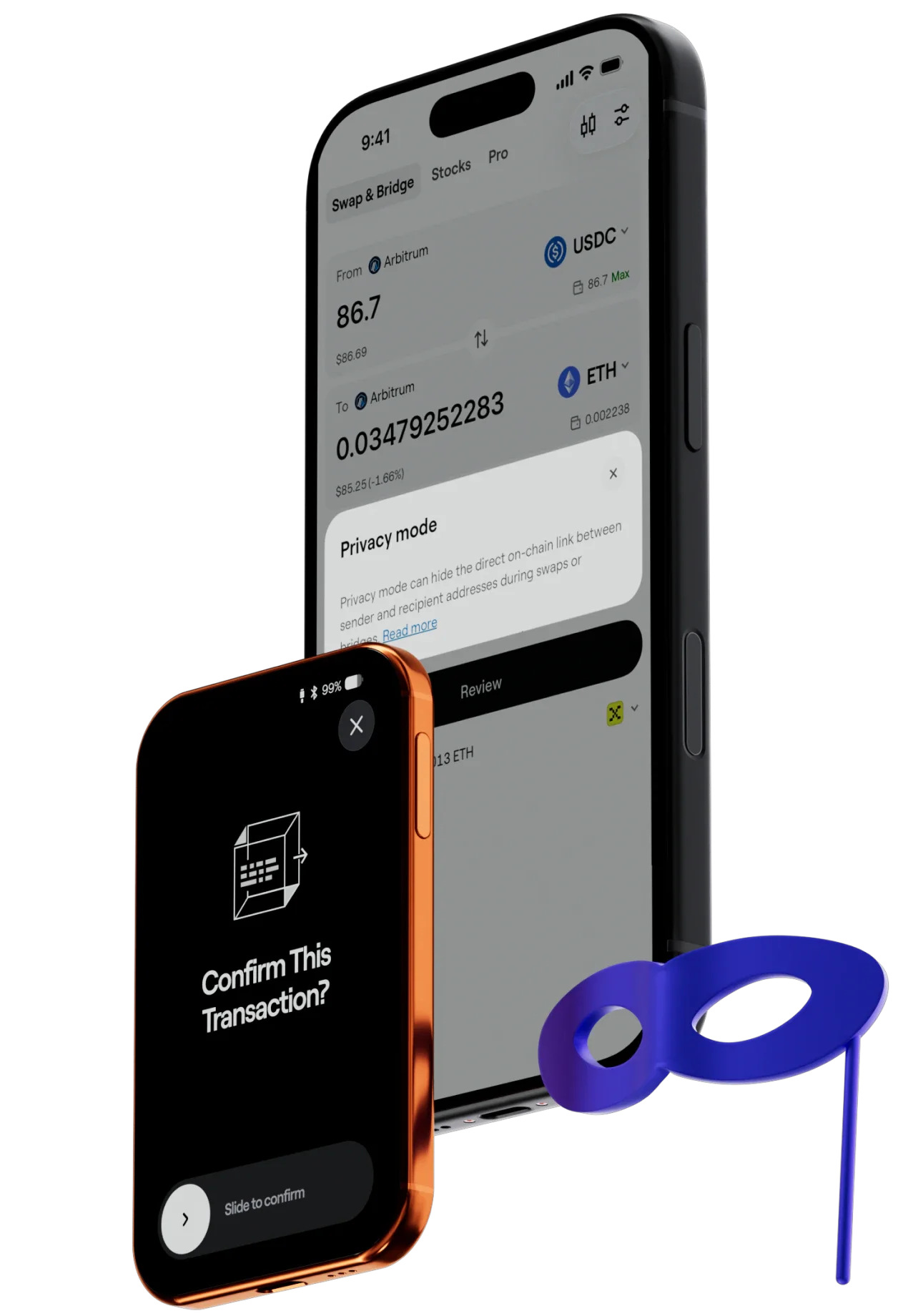
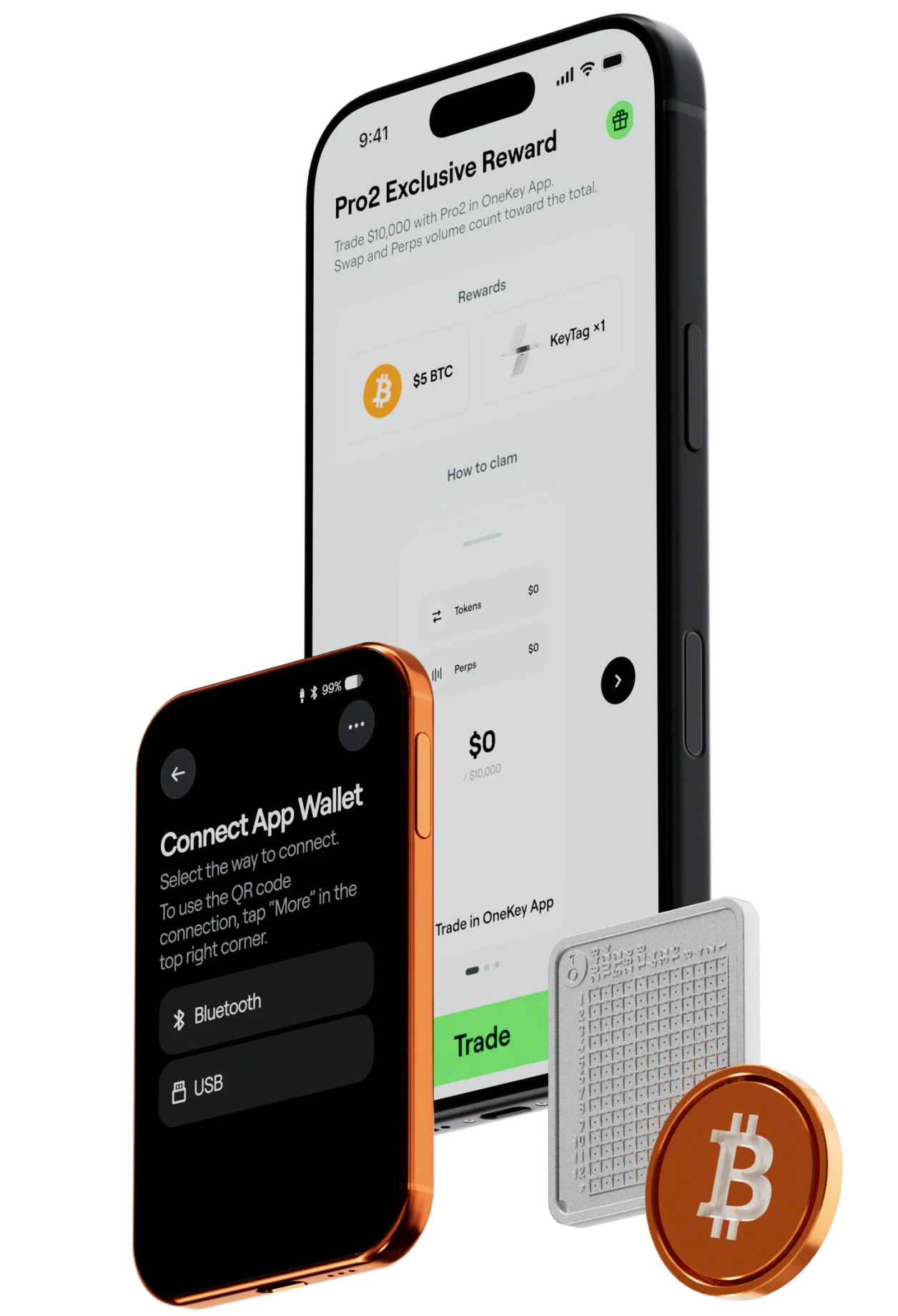
The extras. Already included.
Device protection. Recovery phrase backup. Membership benefits. Your Pro 2 comes with a complete set, right out of the box.
Included with your purchase · $257 in value
Unlock advanced security features and exclusive member benefits.
Tap to back up your recovery phrase and keep it safe.
A snug fit for protection and portability.
With you. At every stage.
Protection runs through the life of your device. From the factory and first setup to everyday use, backup, and recovery.
From the first unboxing.
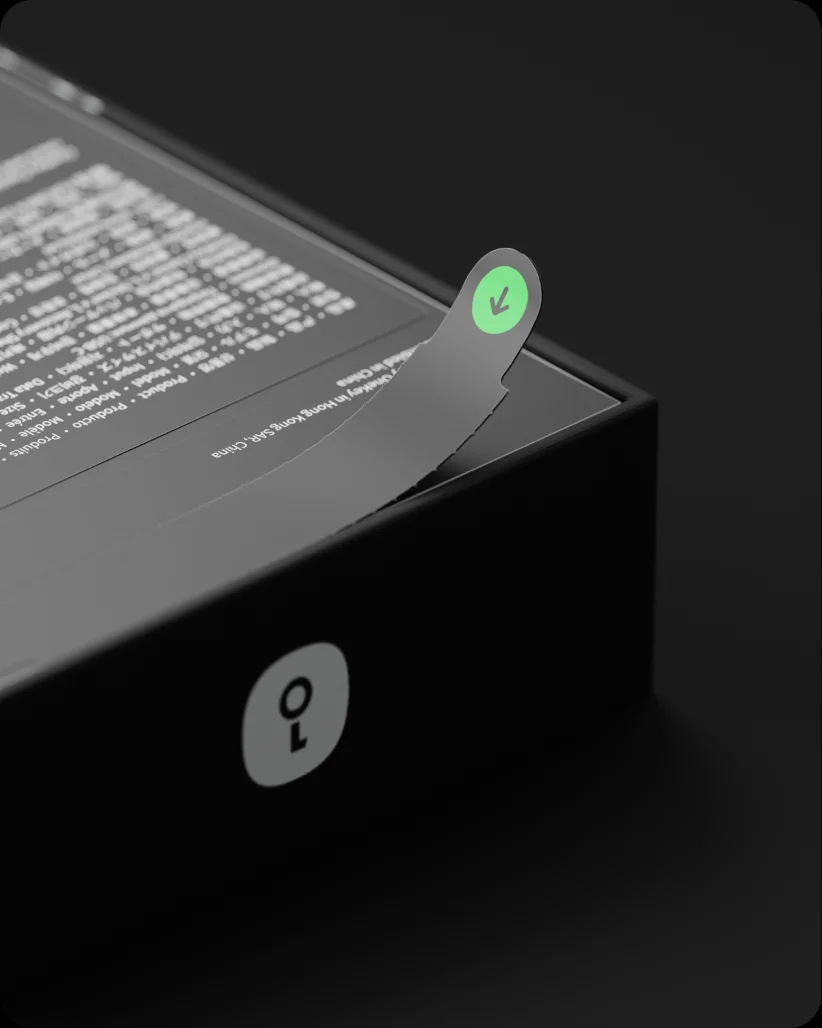
Anti-counterfeit packaging, tamper-resistant hardware, and first-use verification help confirm your device’s integrity.
Through the everyday.
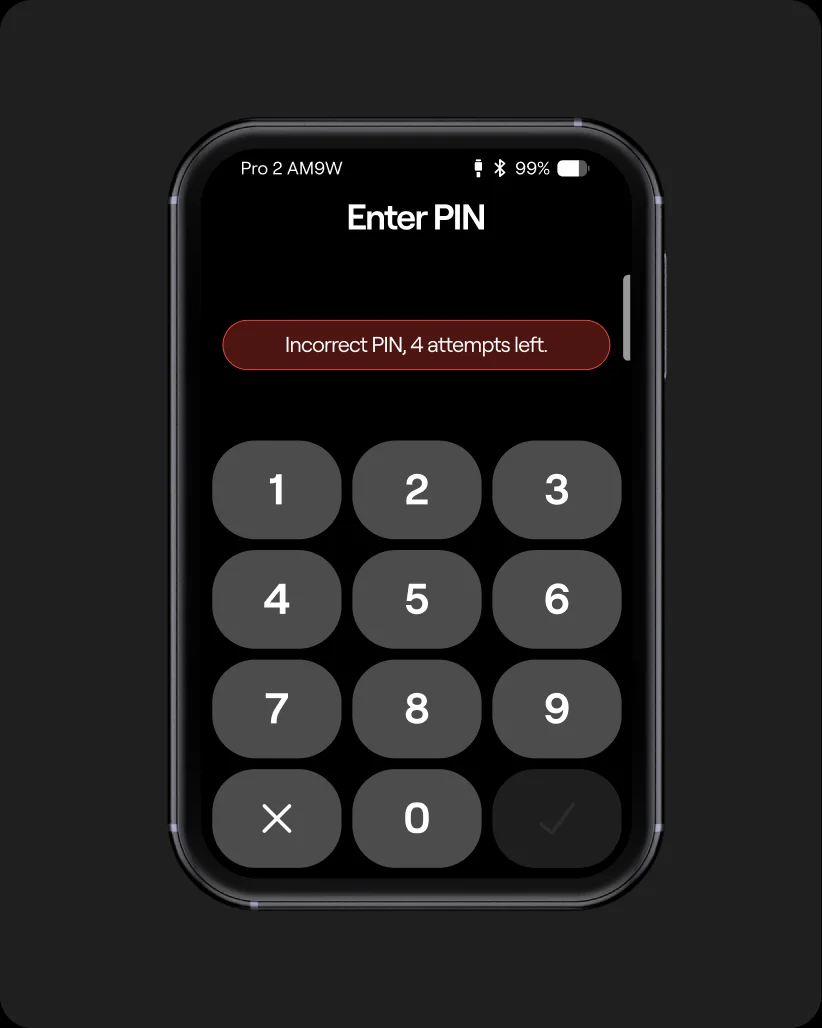
PIN protection and automatic erasure in response to abnormal activity help keep sensitive data from being exposed.
Ready to recover.
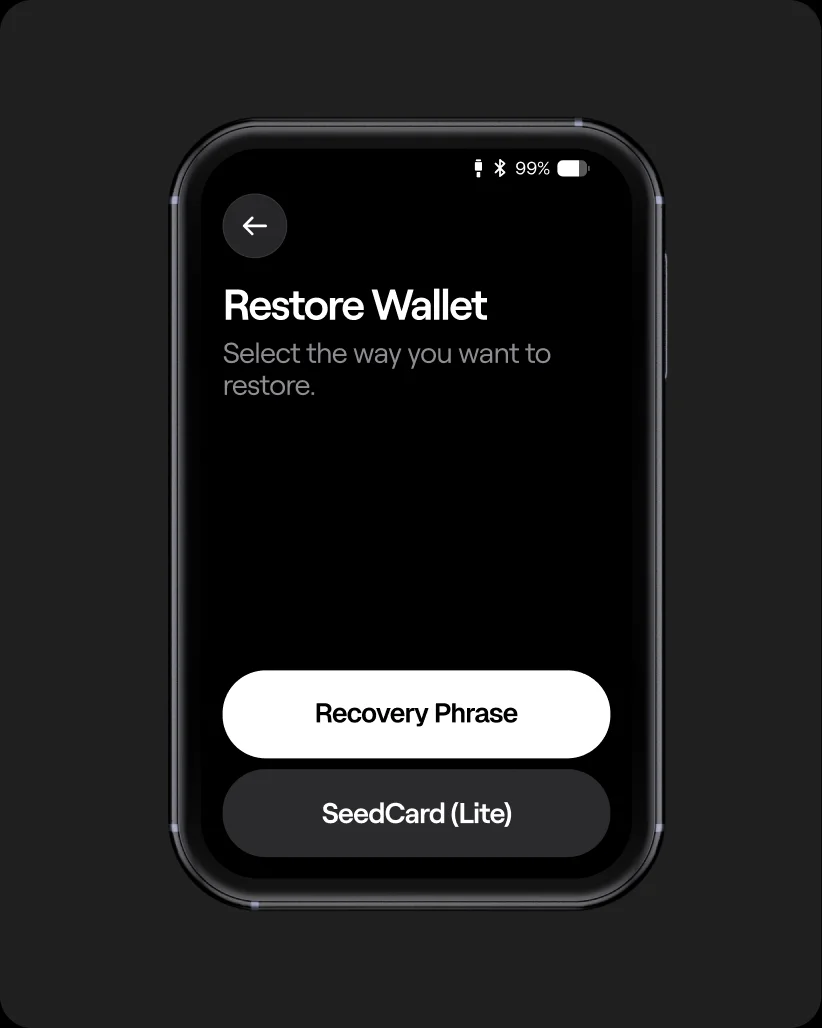
Keep your recovery phrase or SeedCard safe. Restore your wallet on a new device when you need to.
Highlights
- Precisely crafted. Beautifully thin.
- All-new safeOS 2.
- Know what you sign. See risk sooner.
- Four chips. Security by separation.
- Apple Find My. A way back to your wallet.
- Your digital key.
 Precisely crafted.
Beautifully thin.
Precisely crafted.
Beautifully thin. Know what you sign.
See risk sooner.
Know what you sign.
See risk sooner. Four chips.
Security by separation.
Four chips.
Security by separation. Your digital key.
Technical specifications
Appearance
- Materials
- Frosted glass back Polished aluminum frame
- Size and weight
- 84.9 × 53.2 × 6.2 mm 51 g
Display
- Screen
- 3.54-inch color AMOLED touchscreen 1024 × 604 resolution Up to 800 nits brightness Capacitive multitouch
Temperature
- Operating
- 0–45°C (32–113°F)
- Storage
- −10–45°C (14–113°F)
Power and battery
- Battery
- 700 mAh lithium-ion polymer battery
- Nominal voltage
- 3.85 V
- Battery cycle life
- At least 500 cycles with at least 80% capacity remaining
- Charging
- Wireless charging USB-C charging (compatible with 5 V / 2 A)
- Switched-off storage life
- Can still power on after approximately 7 months stored fully charged and switched off*
Backup and recovery
- Wallet backup
- 12- or 24-word recovery phrases
- Split backup
- 20-word SLIP-39 backup shares
Compatibility
- Connection
- USB-C
- Features
- Send, receive, stake, and trade
- Windows
- Windows 10+
- macOS
- macOS 10.11+
- Linux
- Ubuntu 12.04+, Fedora 21+, Debian 8+
- iOS
- iOS 14.0+
- Android
- Android 8.0+
Privacy
- Coin Control for greater privacy
- Coming soon
- Tor for identity protection
- Coming soon
*Typical laboratory results. Performance varies with temperature, usage, and self-discharge. For long-term storage, keep the device in a cool, dry place at 40%–60% charge.
Compare OneKey crypto hardware wallets
Which one is right for you?
| OneKey Pro 2 | OneKey Pro | OneKey Classic 1S | |
|---|---|---|---|
| At a glance | |||
| Secure Element certification | 4 × EAL 6+ Chips | 4 × EAL 6+ Chips | 1 × EAL 6+ Chips |
| Display | 3.54" Color touchscreen | 3.5" Color touchscreen | 1.54" High-Contrast Monochrome Display |
| Display details | Full-color AMOLED touchscreen 1024 × 604 resolution Up to 800 nits brightness Corning® Gorilla® Glass 5 | IPS color touchscreen 480 × 800 resolution Tempered glass cover Oleophobic (AF) coating | Monochrome OLED 128 × 64 resolution Anti-glare (AG) polarizer |
| Controls | Multitouch touchscreen | Multitouch touchscreen | Buttons |
| Portfolio overview | Yes | — | — |
| OneKey SeedCard | Yes | — | — |
| Air-Gap Signing | Camera-based QR signing | Camera-based QR signing | — |
| Fingerprint | Fingerprint | Fingerprint | — |
| Haptic Feedback | Haptic Feedback | Haptic Feedback | — |
| Battery | 700 mAh · Wireless charging | 530 mAh · Wireless charging | 110 mAh |
| Apple Find My | Yes | — | — |
| NFT | NFT | NFT | NFT |
| Coins and tokens | 30,000+ supported | 30,000+ supported | 30,000+ supported |
| Security | |||
| SignGuard | SignGuard proactive risk detection | SignGuard proactive risk detection | SignGuard proactive risk detection |
| Clear Signing | Full transaction details on the device | Full transaction details on the device | Review offline. Confirm with buttons. |
| Digital key | Passkeys and TOTP 2FA TOTP 2FA coming soon | Passkeys | — |
| Connectivity | USB-C · Bluetooth · QR codes · NFC | USB-C · Bluetooth · QR codes · NFC | USB-C · Bluetooth |
| Quantum-Ready architecture | Hardware-level secure boot Quantum-ready architecture | Hardware-level secure boot Quantum-ready architecture | Hardware-level secure boot Quantum-ready architecture |
| Open source | Open-source security and design | Open-source security and design | Open-source security and design |
| Randomness testing | Export random source data for NIST SP 800-22 statistical testing | Export random source data for NIST SP 800-22 statistical testing | Export random source data for NIST SP 800-22 statistical testing |
| Technical Specifications | |||
| Materials | Frosted glass back Polished aluminum frame | Frosted glass back Polished aluminum alloy frame | High-strength PC+ABS polymer |
| Size and Weight | 84.9 × 53.2 × 6.2 mm 51 g | 90.1 × 54.4 × 7.6 mm 65 g | 86 × 52 × 5.2 mm 20.5 g |
| Display | 3.54-inch color AMOLED touchscreen 1024 × 604 resolution Up to 800 nits brightness Capacitive multitouch | 3.5" IPS color display 400 nit brightness Seven side-mounted white LEDs AF fingerprint-resistant surface | Monochrome OLED 128 × 64 resolution Anti-glare (AG) polarizer Review and confirm with buttons |
| Temperature | Operating: 0–45 °C (32–113 °F) Storage: −10–45 °C (14–113 °F) | Operating: 0–45 °C (32–113 °F) Storage: −10–45 °C (14–113 °F) | Operating: 0–45 °C (32–113 °F) Storage: −20–30 °C (−4–86 °F) |
| Battery | |||
| Battery and cycle life | 700 mAh lithium-ion polymer battery Nominal voltage: 3.85 V At least 500 cycles with at least 80% capacity remaining | Lithium-ion polymer 3.8 V nominal 4.35 V max charge Cycle life ≥500 (≥80% capacity remaining) | 110 mAh lithium-ion polymer battery Nominal voltage: 3.7 V Full-charge voltage: 4.20 V At least 300 cycles with at least 80% capacity remaining |
| Charging and storage | Wireless charging USB-C charging (compatible with 5 V / 2 A) Can still power on after approximately 7 months stored fully charged and switched off* | Wireless charging (2.5 W) USB-C charging (supports 5 V/2 A) Can still power on after ~7 months when stored fully charged* | USB-C charging (5 V / 2 A) Can still power on after approximately 7 months of storage from a full charge* |
| *Typical laboratory results. Performance varies with temperature, usage, and self-discharge. For long-term storage, keep the device in a cool, dry place at 40%–60% charge. | |||
| Backup and recovery | |||
| Backup and recovery | 12- or 24-word recovery phrases 20-word SLIP-39 backup shares | 12- or 24-word recovery phrases 20-word SLIP-39 backup shares | 12- or 24-word recovery phrases |
| Compatibility | |||
| USB-C | Send, receive, stake, and trade | Send, receive, stake, and trade | Send, receive, stake, and trade |
| Desktop | Windows 10+ macOS 10.11+ Ubuntu 12.04+, Fedora 21+, Debian 8+ | Windows 10+ macOS 10.11+ Ubuntu 12.04+, Fedora 21+, Debian 8+ | Windows 10+ macOS 10.11+ Ubuntu 12.04+, Fedora 21+, Debian 8+ |
| Mobile | iOS 14.0+ Android 8.0+ | iOS 14.0+ Android 8.0+ | iOS 14.0+ Android 8.0+ |
| Privacy | |||
| Coin Control for greater privacy | Coming soon | Coming soon | Coming soon |
| Tor for identity protection | Coming soon | Coming soon | Coming soon |
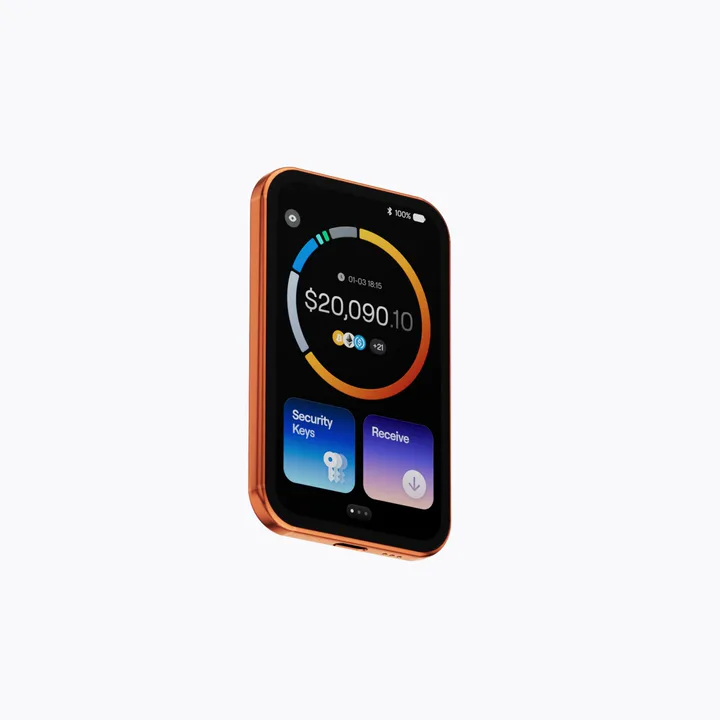

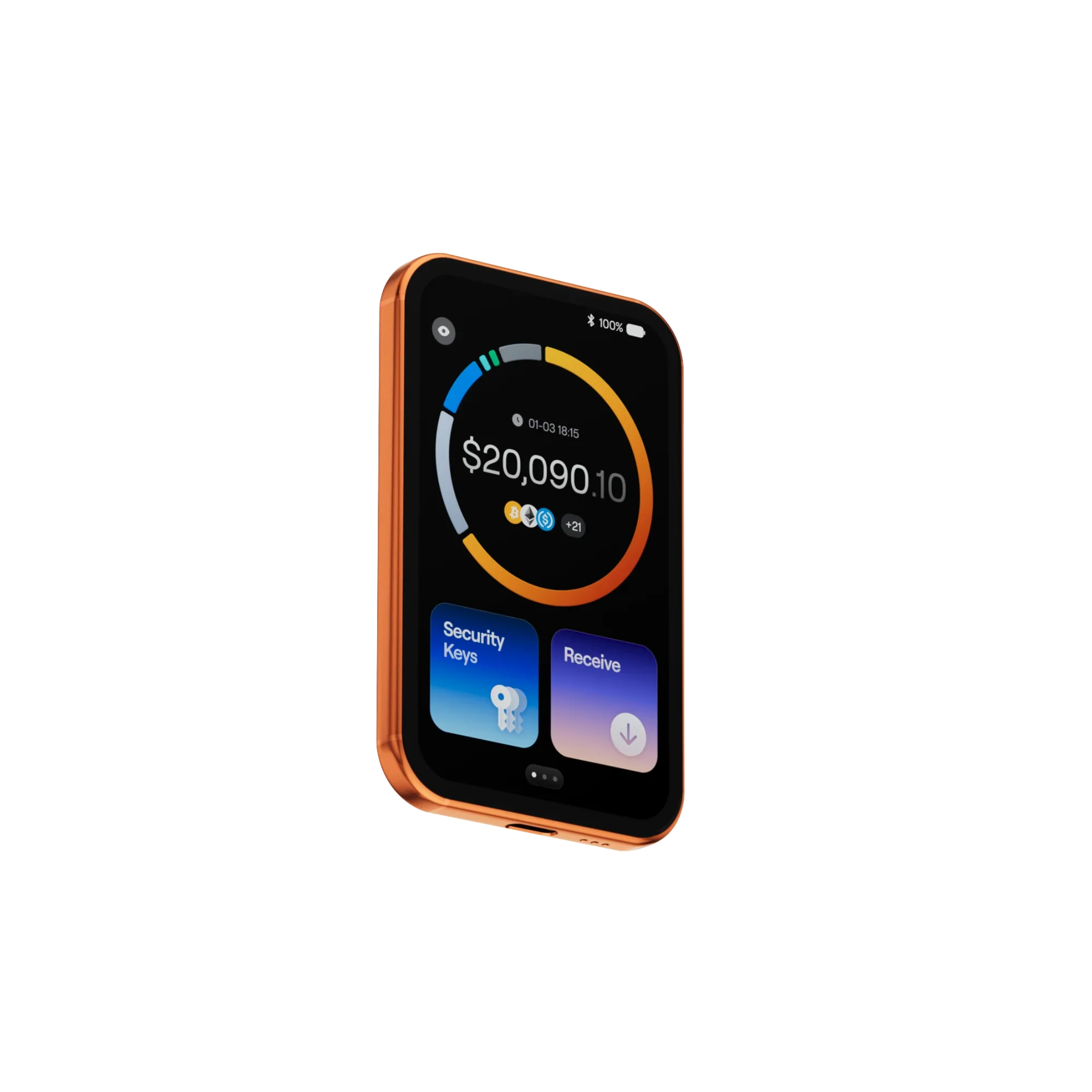
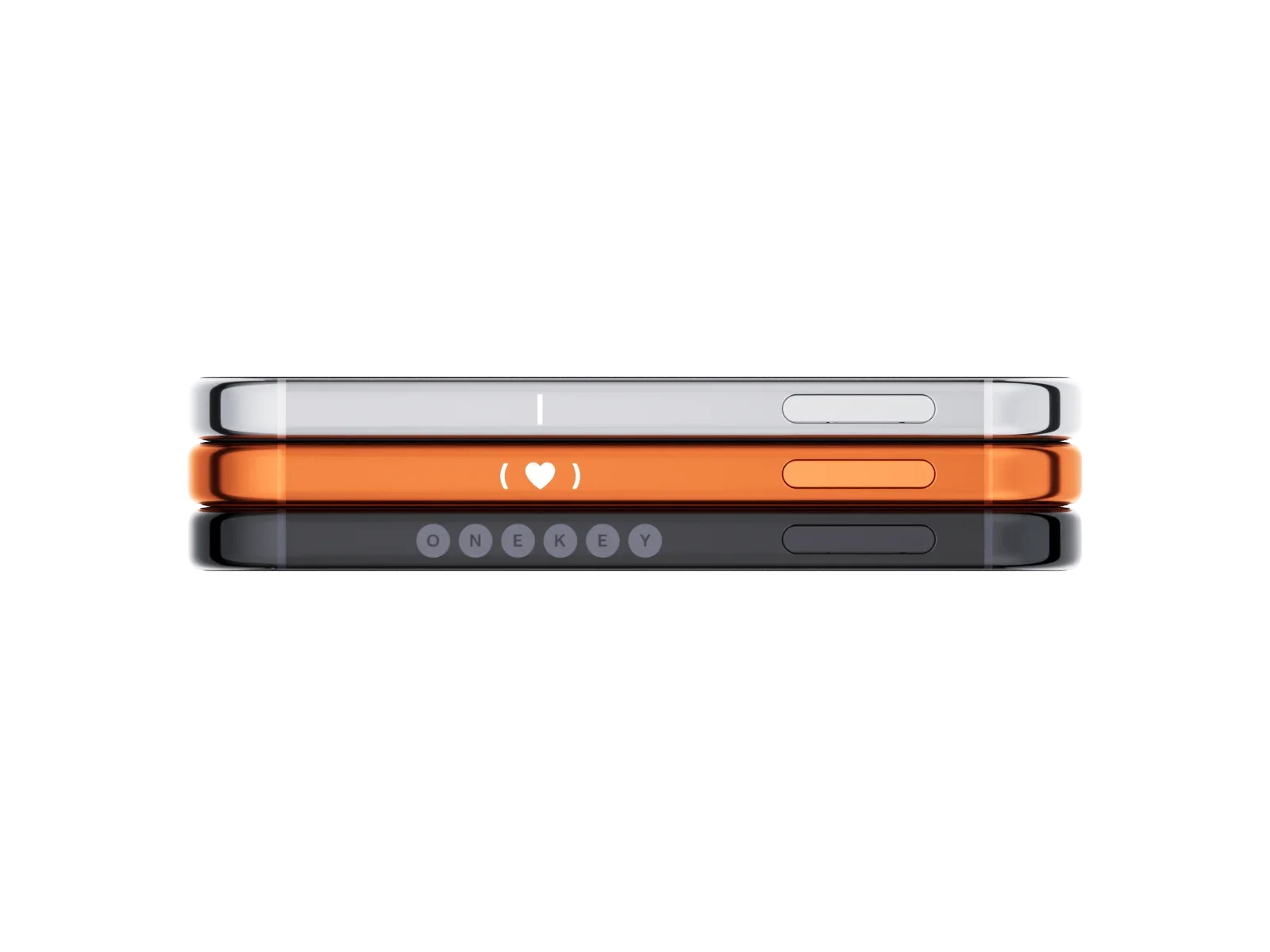
Make it yours.
Engrave your name, a phrase, or a meaningful date on your Pro 2. From that day on, it belongs to you alone.
Word gets around.
From everyday users to leading voices in crypto, people have good things to say about OneKey.
“Onekey hardware wallet is very good too. 👍”
CZ@cz_binance“Top 6 Crypto Cold Wallets — 1. @OneKeyHQ”
CoinGecko@coingecko“I’m still using the OneKey Pro. The experience has been great.”
徐冲浪@cyrilxuq“A gift from the @OneKeyHQ team on 2024 that I’m still using today. One of my favorite hardware wallets. Thank you, OneKey.”
AB@Abrlien“onekey classic is probably best for just normal storage, easy to use and sign… high quality screen, has own battery… bluetooth for phone… prob the best for $79”
katexbt.hl@katexbt“I’m going with the gold OneKey—and paying out of my own pocket for the real thing!”
余弦 Cos@evilcos“Tier List of Cold Wallets — A Tier — @OneKeyHQ OneKey Pro”
DeFi Warhol@Defi_Warhol“OneKey: fully open source, Chinese-friendly, supports 30,000+ coins and tokens, and offers great value for money—my top choice for personal use.”
泥伏雷闯关记@Nicole_yang88“OneKey really is the easiest hardware wallet to use, and its extension has fewer bugs. I tried another brand before, and it took me forever to get it working.”
PolyGod@luo_zi97366











Good questions. Clear answers.
Pro 2 combines offline key storage with a clearer, more capable everyday experience. Four EAL6+ certified Secure Elements separate critical security functions. Clear Signing makes transactions readable. And SignGuard looks for risk before you confirm.
Yes. safeOS 2 and OneKey App guide you through setup, backup, sending, receiving, and confirmation. Native multichain support brings your assets and everyday tools together, without the need to keep installing and removing chain apps.
Your assets are recorded on the blockchain. Pro 2 protects the private keys that control them. Those keys are generated and stored inside Secure Elements, which also handle transaction signing. Your private keys never travel over a network.
As long as your backup is safe, you can recover your wallet. If your Pro 2 is missing, Apple Find My and the built-in buzzer can help you look for it. If you can’t retrieve or use the device, restore your wallet on a compatible replacement using your recovery phrase or SeedCard.
Possession of the device alone does not give someone access. Fingerprint and PIN protection control unlocking, and transactions require confirmation on the device. You can also use a passphrase to create a separate hidden wallet for an additional way to keep assets apart.
Clear Signing shows readable addresses, assets, amounts, approval targets, and permission changes. SignGuard adds website screening, transaction simulation, and checks for suspicious approvals, dangerous contracts, and risks linked to funds. Helping you spot warning signs before you confirm.
No. Bluetooth and USB-C carry connection and transaction data. NFC supports SeedCard backup and recovery. Your private keys stay inside the Secure Elements. You can also use Air-Gap signing to exchange transaction details by QR code.
Yes. Restore an existing wallet with its 12- or 24-word recovery phrase. If you’ve ever entered that phrase on a phone, in a browser, or in a software wallet, we recommend creating a new wallet on Pro 2 and transferring your assets to it. That way, your new private keys stay offline from the start.
No. OneKey software and firmware are fully open source, with scrutiny from SlowMist, Keylabs, developers, and white-hat security researchers. Standard recovery phrases also let you restore your wallet with compatible wallets. Pro 2’s quantum-ready architecture leaves room for future cryptographic standards and security upgrades.