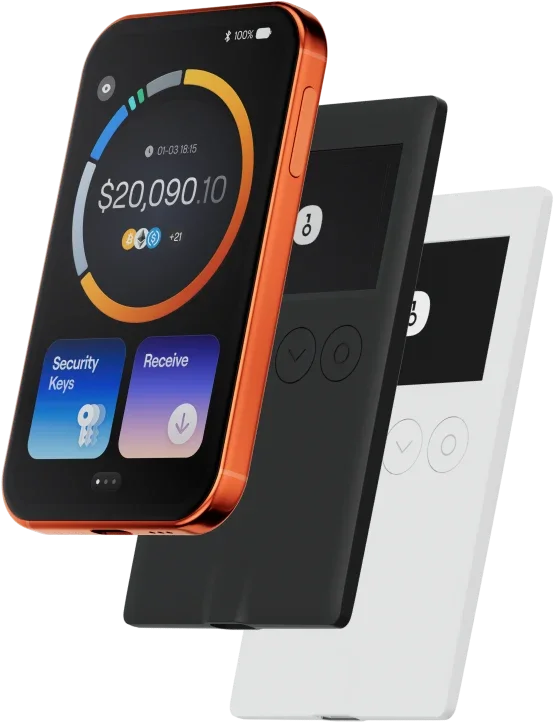
Try our app wallet first? It's free.
Not sure yet if you need to buy a hardware wallet? You can first try the OneKey App and experience the security services provided by it to safeguard your DeFi journey.
FAQ’s
The best wallet should balance both security and ease of use.
With a wallet, you can not only securely store and manage (token name), but also freely conduct cross-chain transactions, participate in DeFi protocols, and interact with DApps.
wallet provides real-time transaction tracking, open-source and transparent security mechanisms, and a smooth experience on the network, giving you complete control over your crypto assets.
1. Download wallet: Visit the OneKey official website and download the OneKey App for macOS, Windows, iOS, or Android.
2. Create wallet: Open the App, select "Create New Wallet" or "Connect Hardware Wallet".
3. Backup wallet: Safely write down the recovery phrase and store it offline. We never upload or save your recovery phrase.
4. Deposit : Copy the wallet address and transfer from an exchange or another wallet.
All private keys are generated and stored offline on the device, giving you complete control over your assets.
1. Send : Enter the address and amount, then confirm the signature in the App. The transaction will be broadcast to the blockchain immediately after completion.
2. Receive : Click "Receive" to get the wallet address, share it with the sender, and you can view the balance in real-time in the App after receiving the tokens.
3. Manage assets: Track transaction history, access DeFi protocols, or perform cross-chain operations in the wallet, all in one App.
Subscribe to our newsletter
Subscribe to OneKey newsletters for the latest product news and offers.