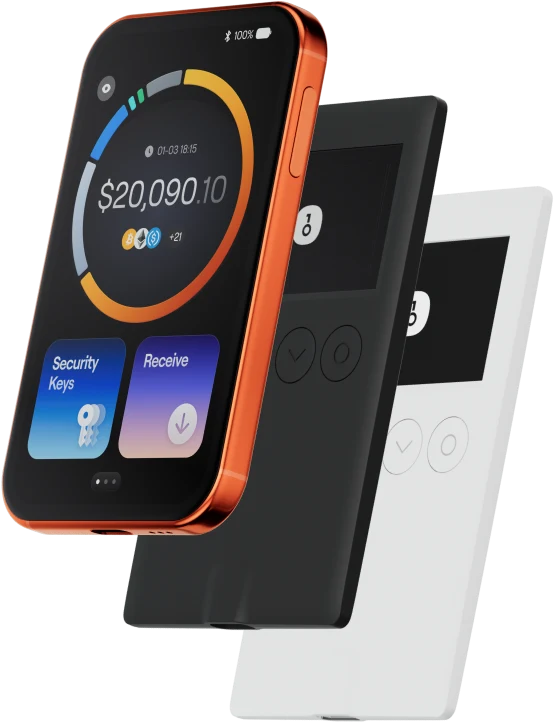
The L wallet helps you easily store, send, and receive digital assets. You can perform cross-chain token transactions at any time, explore NFT marketplaces and dApps, and discover more opportunities. An integrated wallet for the L ecosystem, it provides you with a secure on-chain experience.
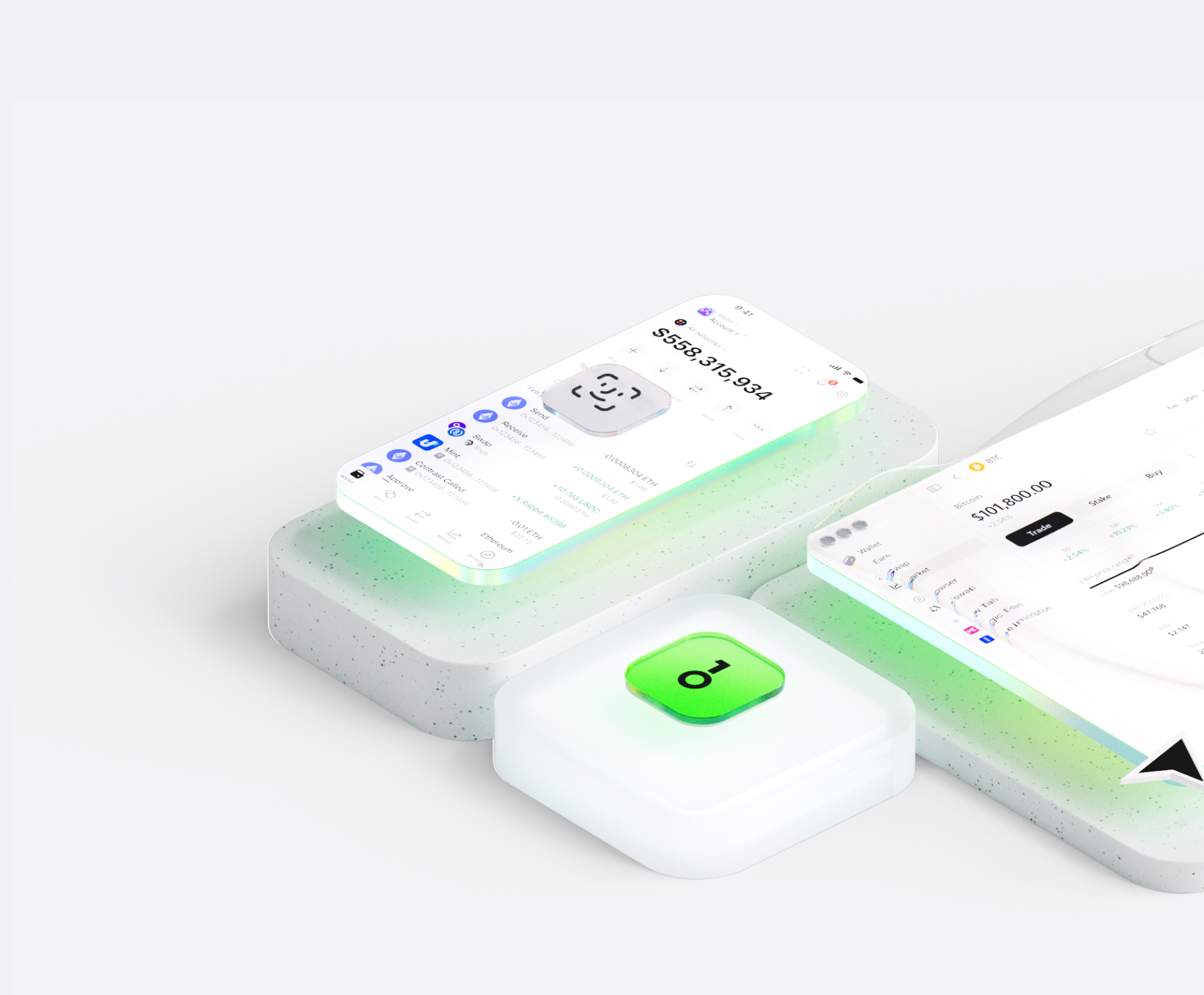

Why choose L wallets with OneKey
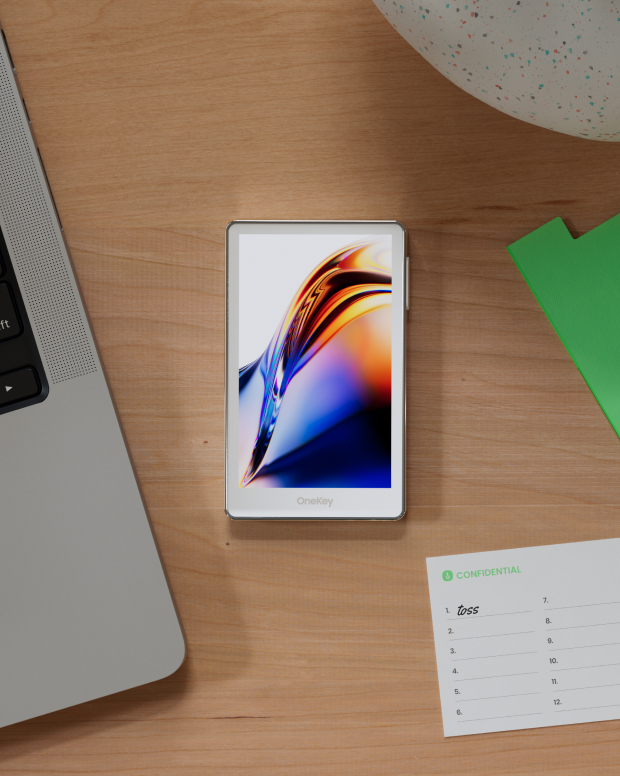
Take control of the safety that belongs to you
No real-name verification required. We collect and track no user data. Your wallet belongs only to you.
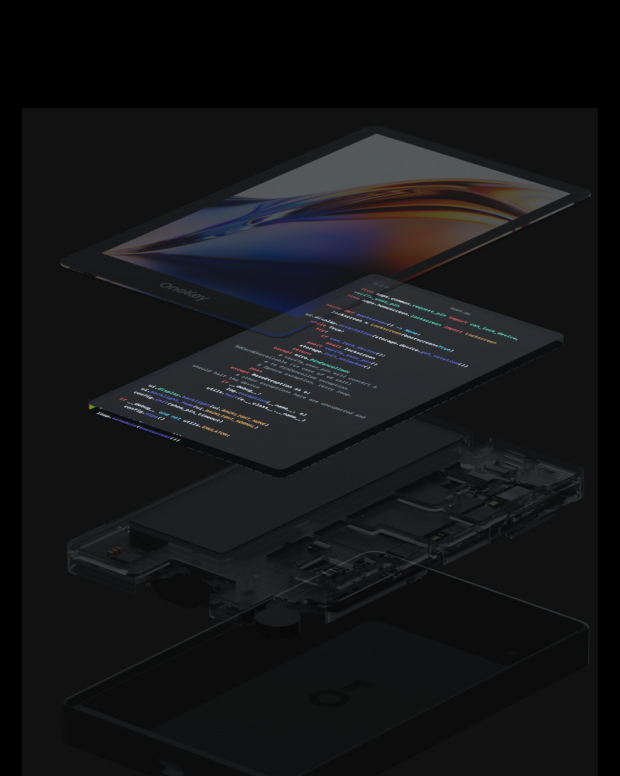
100% open-source and transparent
L wallet is a fully open-source wallet; every line of code can be audited and verified by security experts. Security is not based on promises, but on transparency.
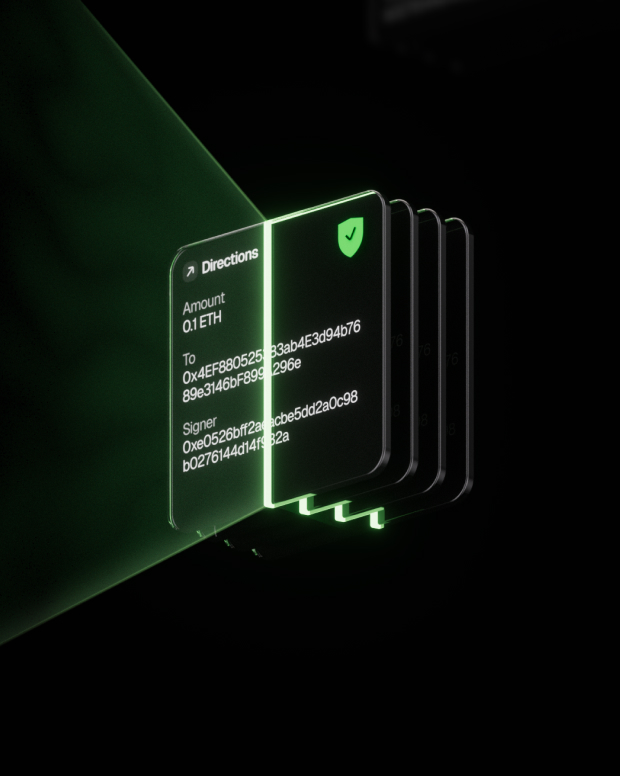
Intelligent Risk Protection
Built-in dApp phishing protection and suspicious token folding features automatically detect risky contracts to prevent malicious approvals or asset theft.

Global support
Provide 24/7 multilingual customer support to resolve your issues at any time.
FAQ’s
What is $L ?
$L is the first airdrop that rewards you for your Twitter usage: all Twitter Blue subscribers are eligible, and the more clout you have, the bigger your airdrop. $L is made up of true Elon believers: $L not only supports Elon by encouraging Twitter Blue subscribers, but also builds a community of genuine, non-bot supporters.
What is the $L origin story?
Elon tweeted in 2021 he likes Death Note and prefers L from Death Note. The $L community has come together to support Elon Musk and his various ventures. That is why $L will be airdropped to every Twitter Blue subscriber; the project aims to incentivize more people to subscribe to Twitter Blue to support Elon!
Why airdrop to Twitter Blue logo blue subscribers?
The $L project aims to support Elon Musk's Twitter, but also aims to create a genuine community of real people, not bots! That's why $L will launch with only verified Twitter Blue subscribers.
The best L wallet should balance both security and ease of use.
With a L wallet, you can not only securely store and manage (token name), but also freely conduct cross-chain transactions, participate in DeFi protocols, and interact with DApps.
L wallet provides real-time transaction tracking, open-source and transparent security mechanisms, and a smooth experience on the L network, giving you complete control over your crypto assets.
1. Download wallet: Visit the OneKey official website and download the OneKey App for macOS, Windows, iOS, or Android.
2. Create wallet: Open the App, select "Create New Wallet" or "Connect Hardware Wallet".
3. Backup wallet: Safely write down the recovery phrase and store it offline. We never upload or save your recovery phrase.
4. Deposit L: Copy the wallet address and transfer L from an exchange or another wallet.
All private keys are generated and stored offline on the device, giving you complete control over your assets.
1. Send L: Enter the L address and amount, then confirm the signature in the App. The transaction will be broadcast to the blockchain immediately after completion.
2. Receive L: Click "Receive" to get the wallet address, share it with the sender, and you can view the balance in real-time in the App after receiving the tokens.
3. Manage assets: Track transaction history, access DeFi protocols, or perform cross-chain operations in the L wallet, all in one App.
Subscribe to our newsletter
Subscribe to OneKey newsletters for the latest product news and offers.