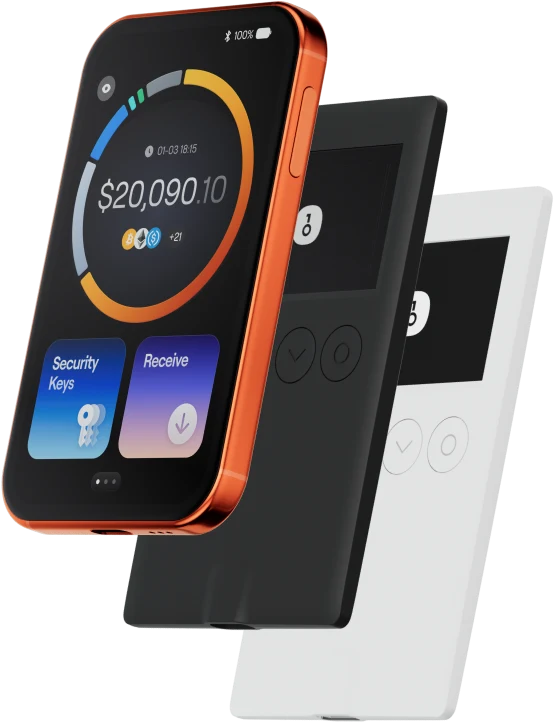
The PYTHIA wallet helps you easily store, send, and receive digital assets. You can perform cross-chain token transactions at any time, explore NFT marketplaces and dApps, and discover more opportunities. An integrated wallet for the PYTHIA ecosystem, it provides you with a secure on-chain experience.
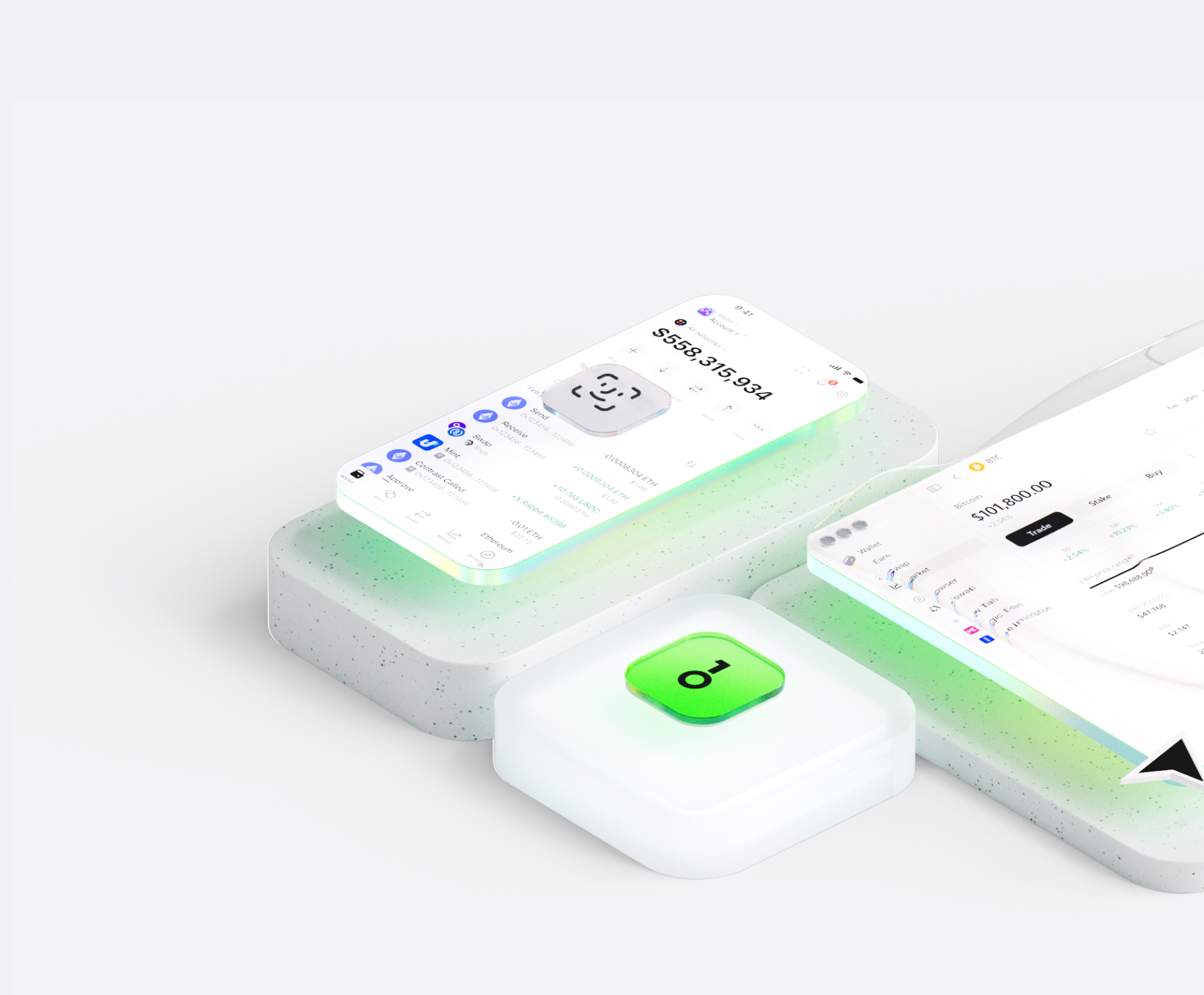
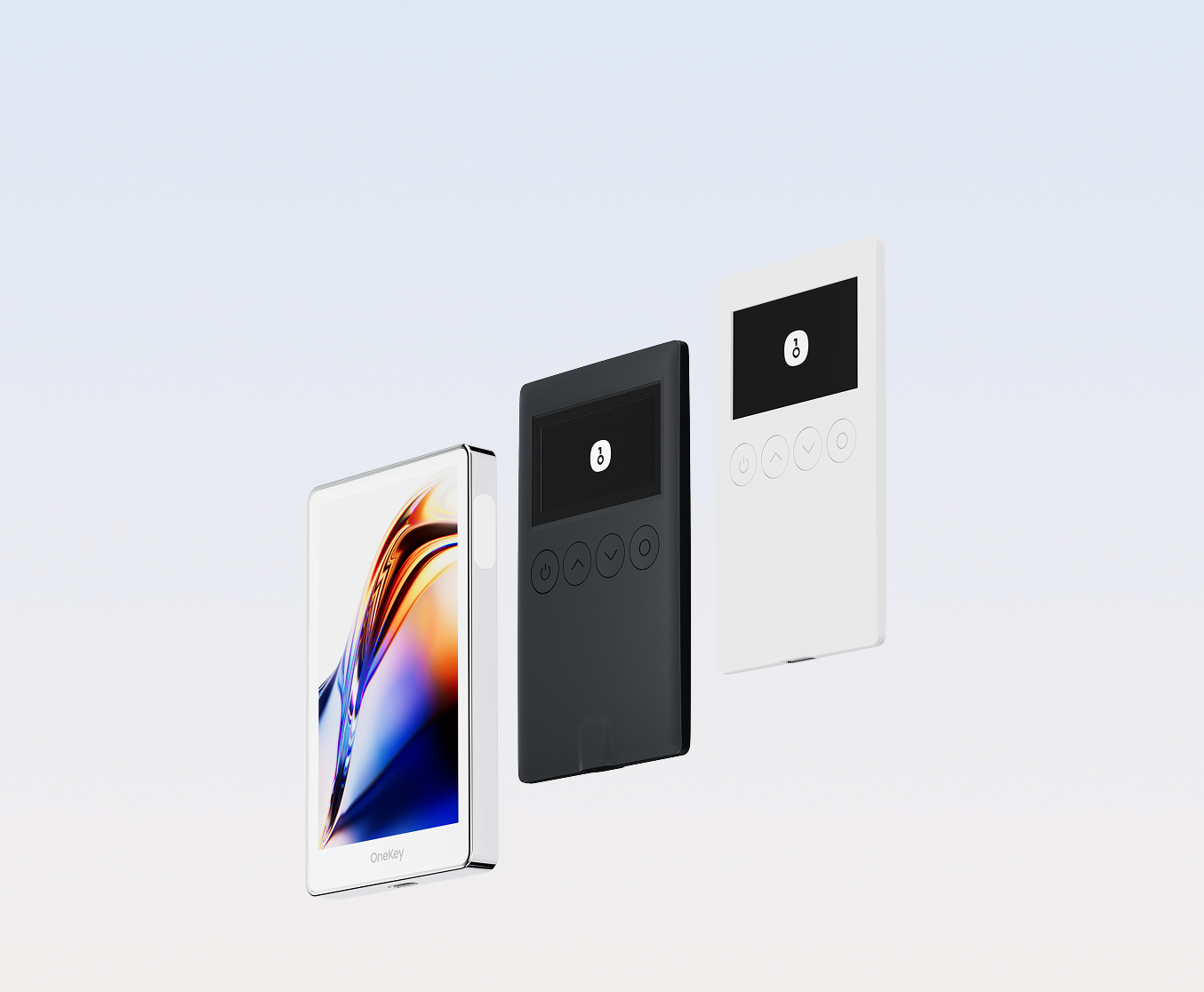
Why choose PYTHIA wallets with OneKey
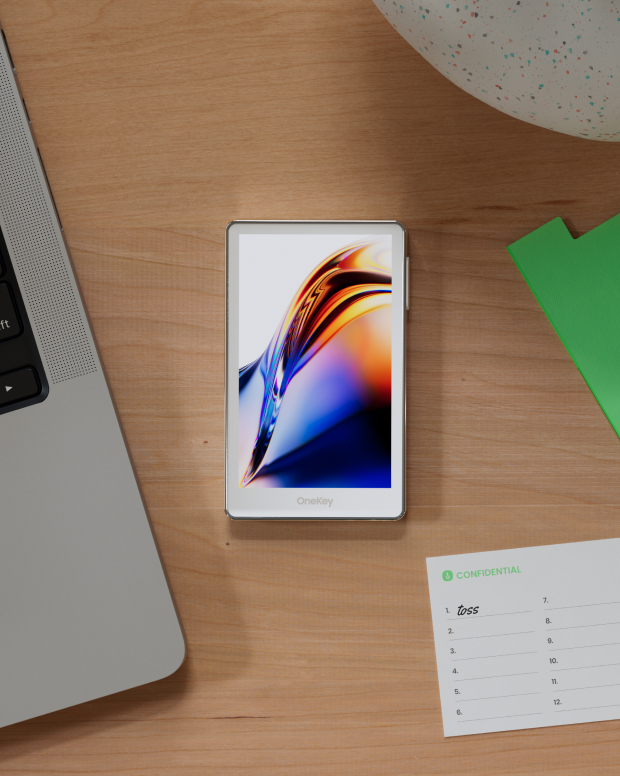
Take control of the safety that belongs to you
No real-name verification required. We collect and track no user data. Your wallet belongs only to you.
100% open-source and transparent
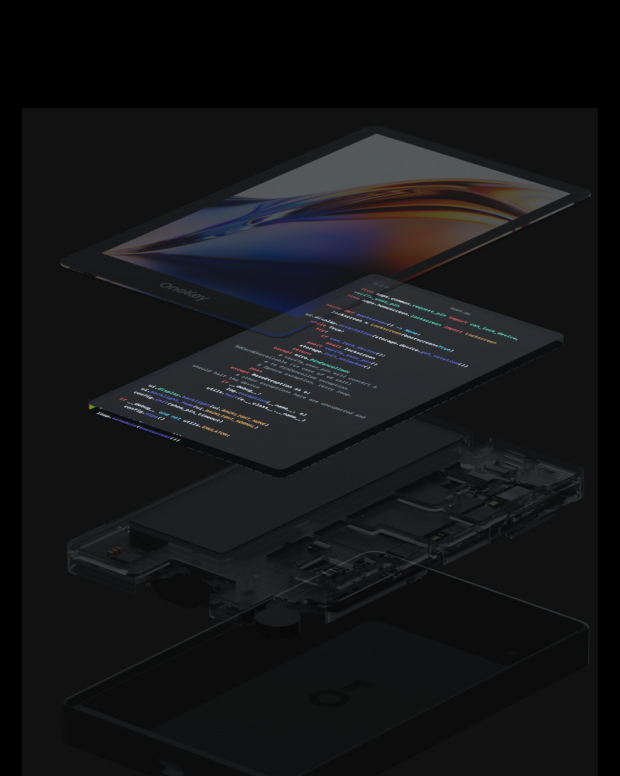
PYTHIA wallet is a fully open-source wallet; every line of code can be audited and verified by security experts. Security is not based on promises, but on transparency.
Intelligent Risk Protection
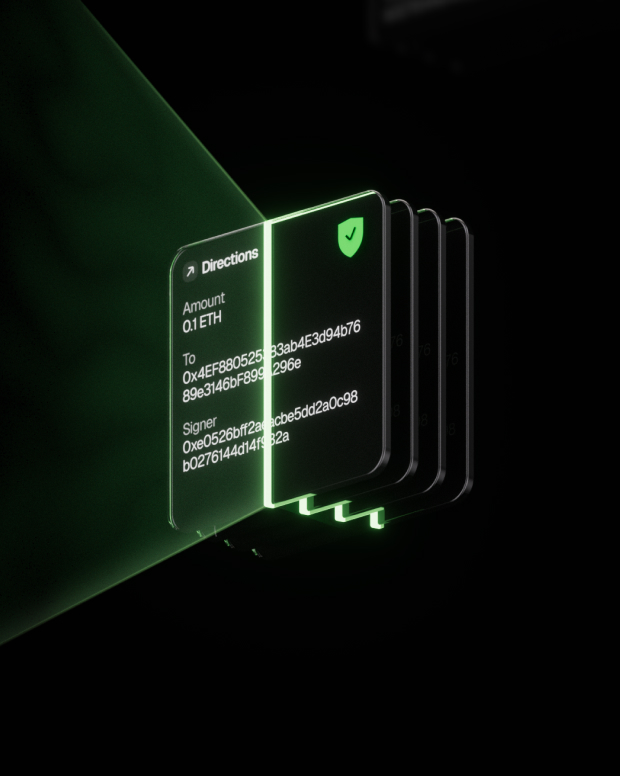
Built-in dApp phishing protection and suspicious token folding features automatically detect risky contracts to prevent malicious approvals or asset theft.

Global support
Provide 24/7 multilingual customer support to resolve your issues at any time.
FAQ’s
Pythia is the world's first rat connected to AI. It represents a symbiosis of biology and technology, resulting from merging a live brain with a neural interface and AI. To integrate the live brain with AI, scientists at the Neiry biotech lab (www.neiry.ai) implanted electrodes into the somatosensory zones of its brain.
NB: All experiments are conducted in full compliance with applicable laws and ethical standards.
This experiment caused a significant stir in the scientific community, attracting the attention of many science enthusiasts and creating a dedicated fanbase for Pythia. The name "Pythia" became a sensation, inspiring the creation of numerous meme tokens under the same name (PYTHIA).
A portion of one such token was donated to the Neiry scientific laboratory, after which Pythia officially endorsed it, garnering massive support from the community.
Neiry later deposited its PYTHIA supply, along with its own SOL funds, into a liquidity pool. The fees from which are now used to fund further experiments in neuroscience and technology.
The best PYTHIA wallet should balance both security and ease of use.
With a PYTHIA wallet, you can not only securely store and manage (token name), but also freely conduct cross-chain transactions, participate in DeFi protocols, and interact with DApps.
PYTHIA wallet provides real-time transaction tracking, open-source and transparent security mechanisms, and a smooth experience on the PYTHIA network, giving you complete control over your crypto assets.
1. Download wallet: Visit the OneKey official website and download the OneKey App for macOS, Windows, iOS, or Android.
2. Create wallet: Open the App, select "Create New Wallet" or "Connect Hardware Wallet".
3. Backup wallet: Safely write down the recovery phrase and store it offline. We never upload or save your recovery phrase.
4. Deposit PYTHIA: Copy the wallet address and transfer PYTHIA from an exchange or another wallet.
All private keys are generated and stored offline on the device, giving you complete control over your assets.
1. Send PYTHIA: Enter the PYTHIA address and amount, then confirm the signature in the App. The transaction will be broadcast to the blockchain immediately after completion.
2. Receive PYTHIA: Click "Receive" to get the wallet address, share it with the sender, and you can view the balance in real-time in the App after receiving the tokens.
3. Manage assets: Track transaction history, access DeFi protocols, or perform cross-chain operations in the PYTHIA wallet, all in one App.
Subscribe to our newsletter
Subscribe to OneKey newsletters for the latest product news and offers.