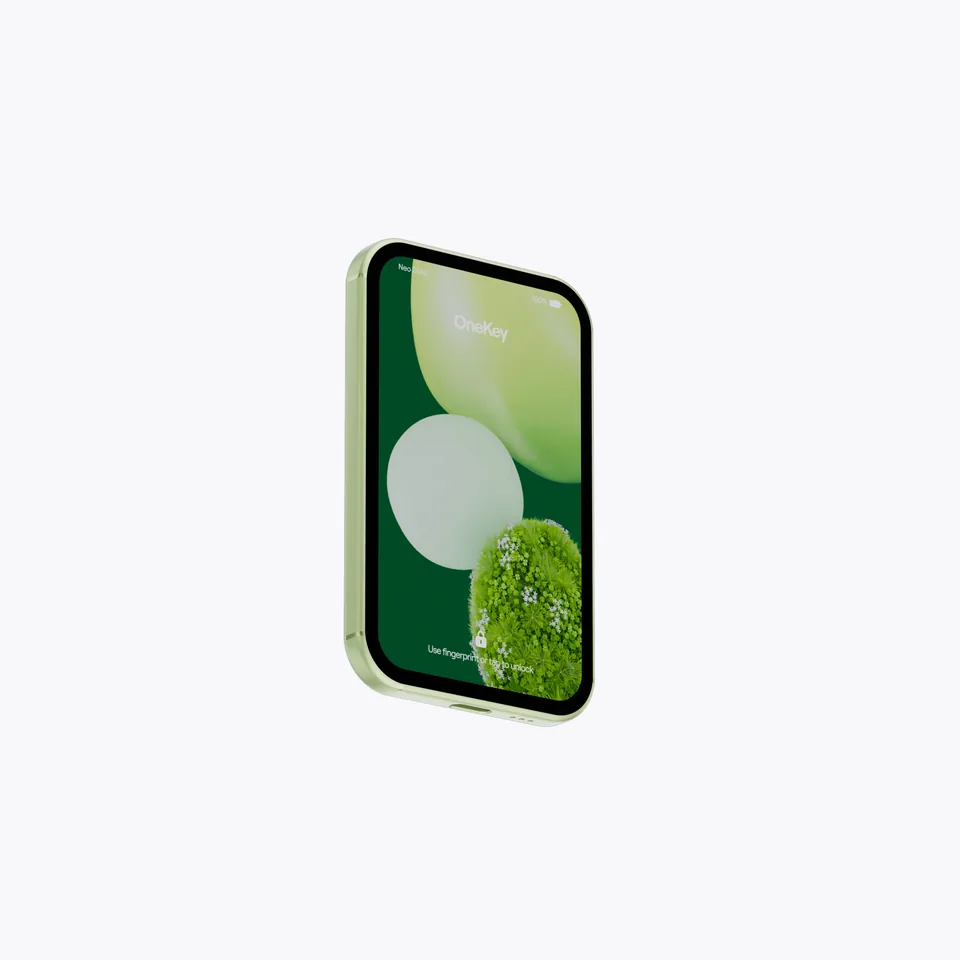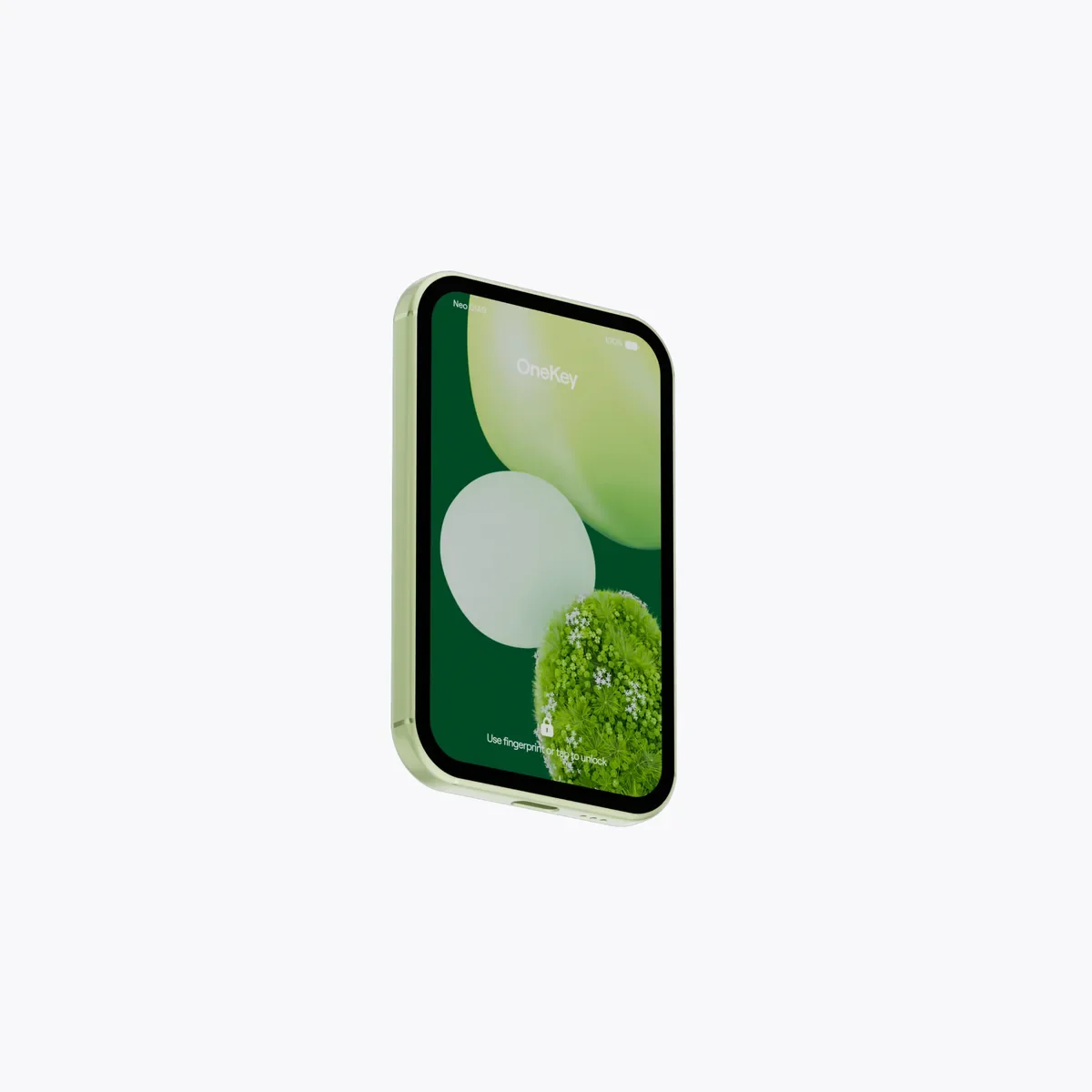
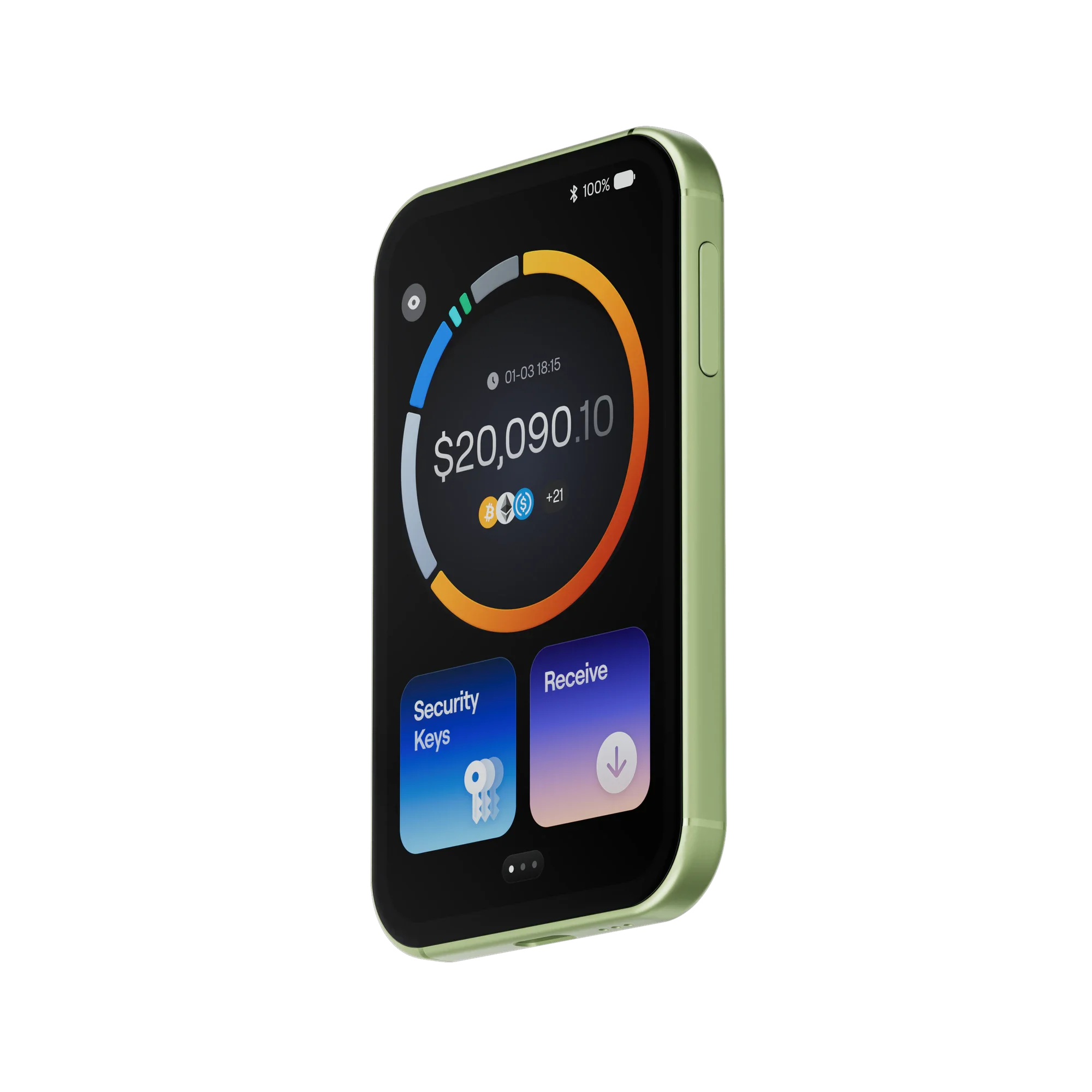
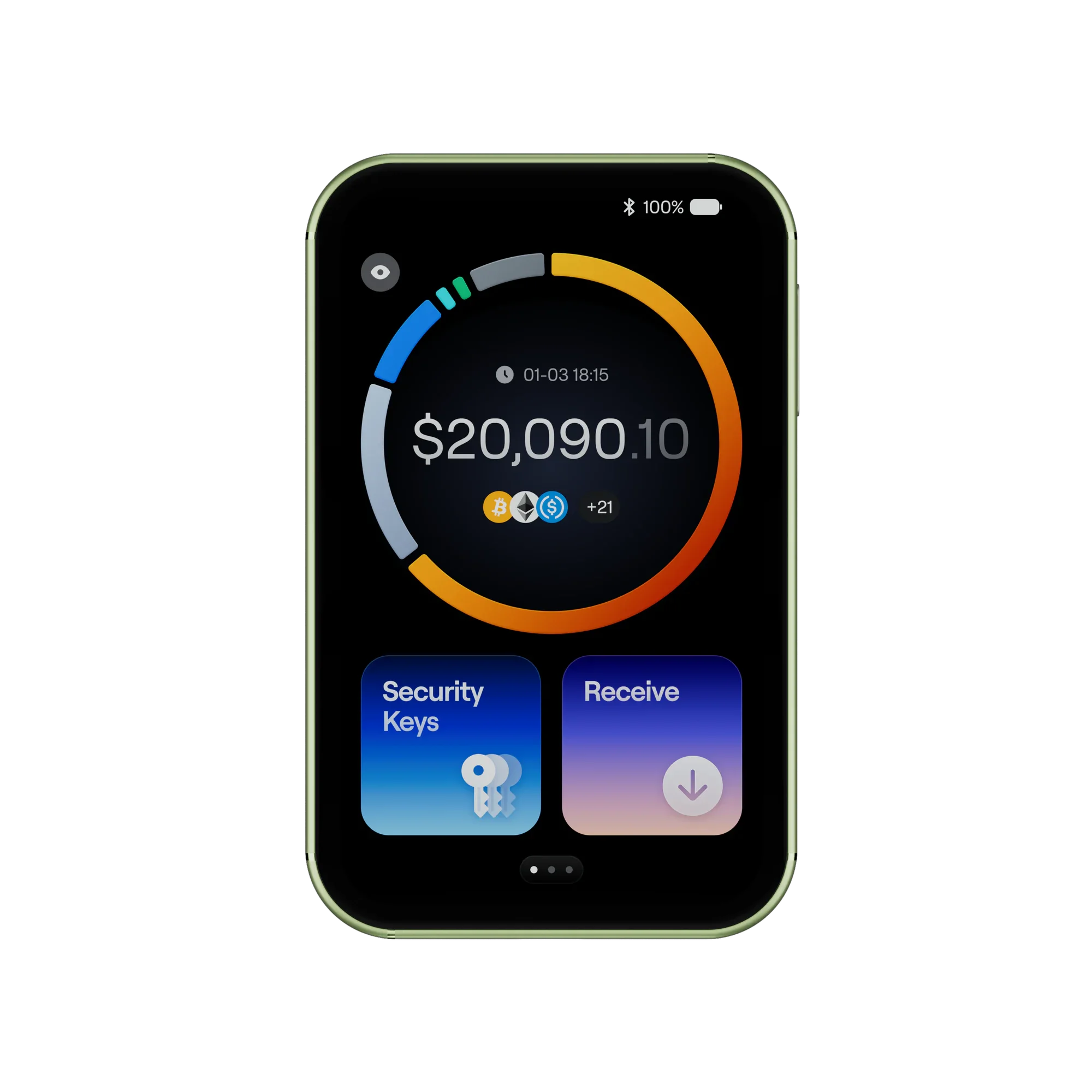
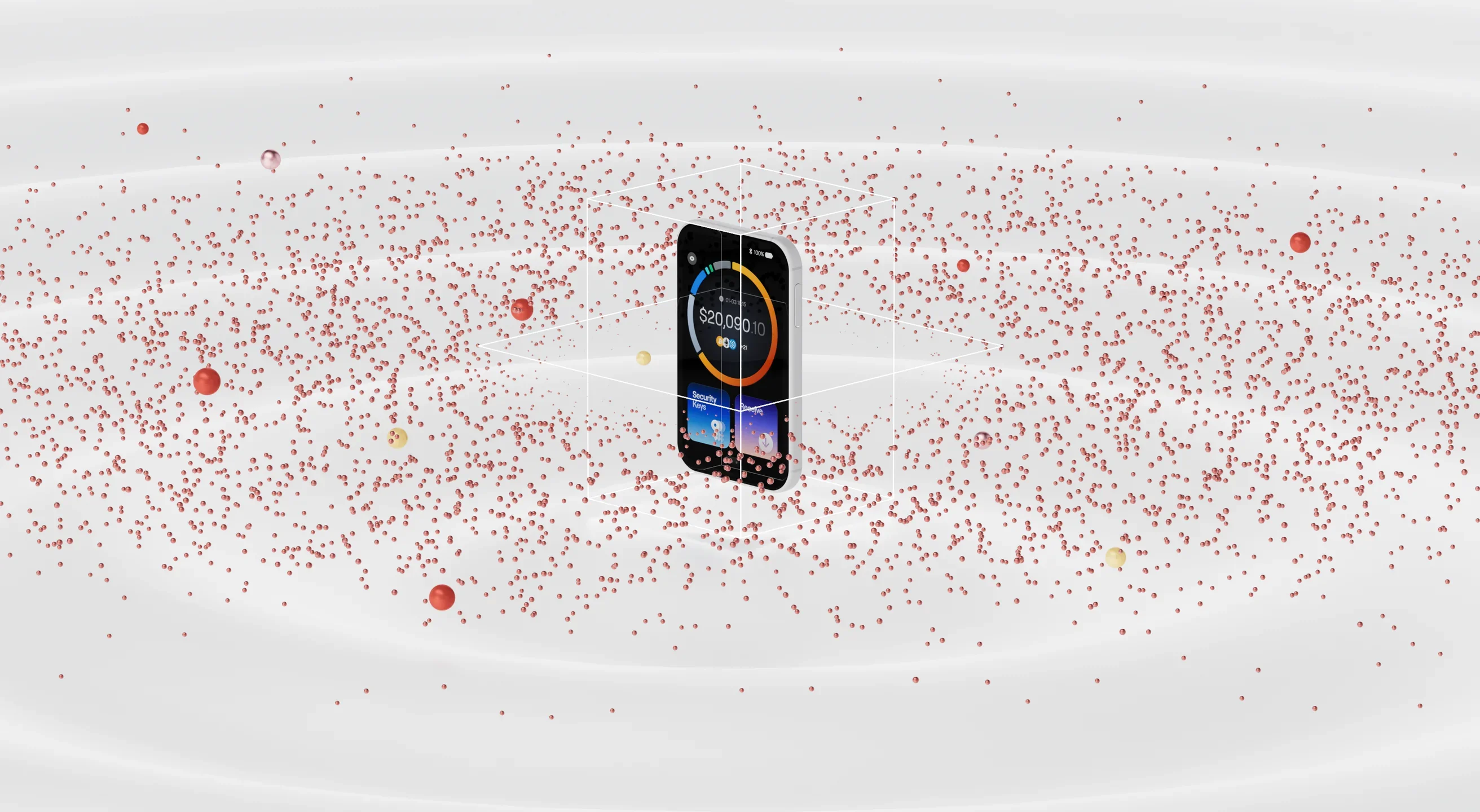
Your assets. At a glance.
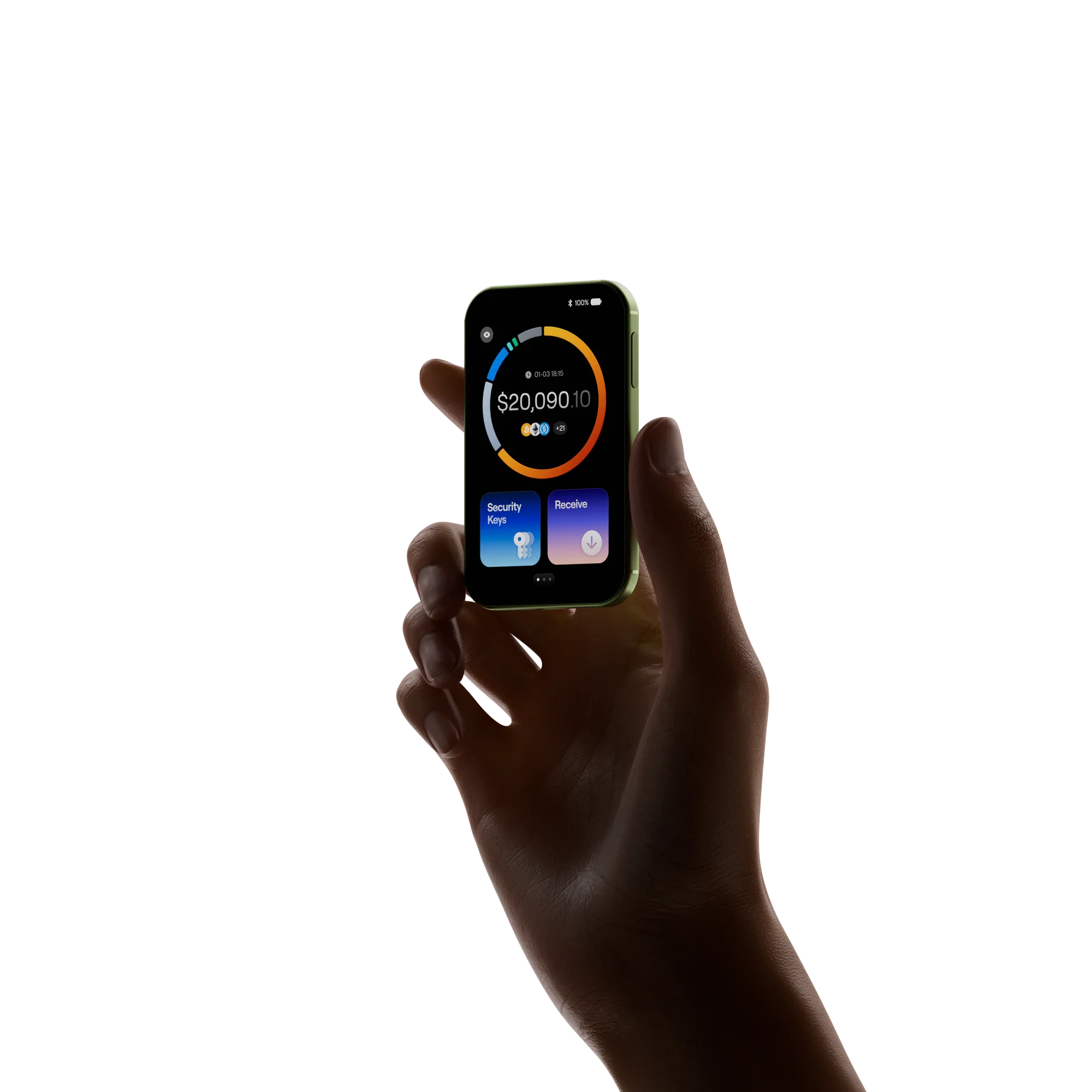
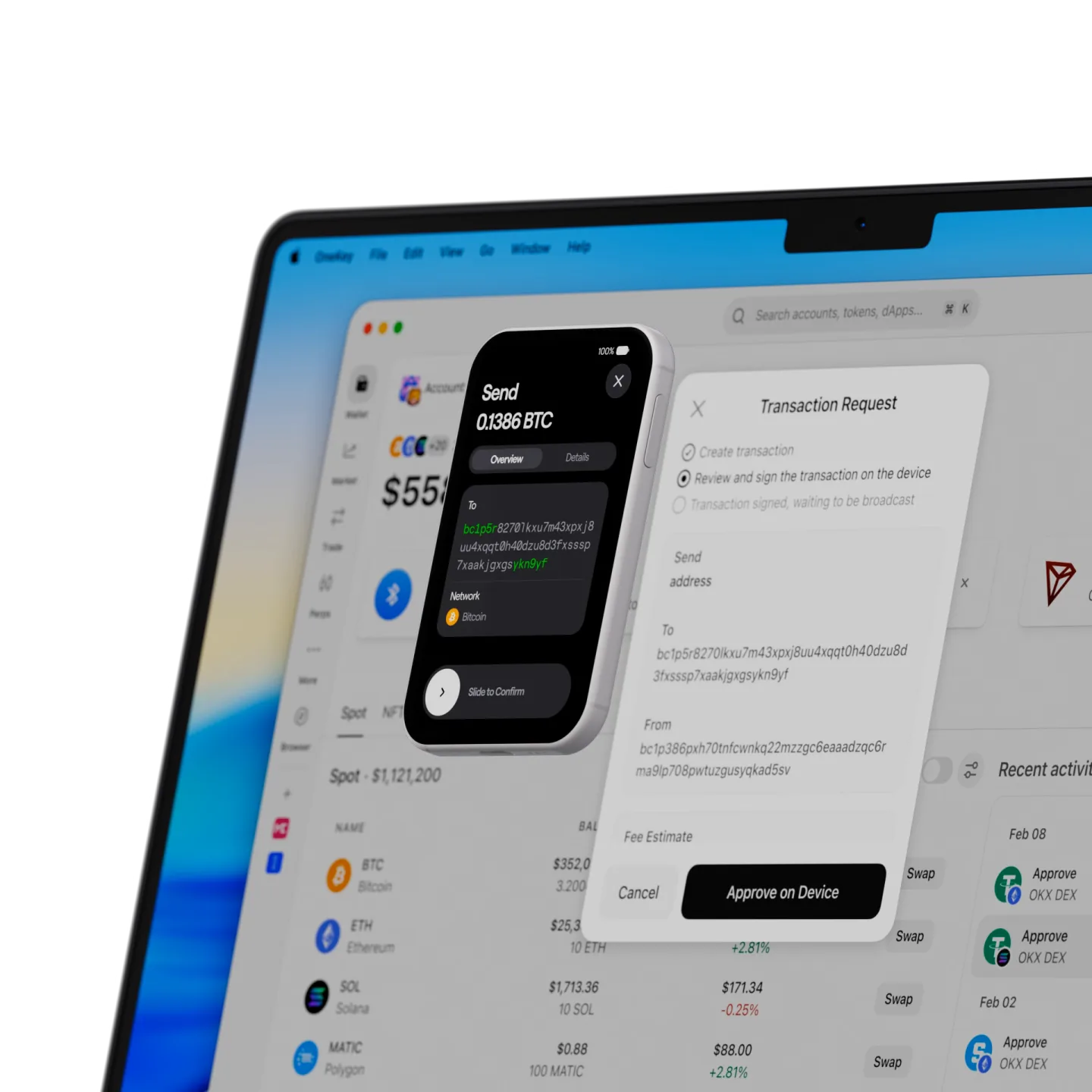
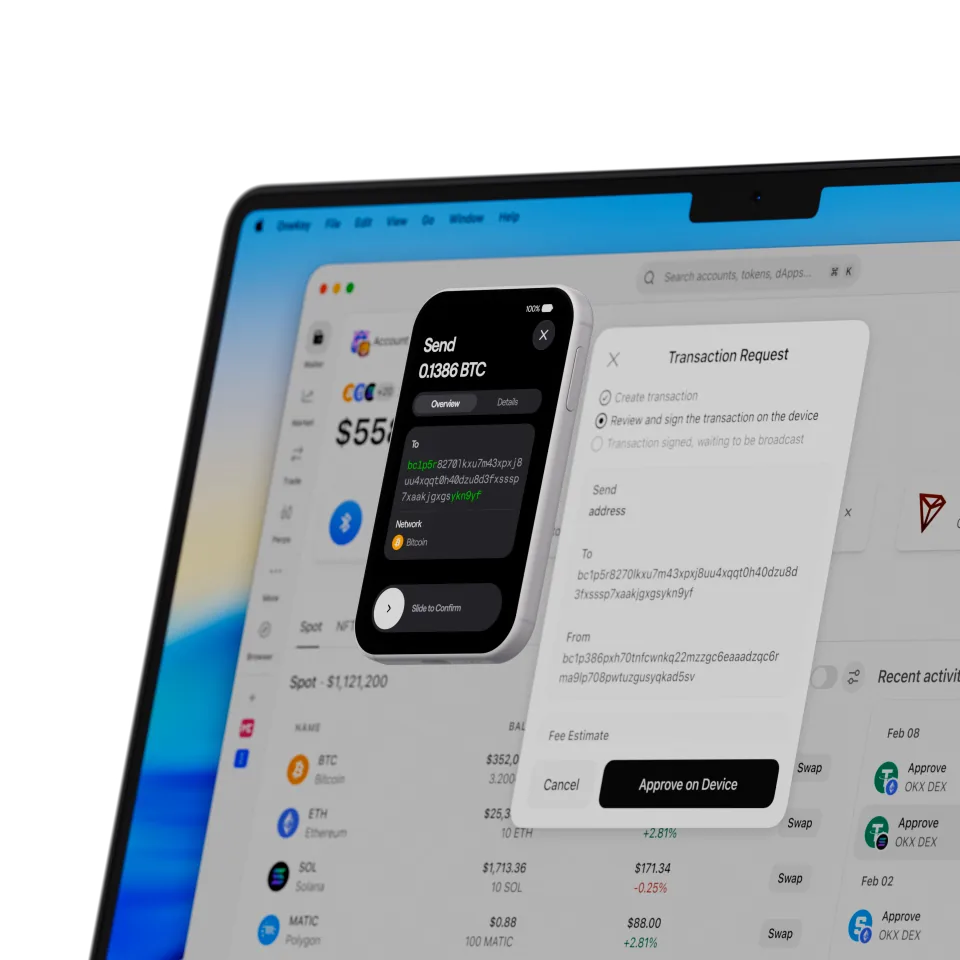
See balances across chains, account status, and key changes, right on Neo. Your latest holdings, whenever you look.
Requires the OneKey App for the full experience.
Design
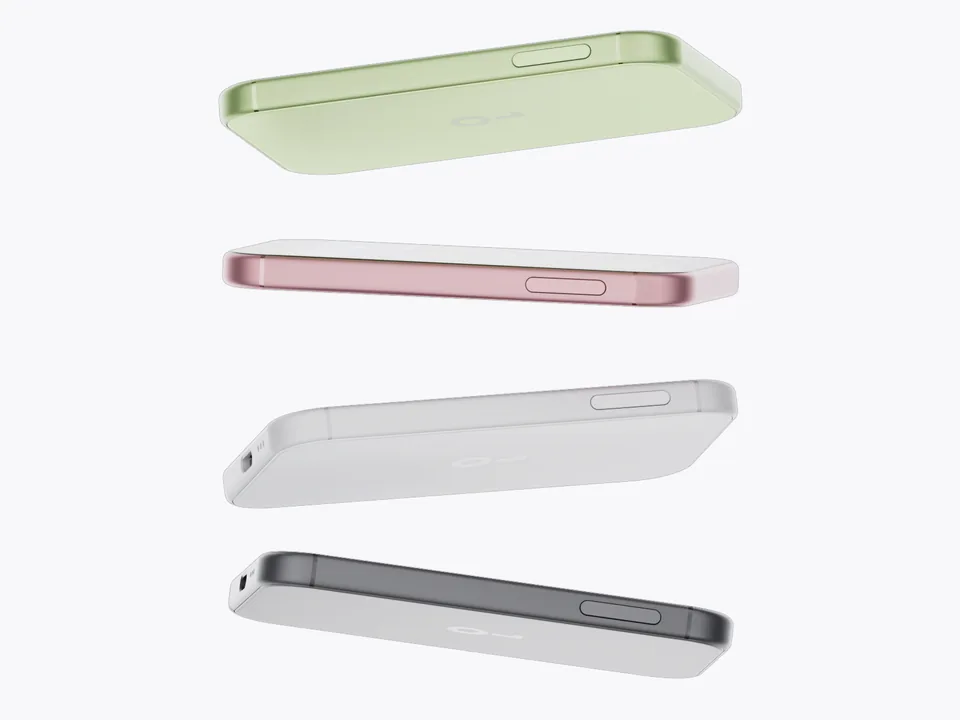
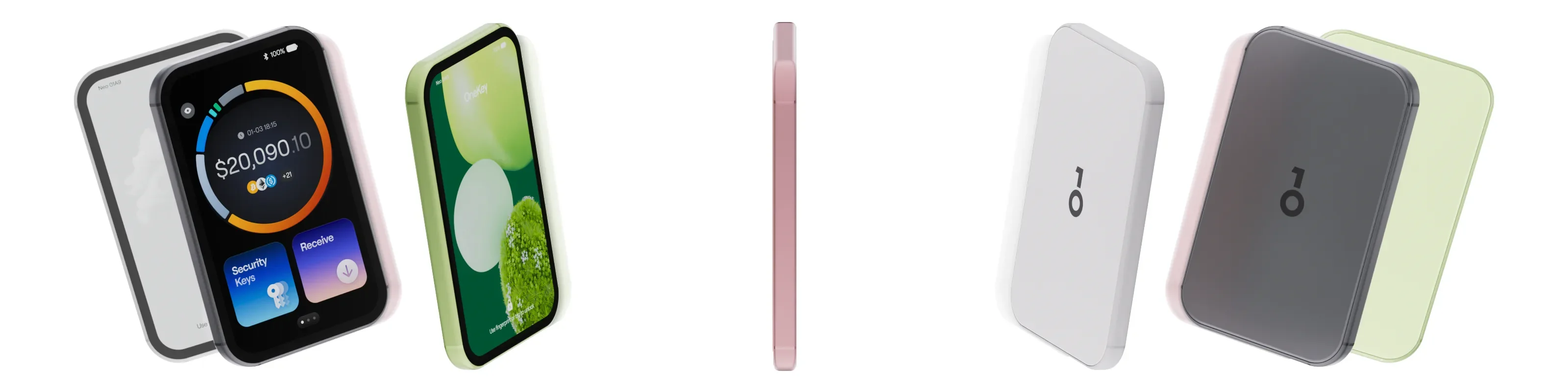
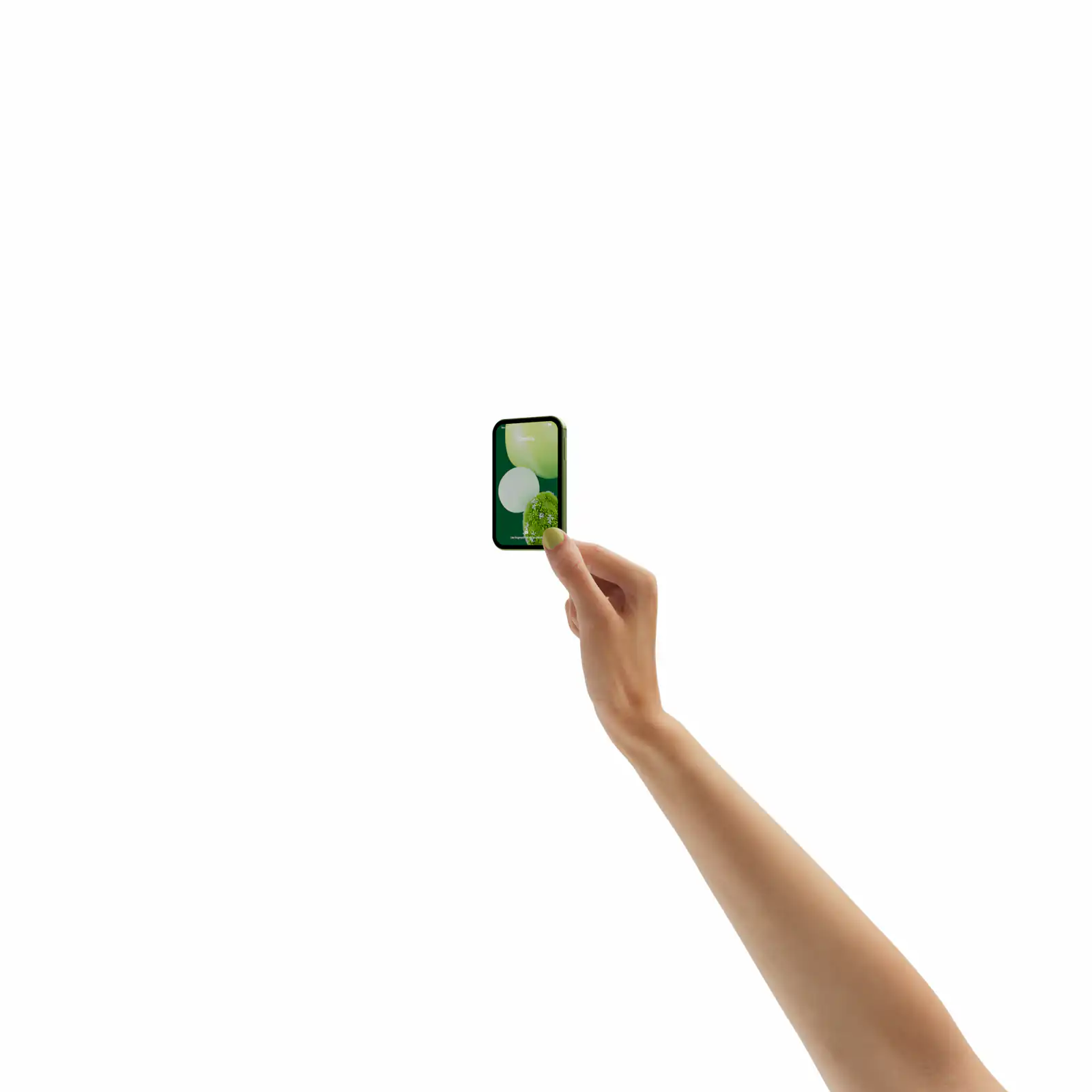
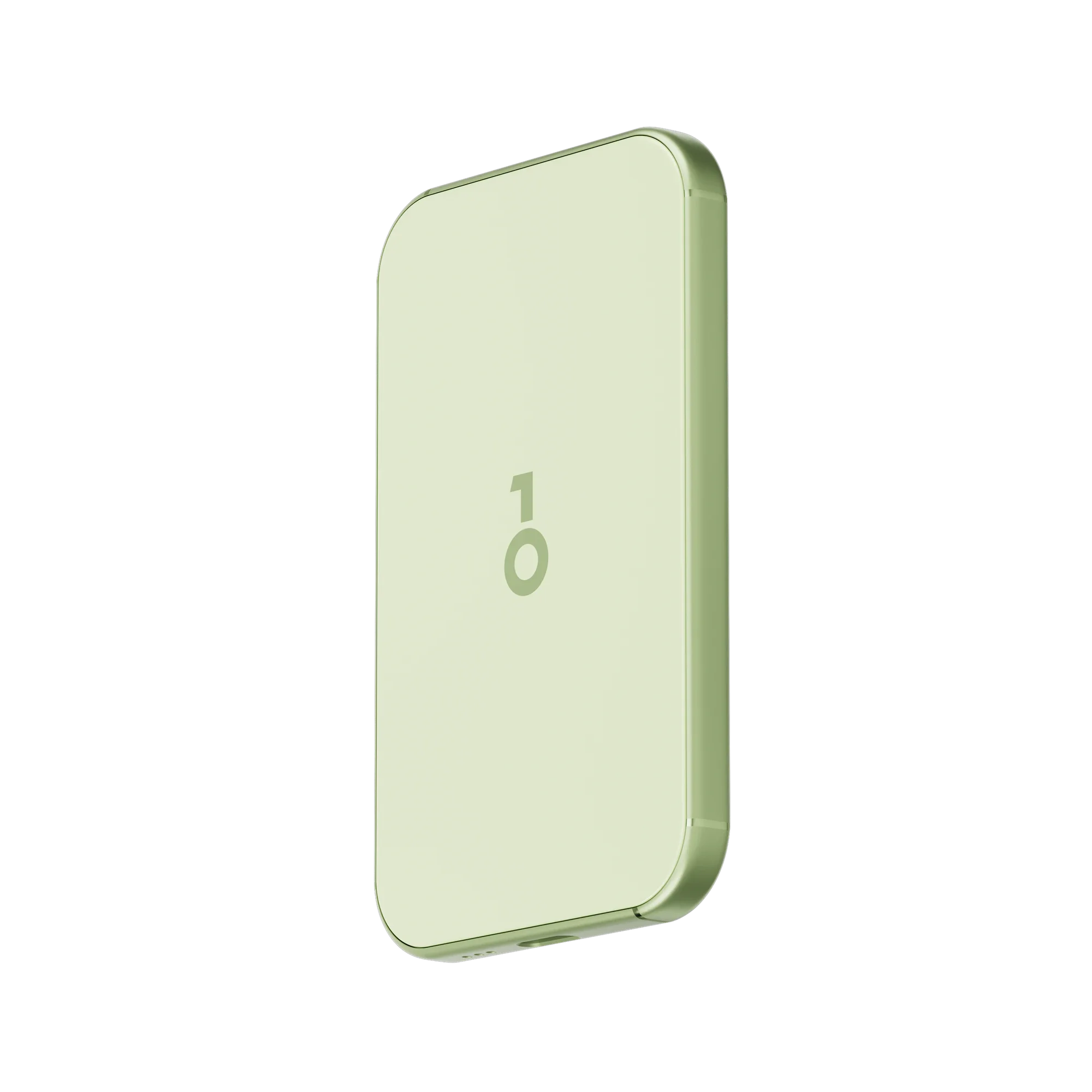
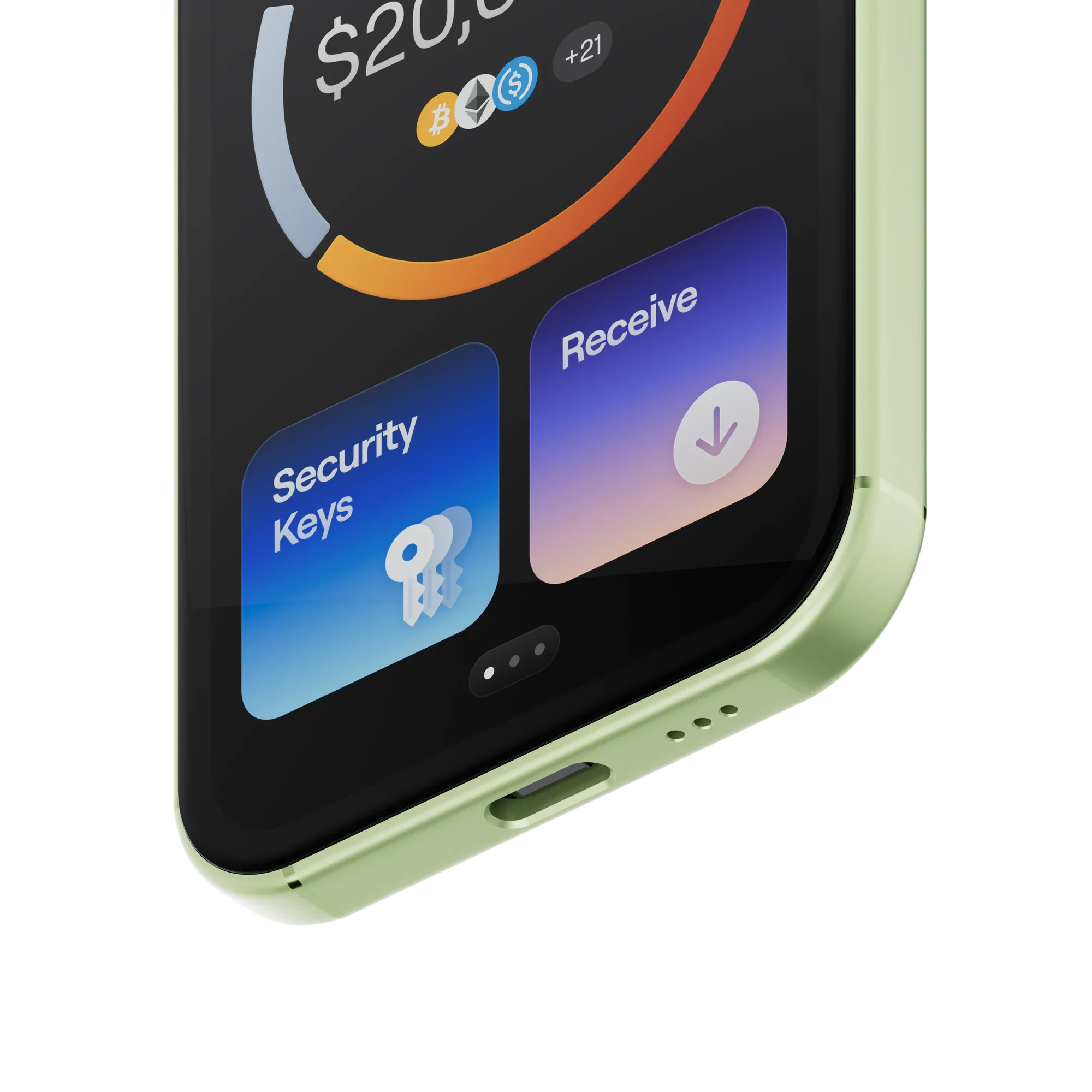
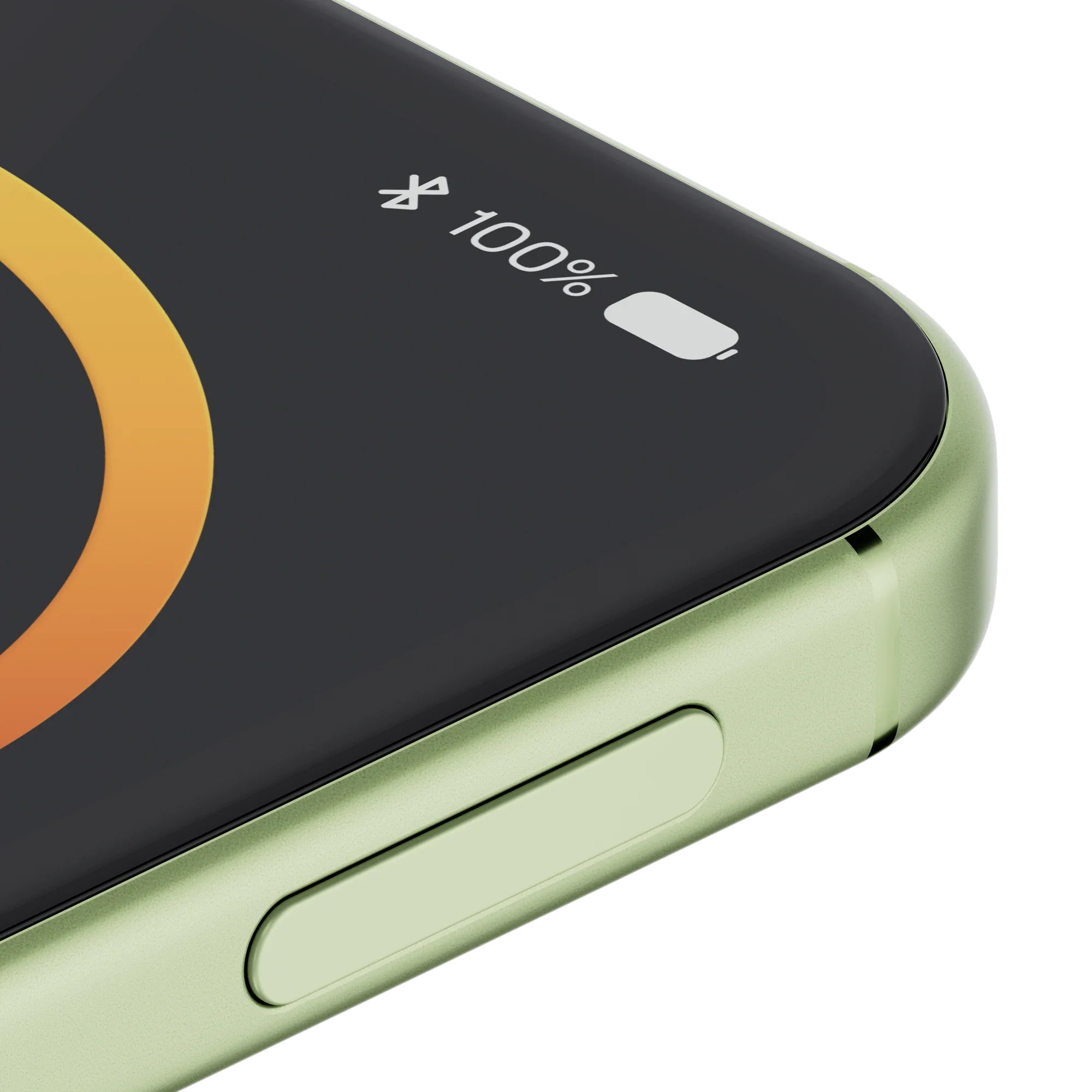
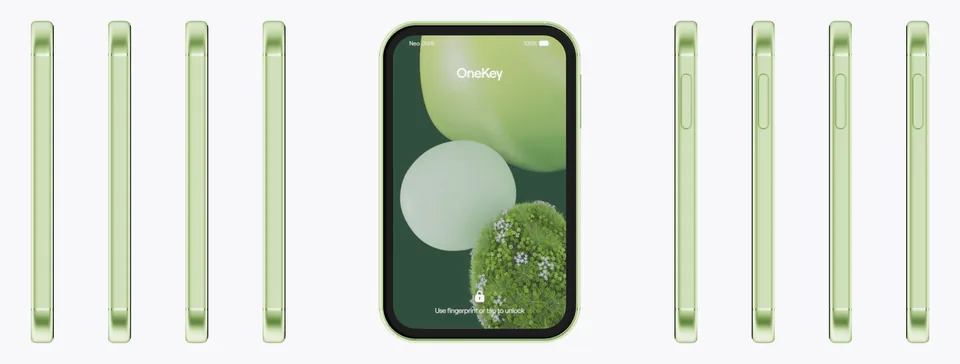
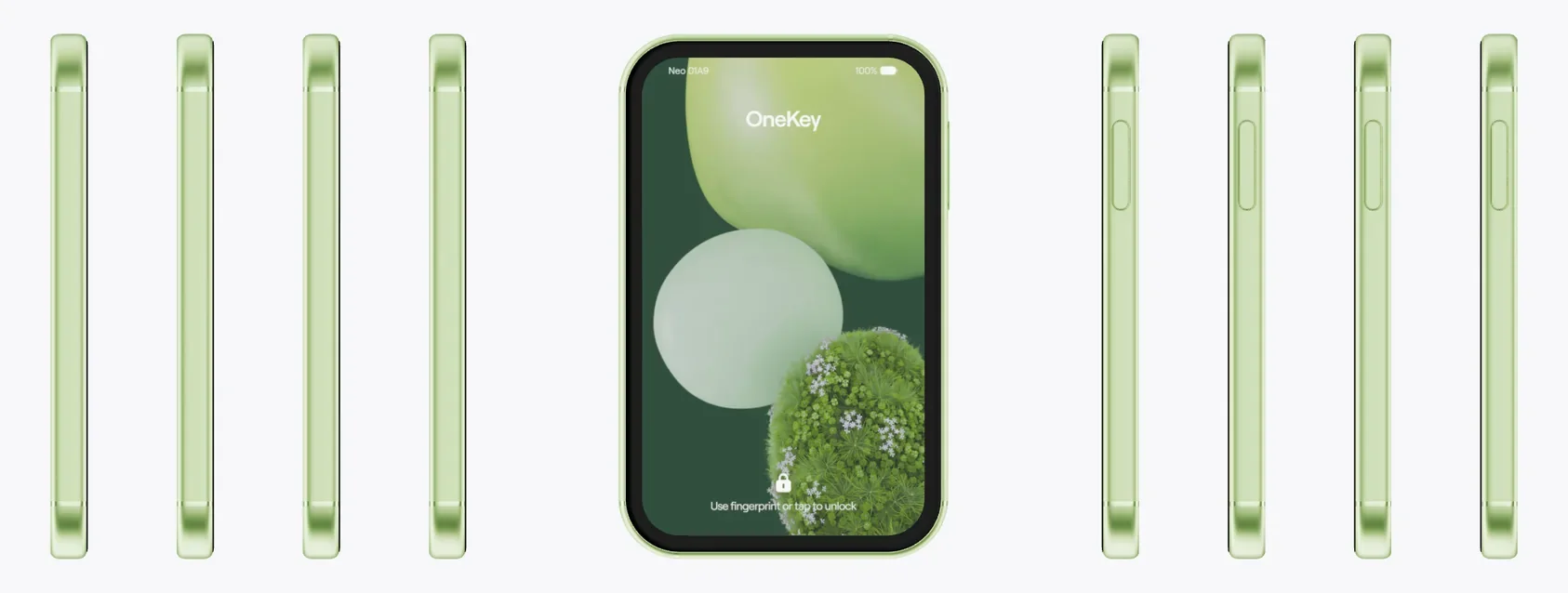
Colors with attitude, details with character. From the light fiberglass back to curves that sit right in your hand, Neo doesn’t just brighten your day. It’s made with care for every use.
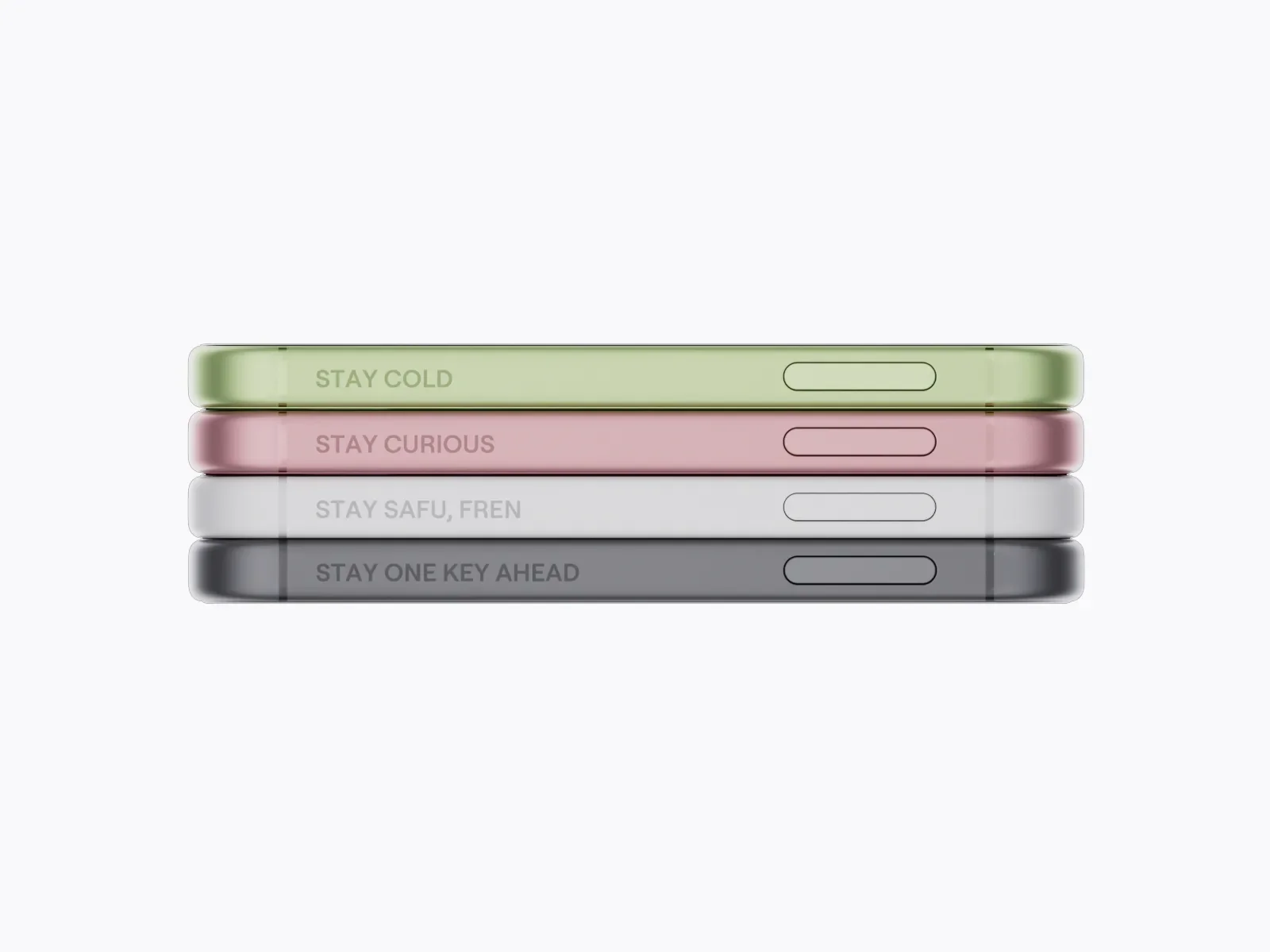
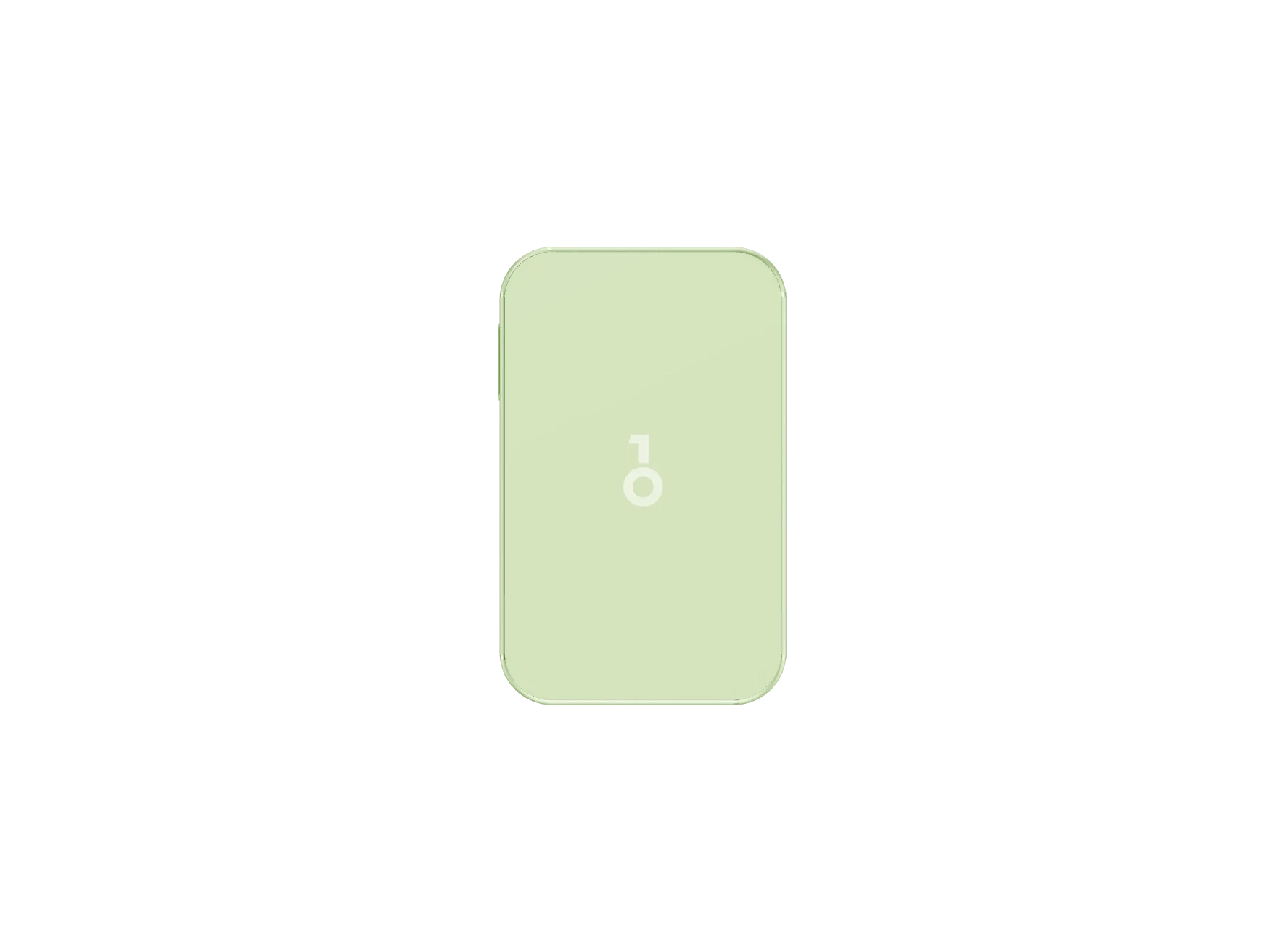
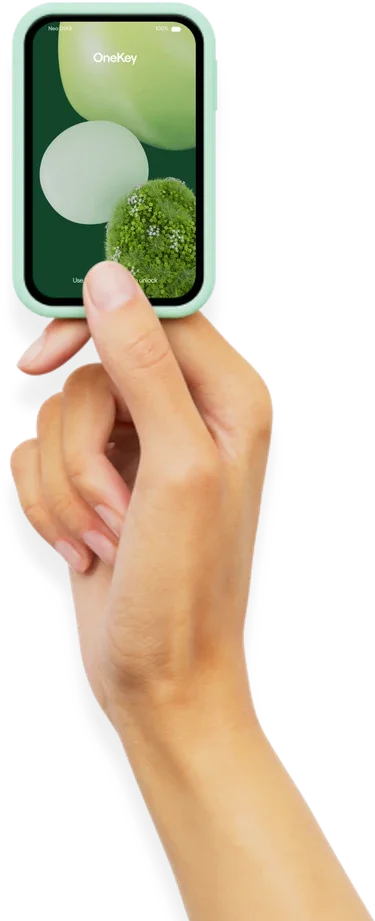
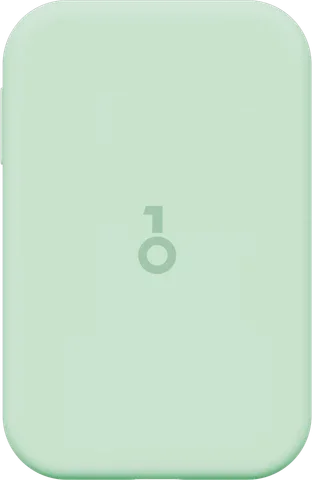
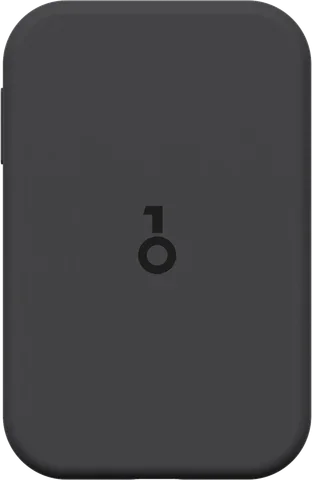
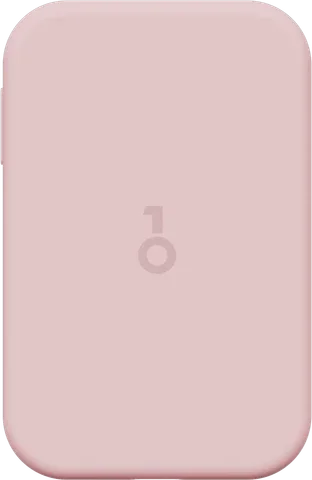
No need to look like everyone else. Four colors. Pick the one that’s yours.
System
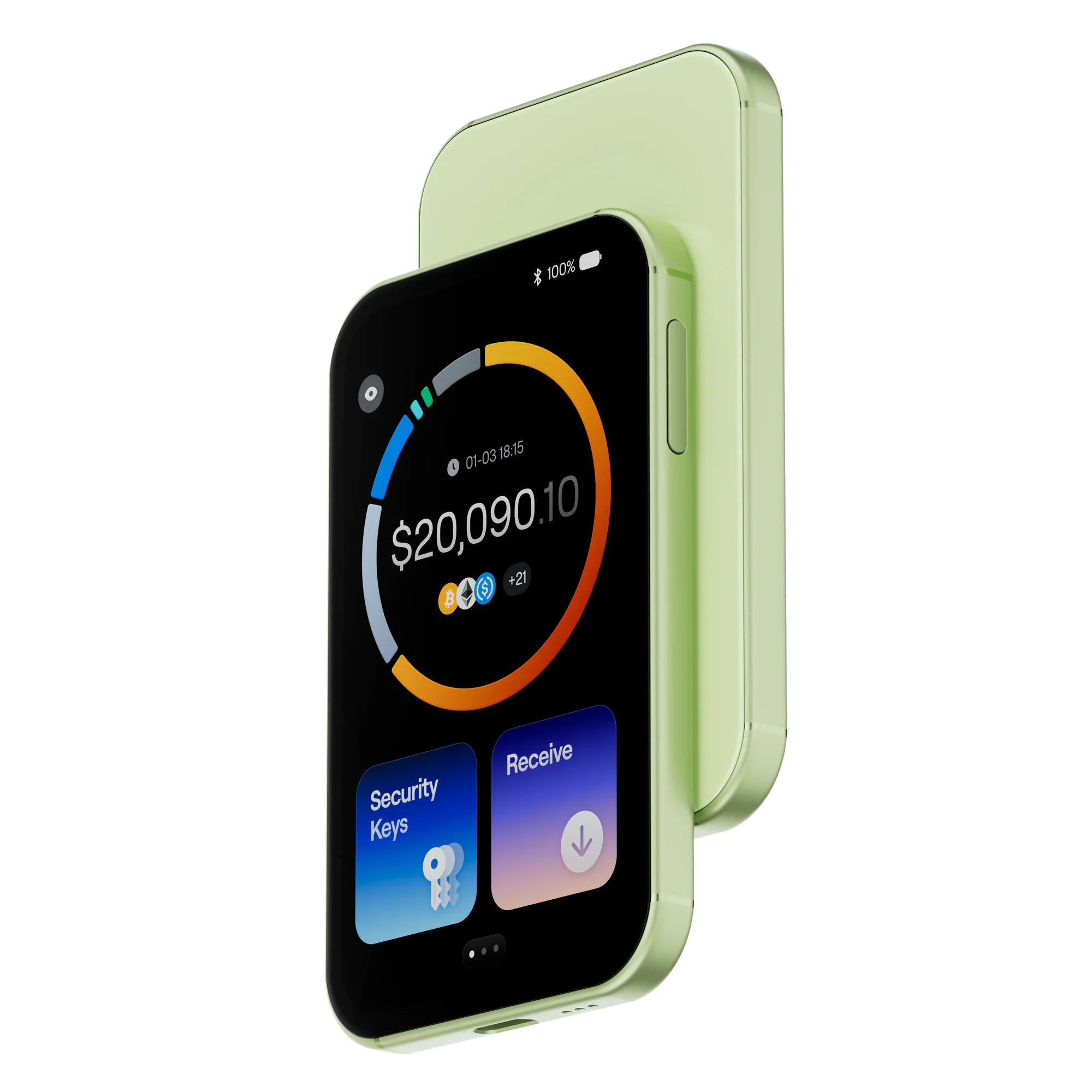
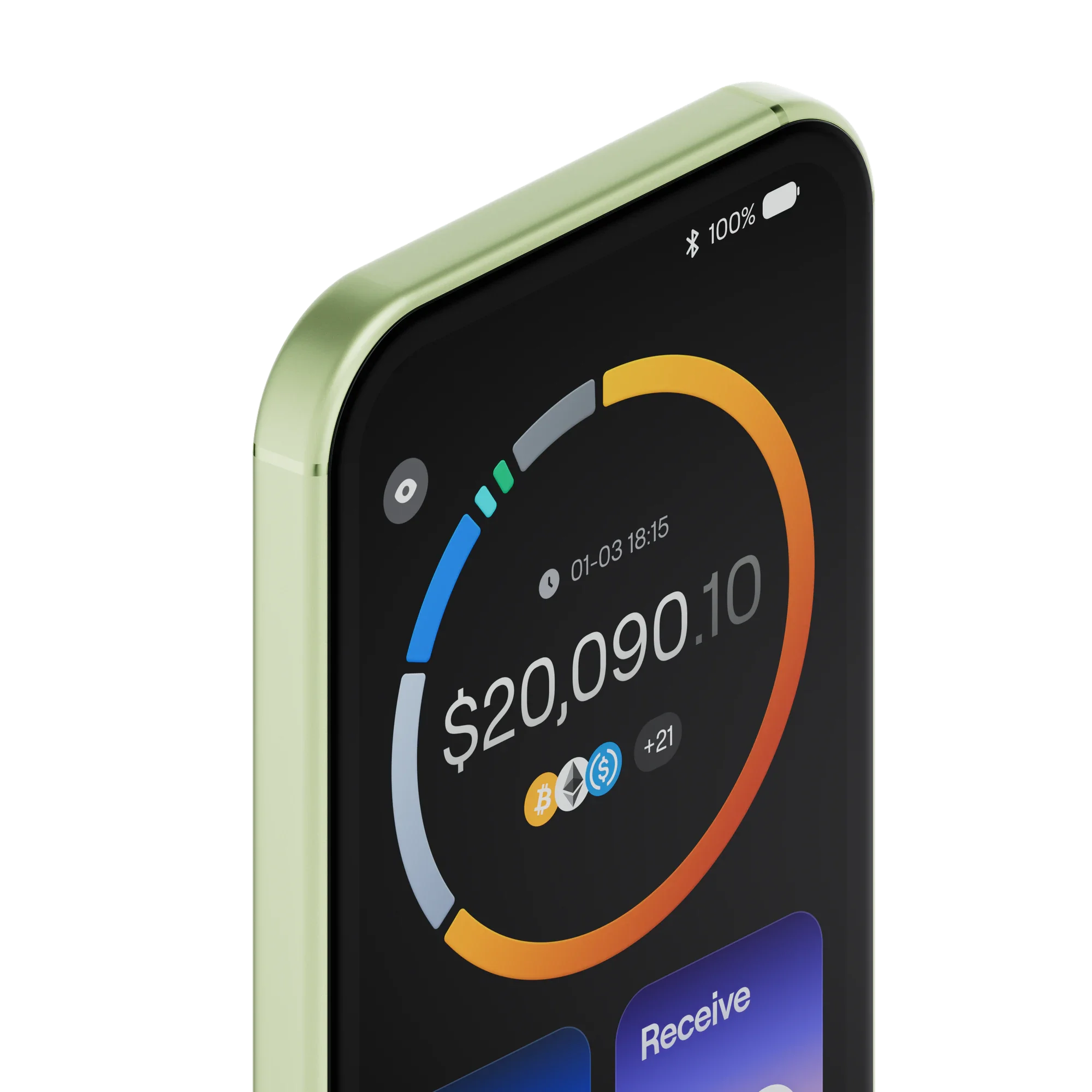
See balances across chains, account status, and key changes, right on Neo. Your latest holdings, whenever you look.
Requires the OneKey App for the full experience.
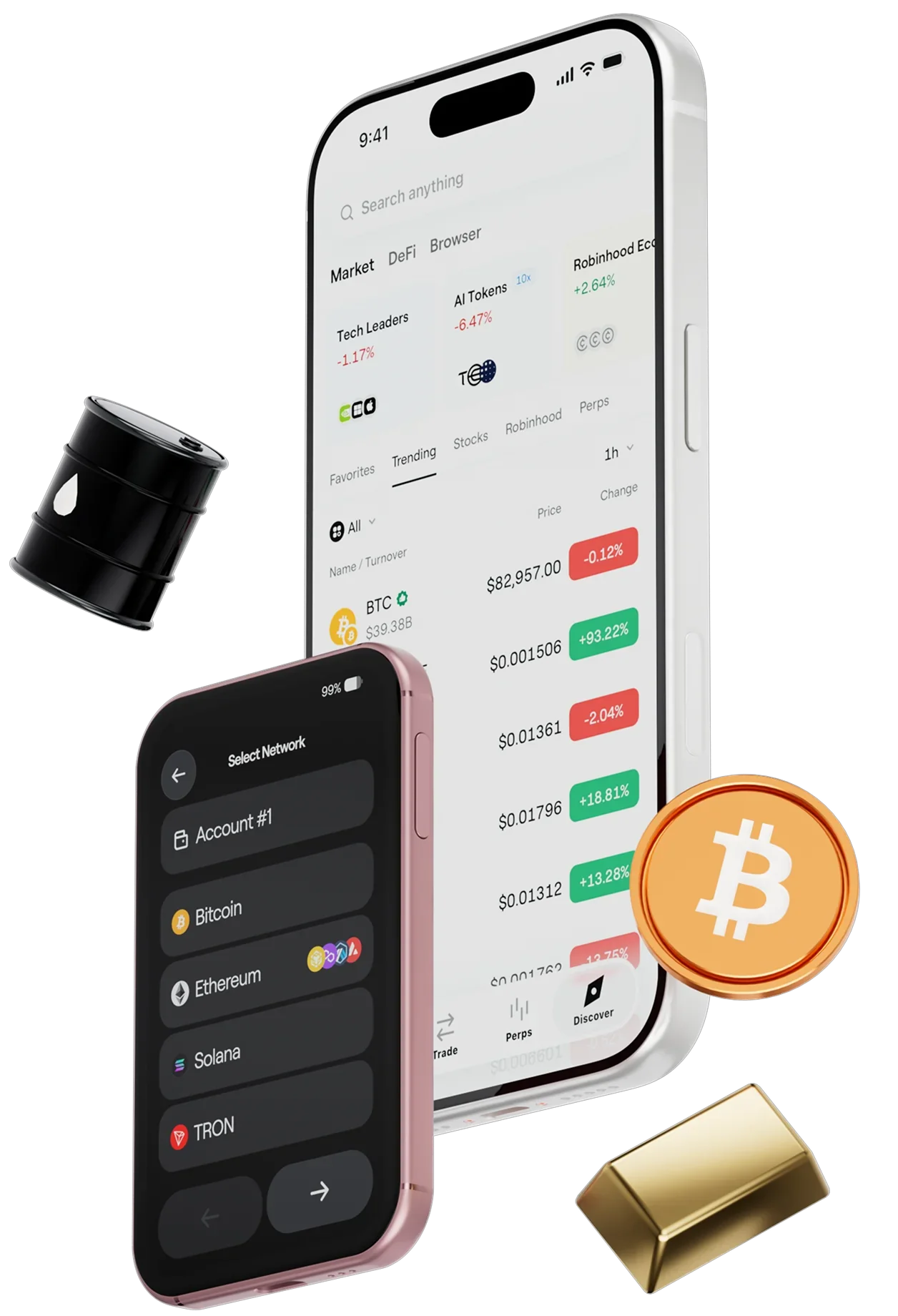
Clearer layouts and more intuitive icons put what matters right in view. It feels familiar from the very first time.
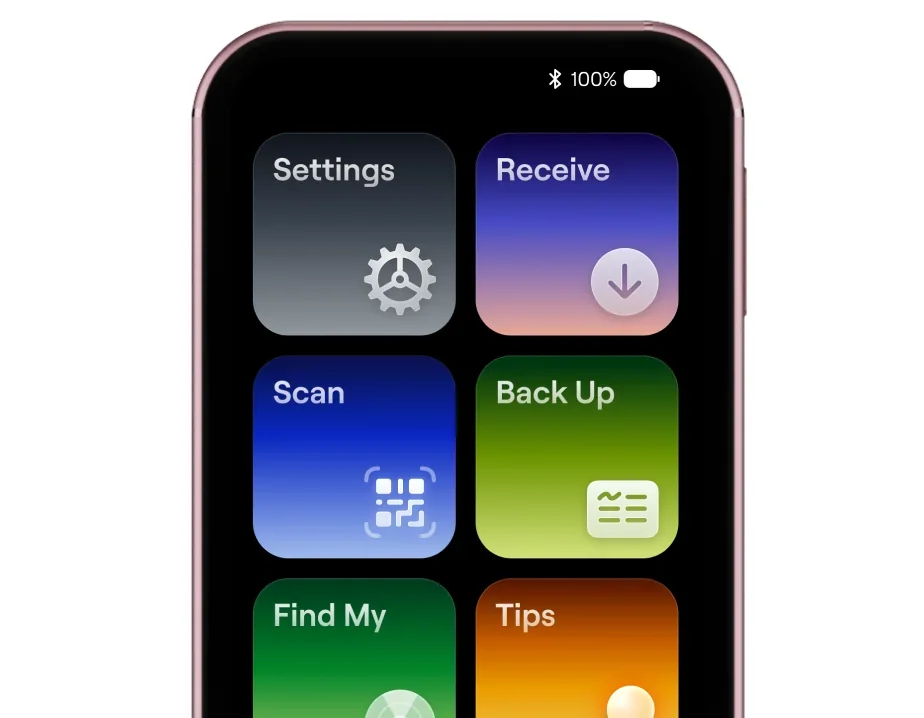
A fully rebuilt runtime architecture increases frame rates by over 60%. Scrolling, animations, and transitions keep pace with you.
Set a wallpaper you love. Every time the screen lights up, it’s a familiar smile, in a style that’s yours alone.
Experience
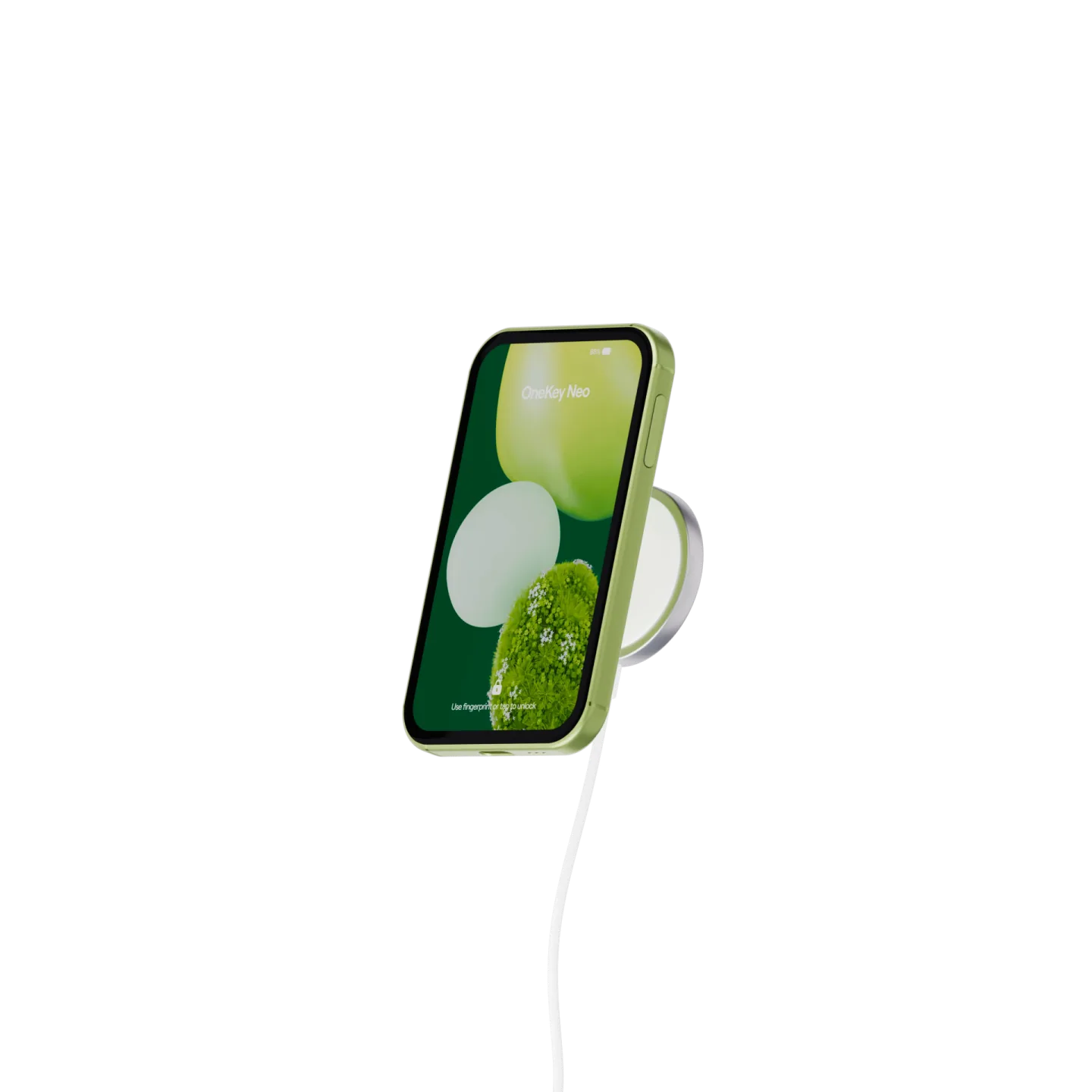
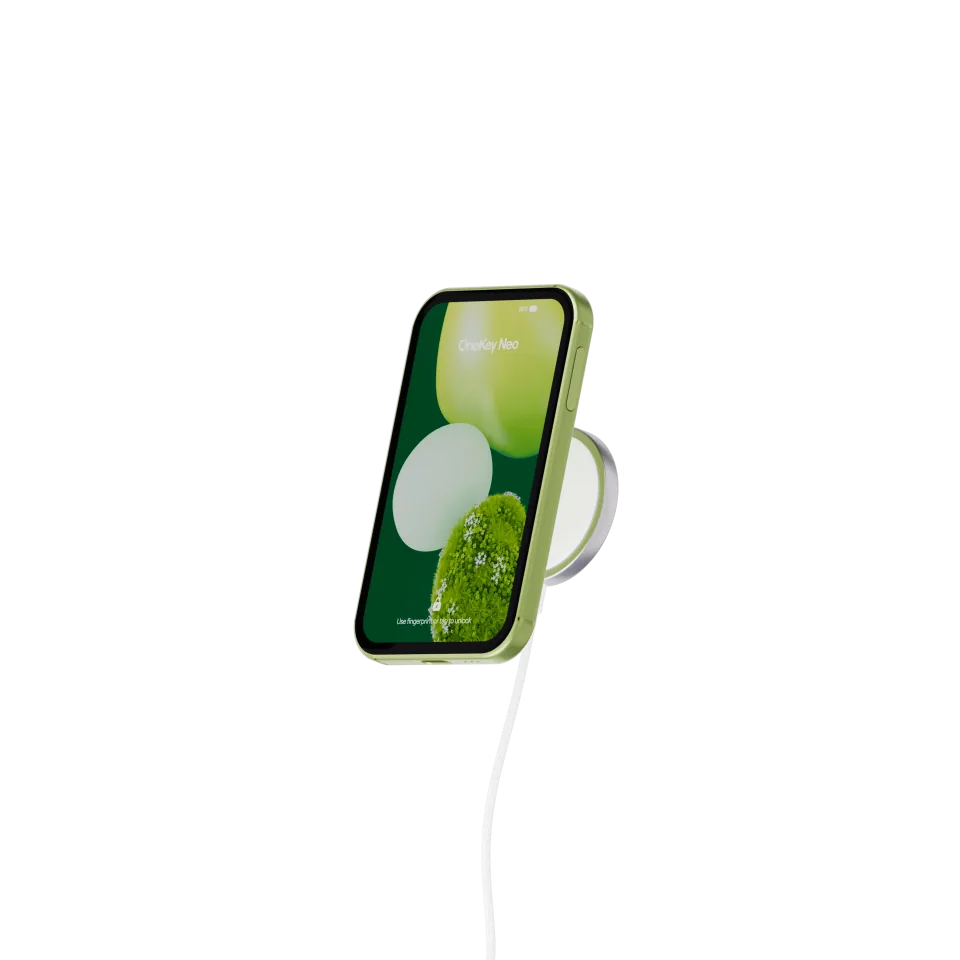
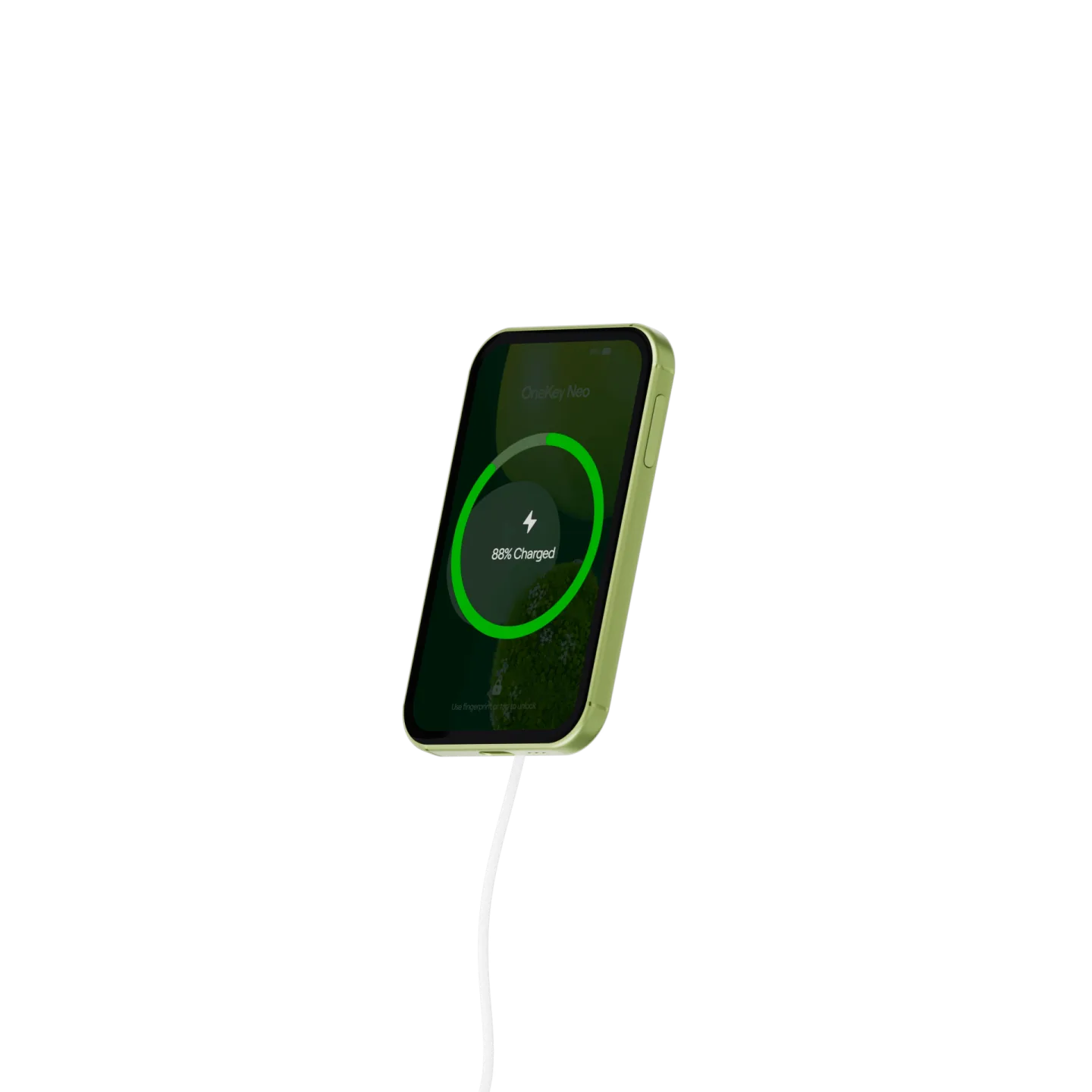
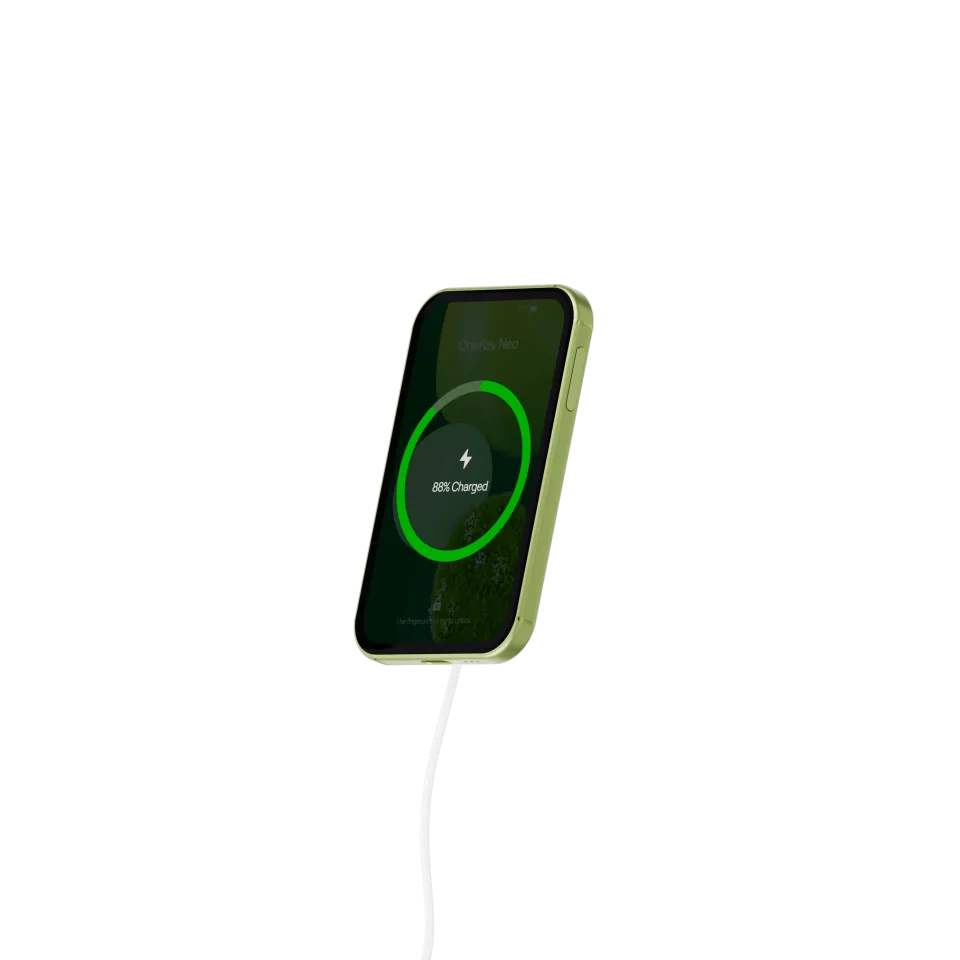
A large 700 mAh battery with wireless and USB-C charging. Just set Neo on a charging pad to top up.
*Compared with the first-generation OneKey Pro.
Hardware security
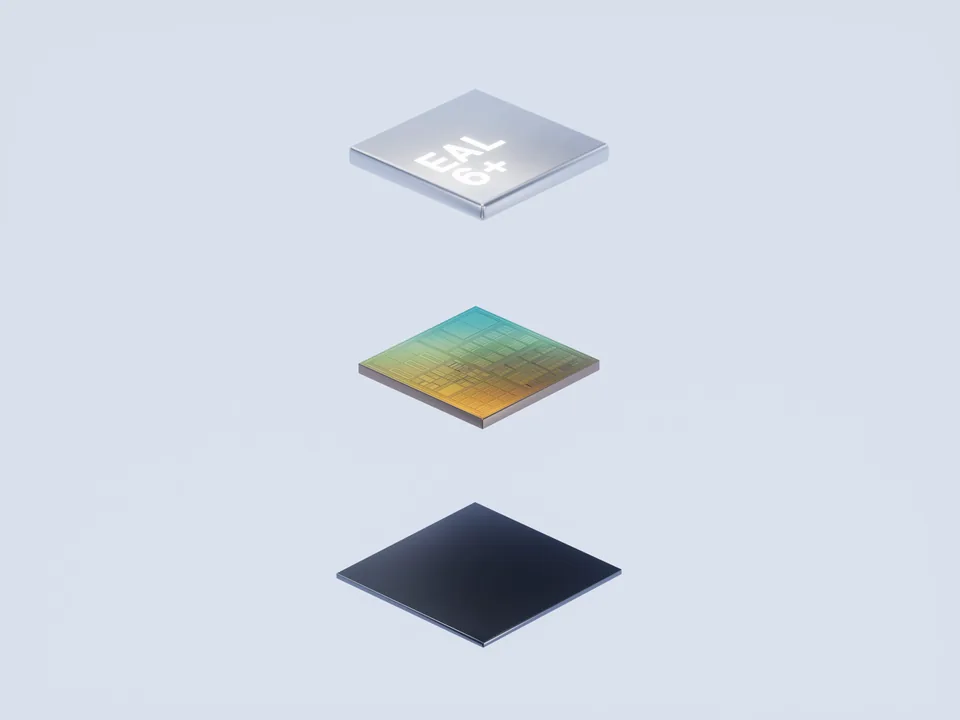
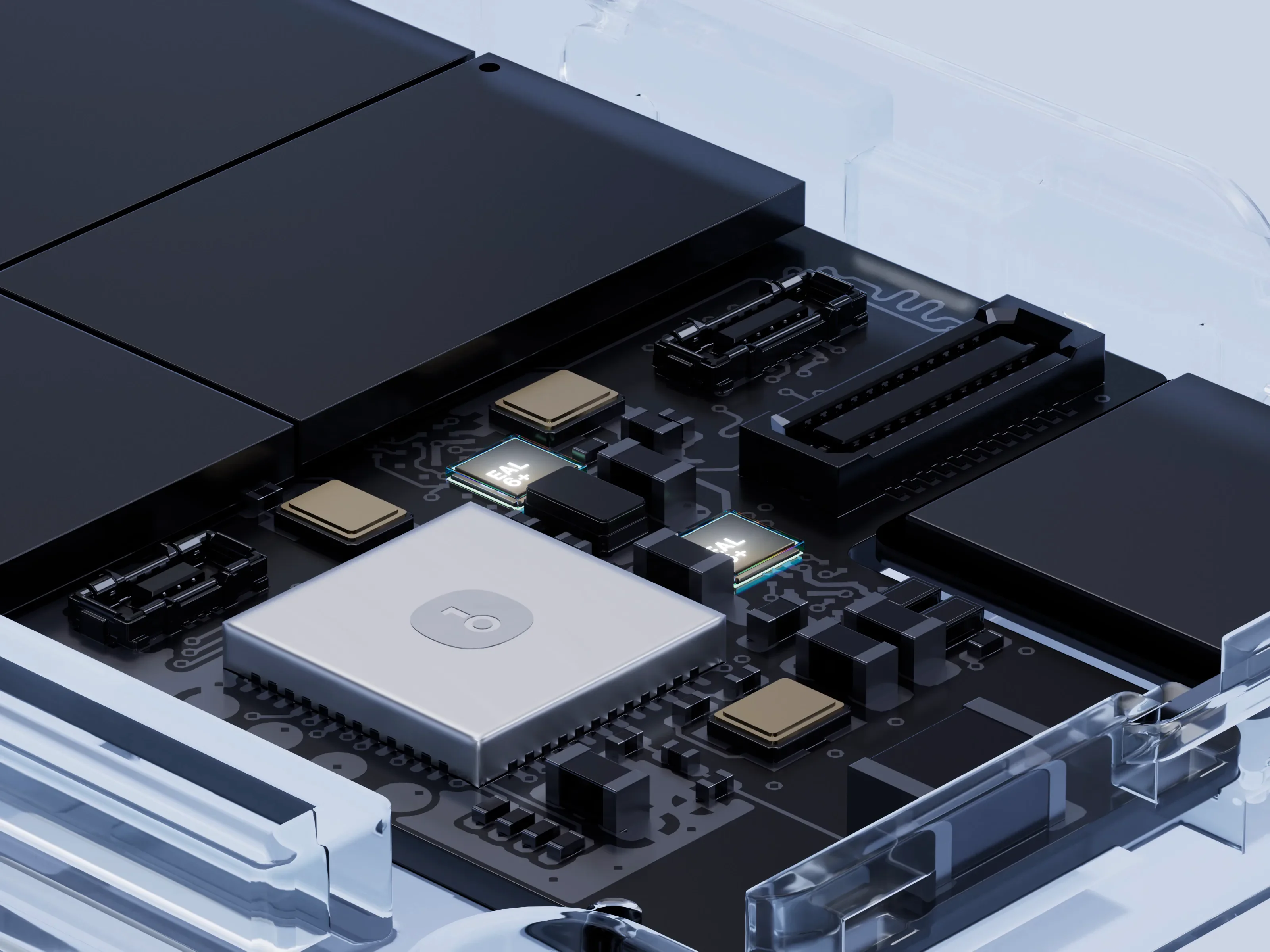
Two THD89 EAL6+ Secure Elements protect your private keys and PIN separately.
Style is up to you. Security is serious.
Transaction security
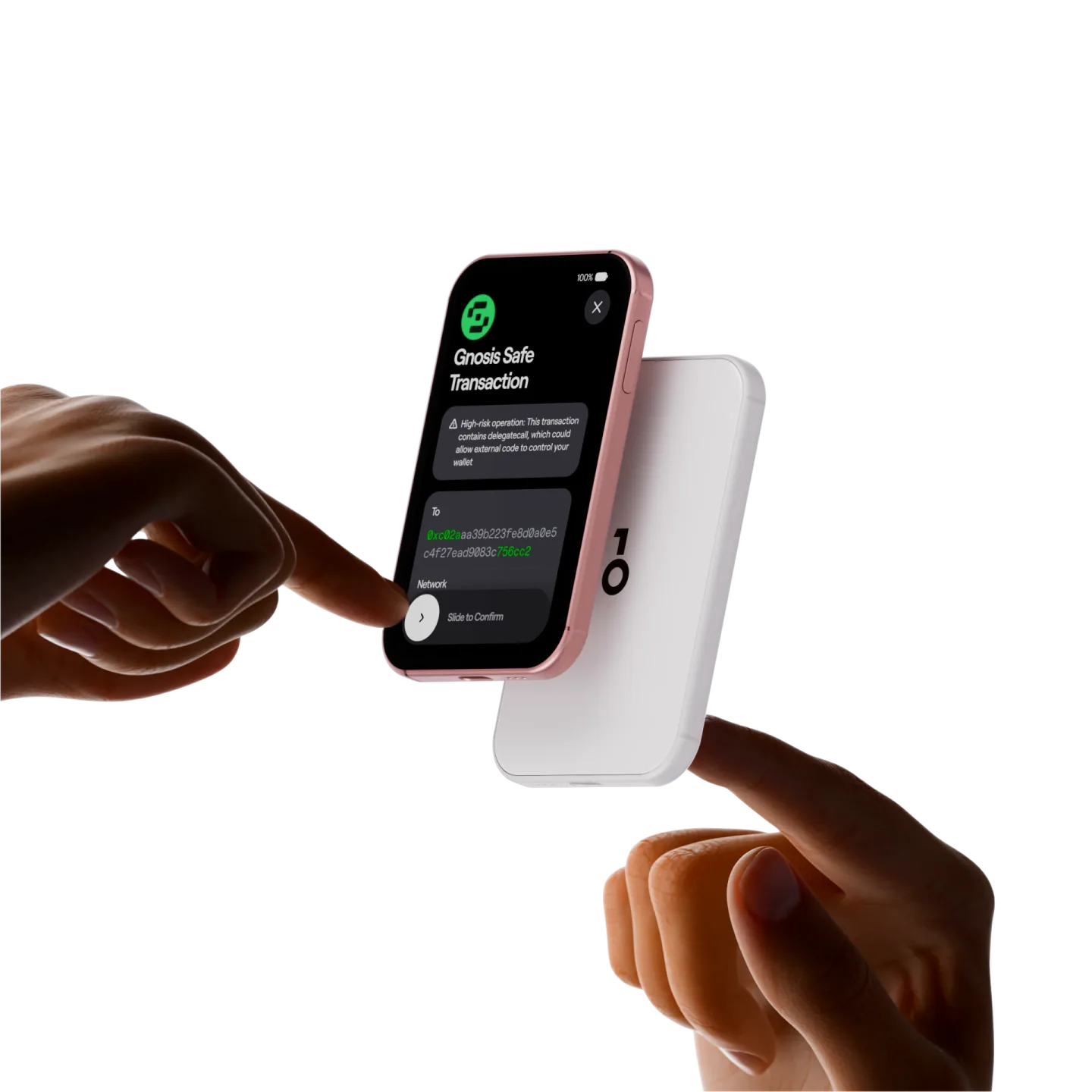
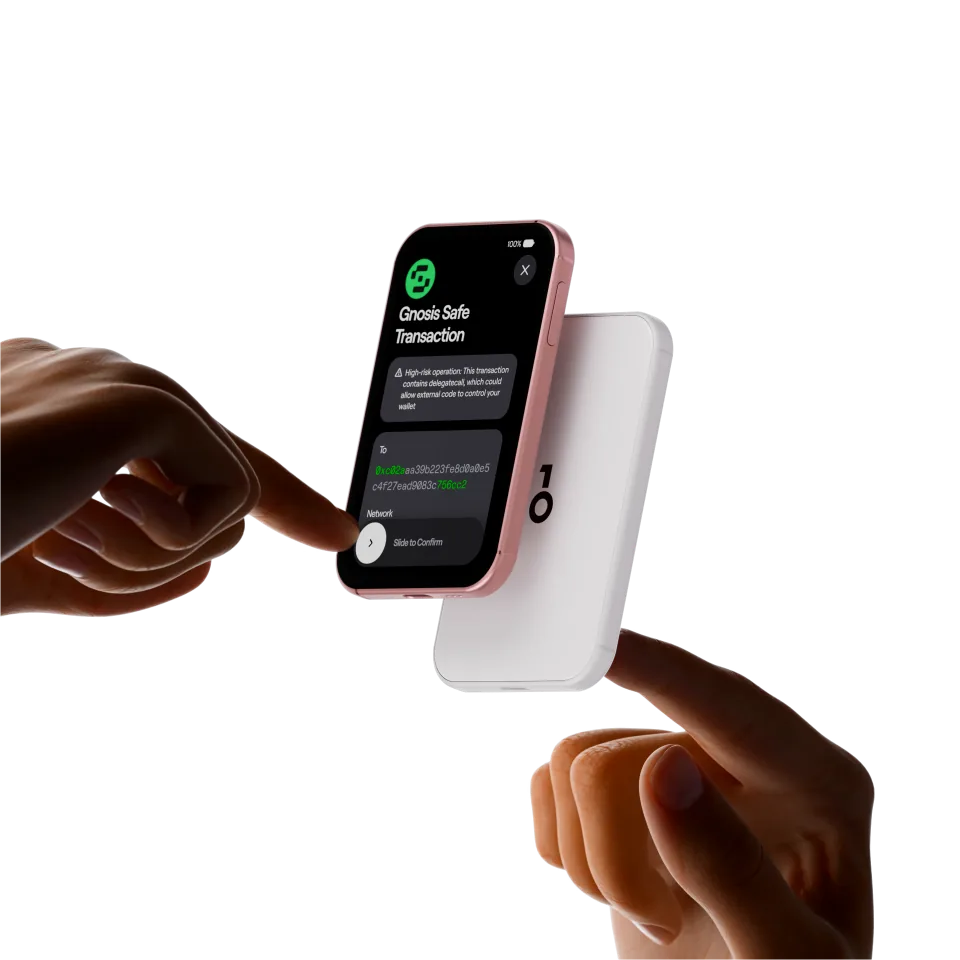
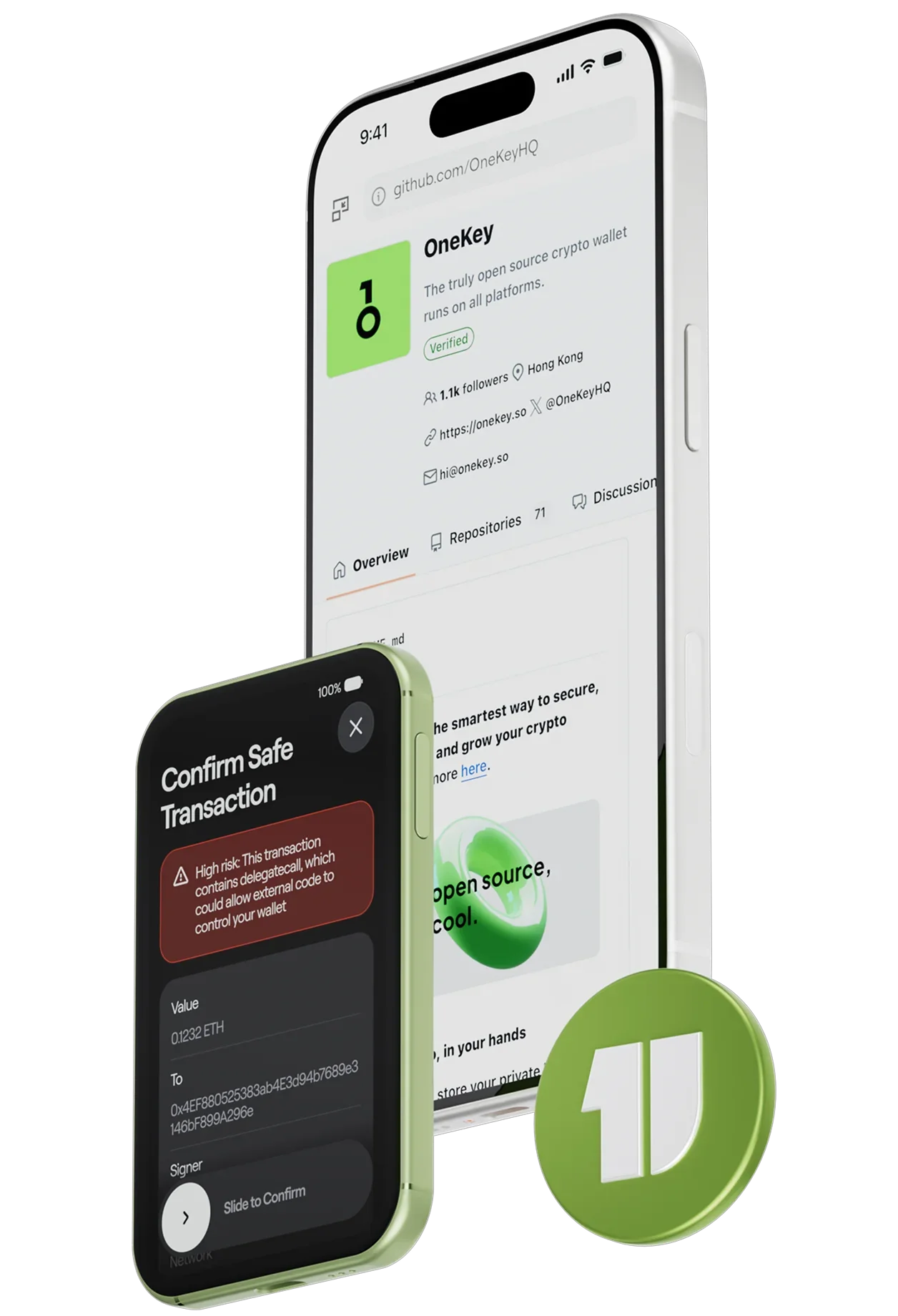
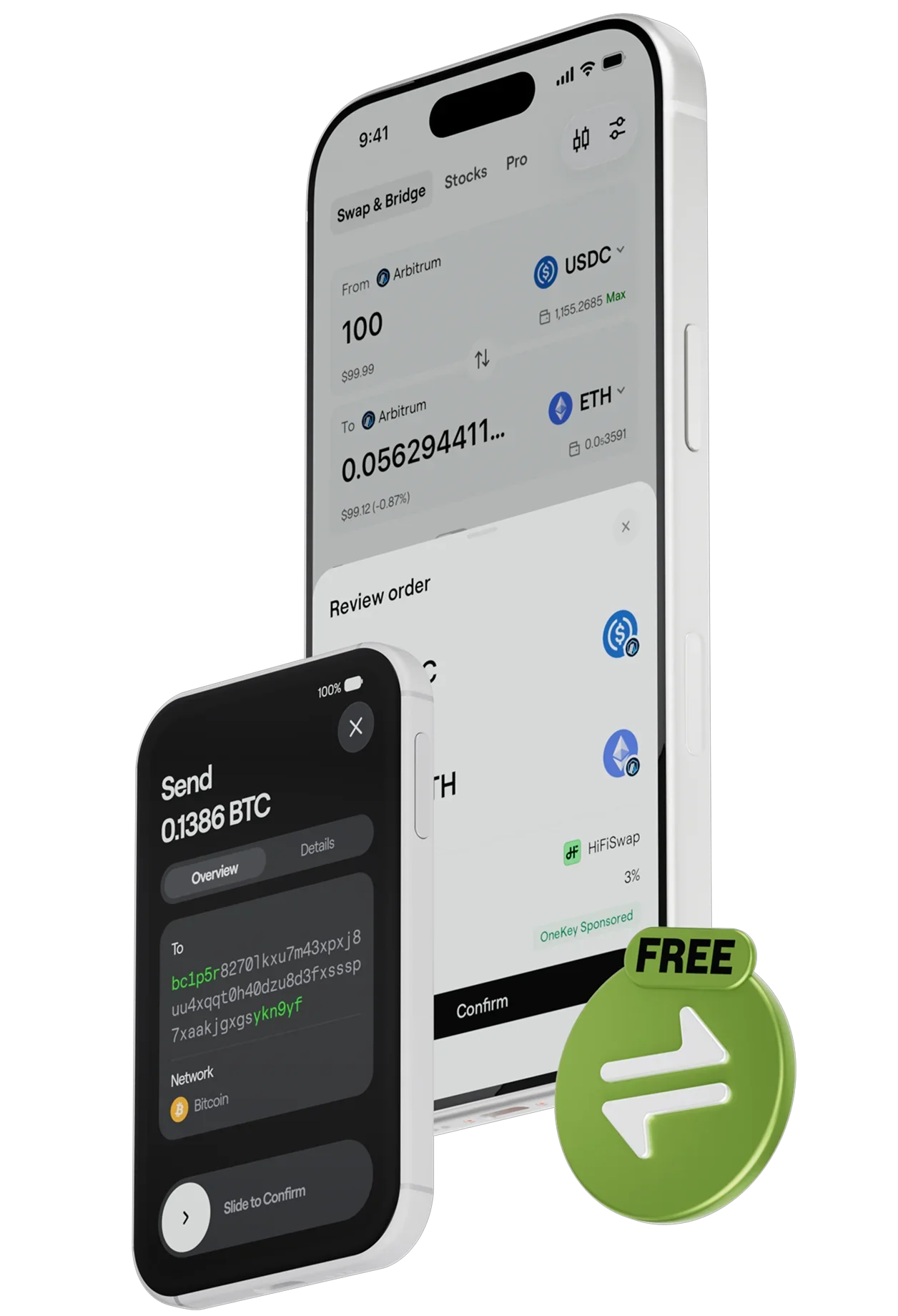
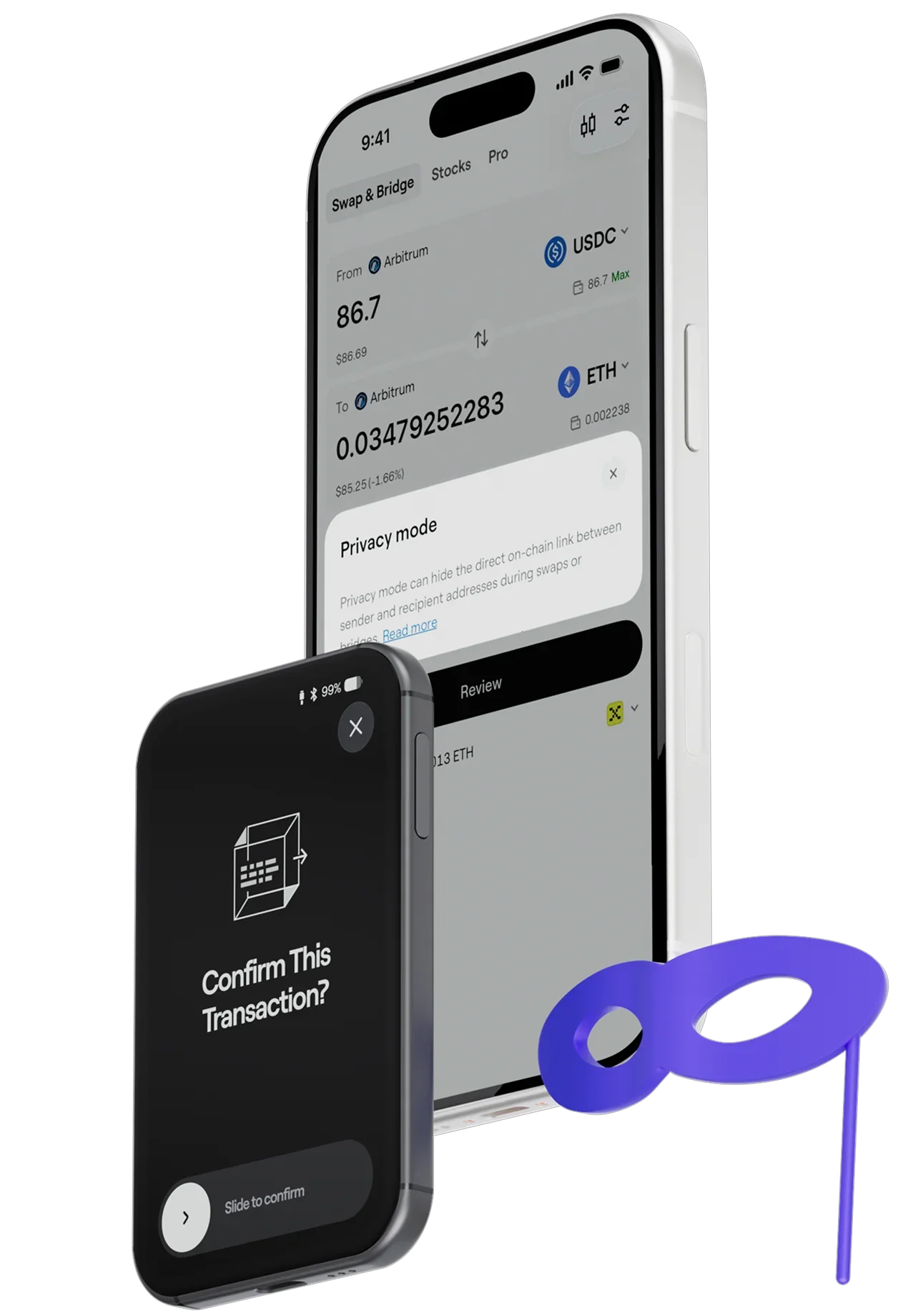
Clear Signing
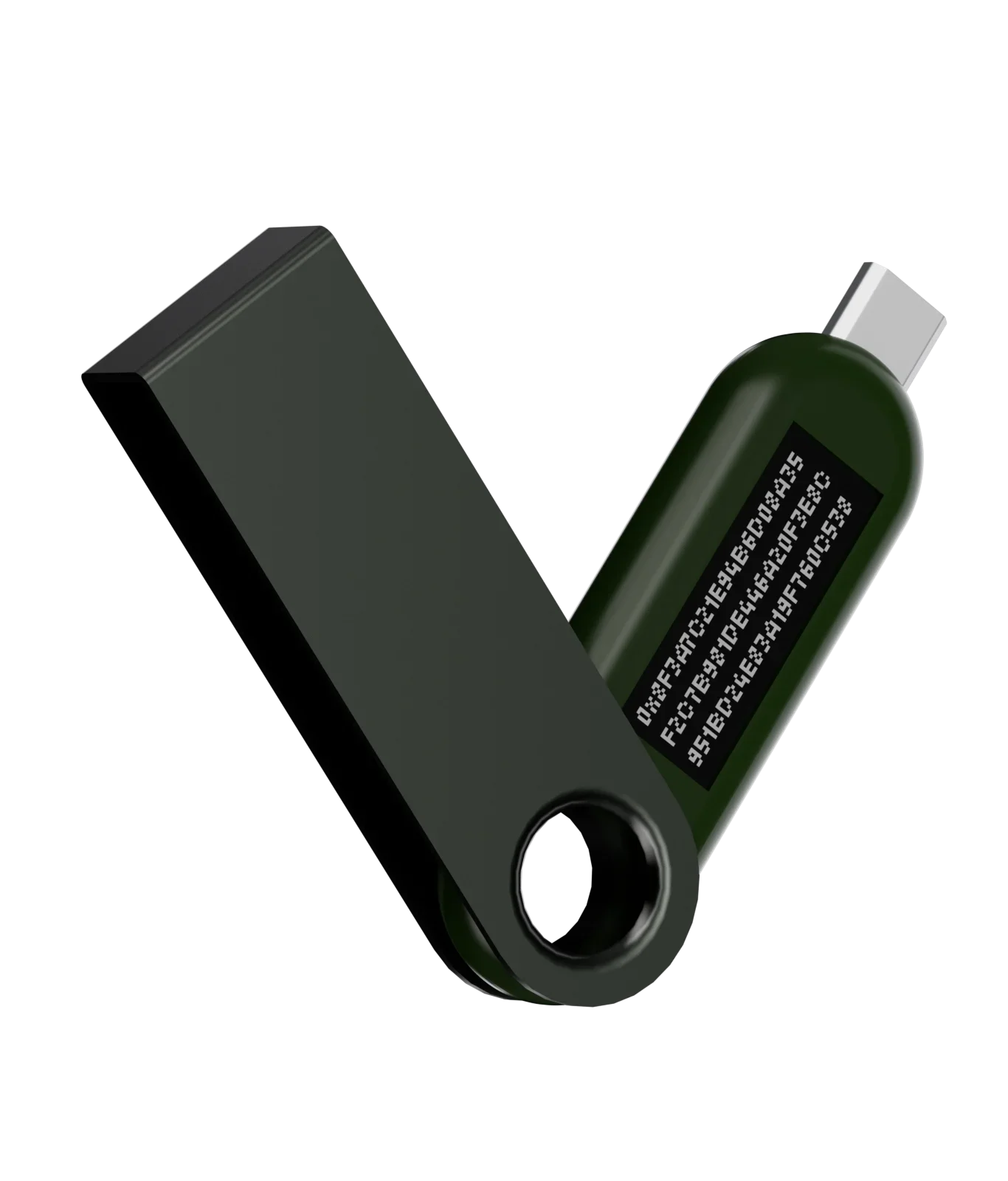
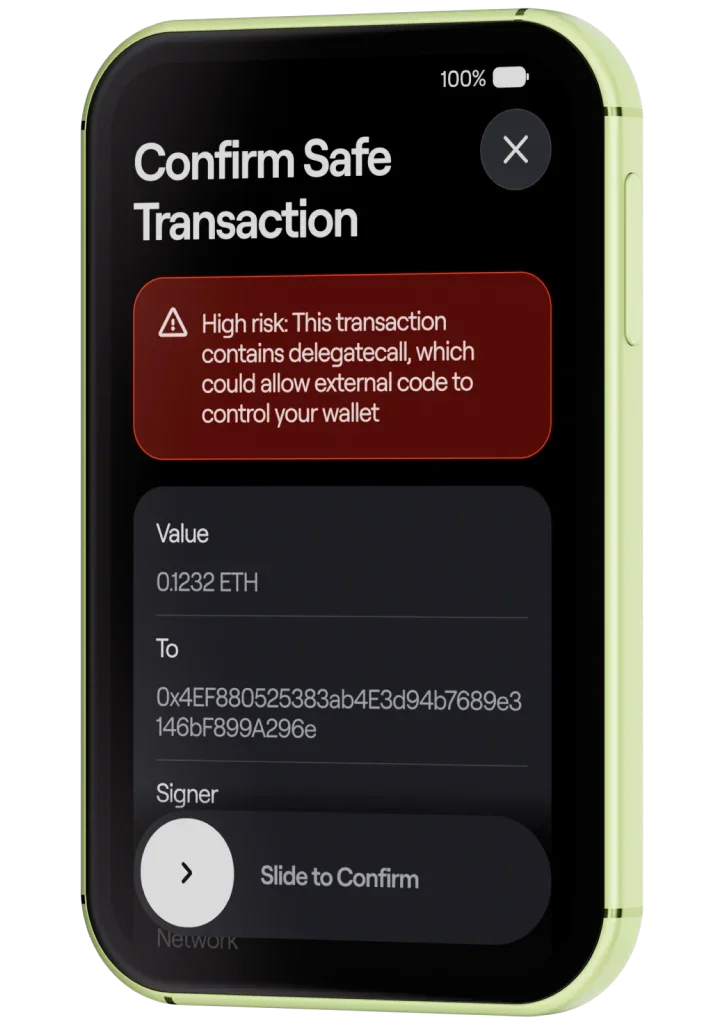
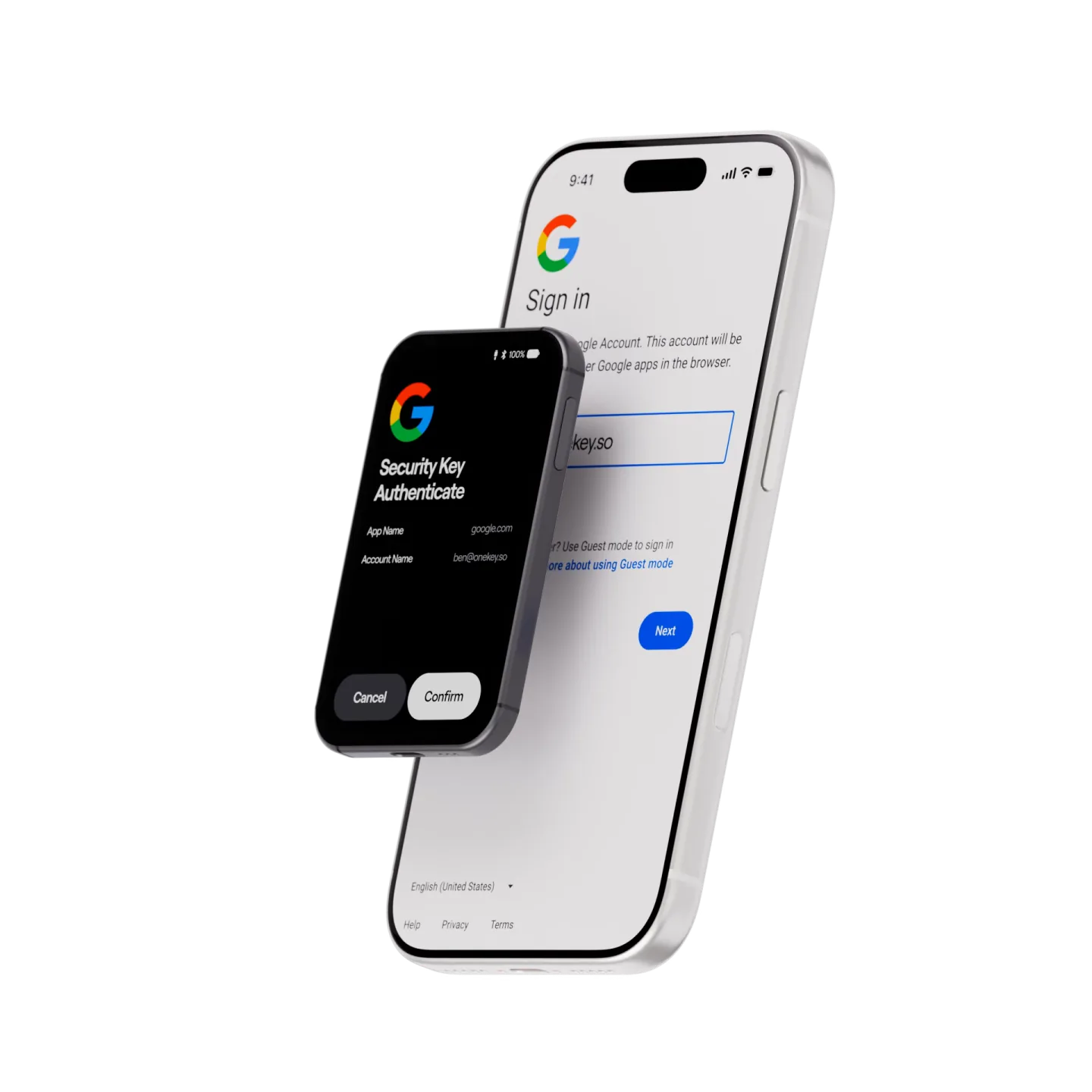
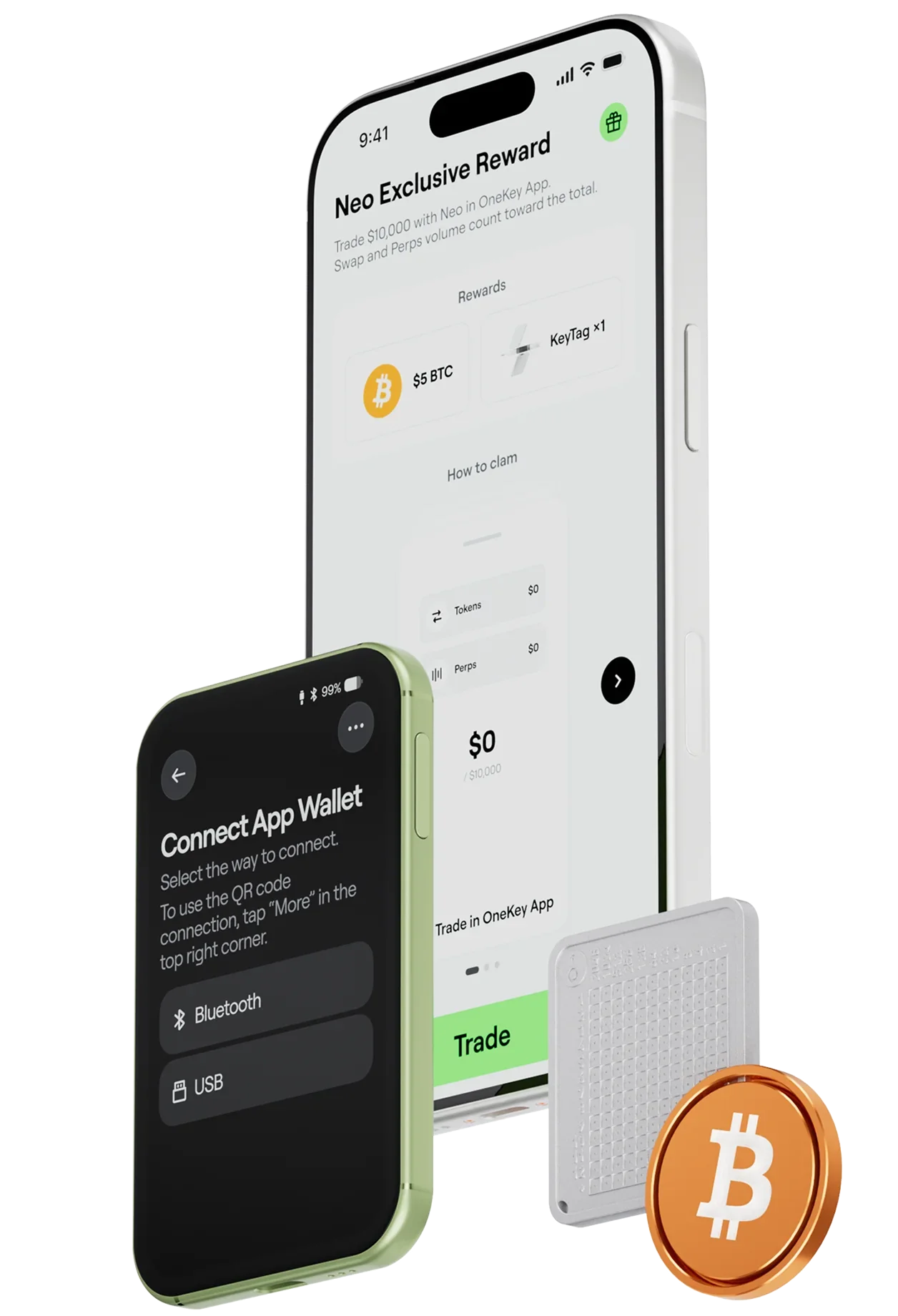
Site Scan flags phishing sites, risky dApps, malicious domains, and suspicious connections.
Approval and asset risk checks flag suspicious approval targets, unlimited permissions, fake tokens, and honeypot contracts.
Transaction simulation previews changes to your assets before you sign and flags unusual contract calls.
KYT helps identify risks associated with recipient addresses and the source of funds.
Open source
We don’t just tell you it’s secure. We give you the means to verify it.
All software and firmware are open source, with independent audits by SlowMist and Keylabs.
Want to dig deeper? Export the device’s entropy data to check the quality of its randomness yourself.
Built for the future
From factory checks and your first unboxing to everyday unlocking, backup, and recovery, every step comes with protection.
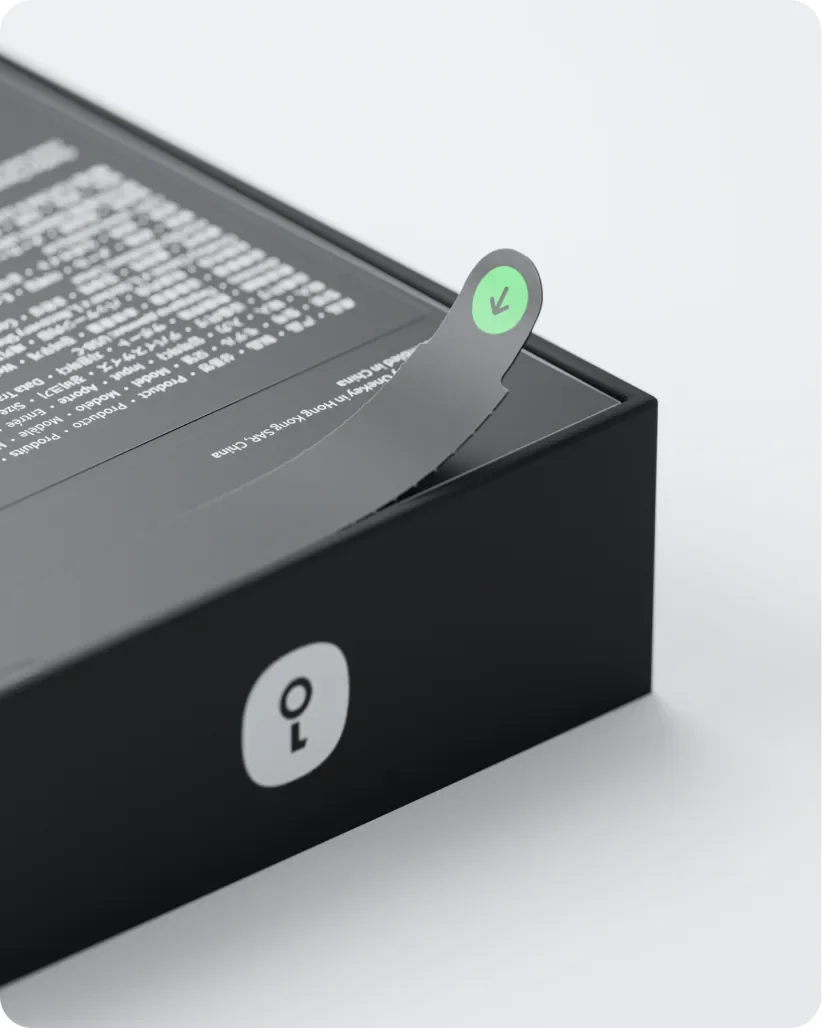
Anti-counterfeit packaging, tamper-resistant hardware, and first-use verification help confirm your device’s integrity.
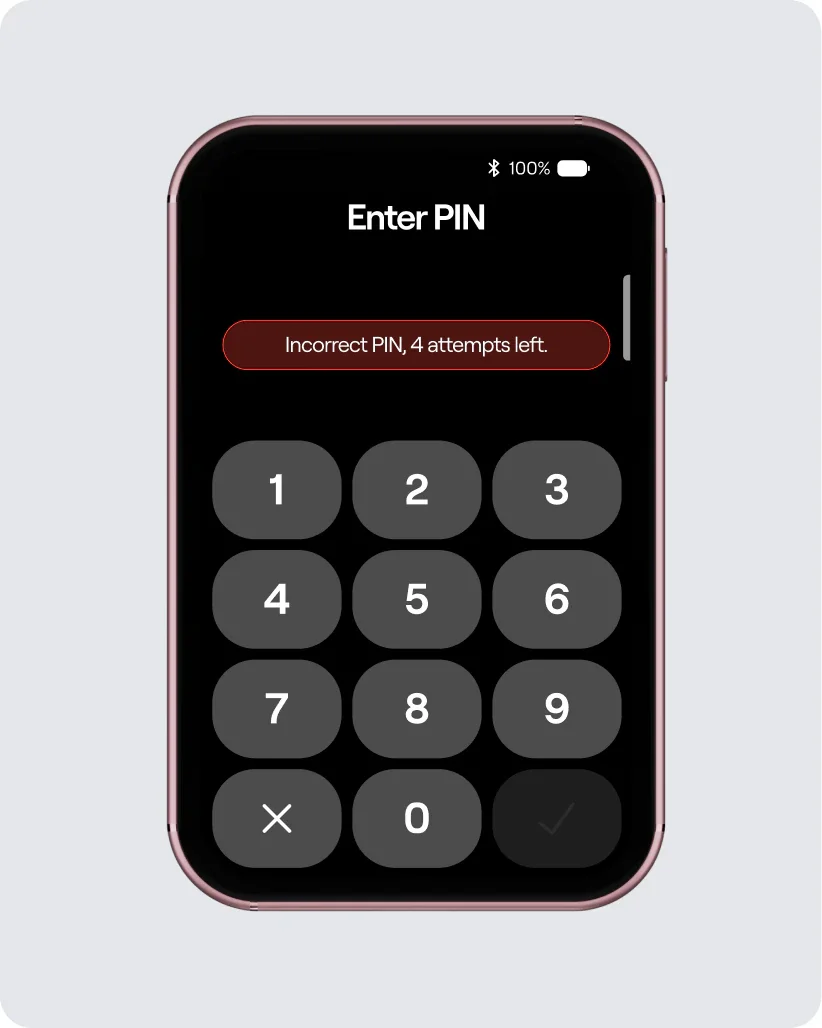
PIN protection and automatic erasure in response to abnormal activity help keep sensitive data from being exposed.
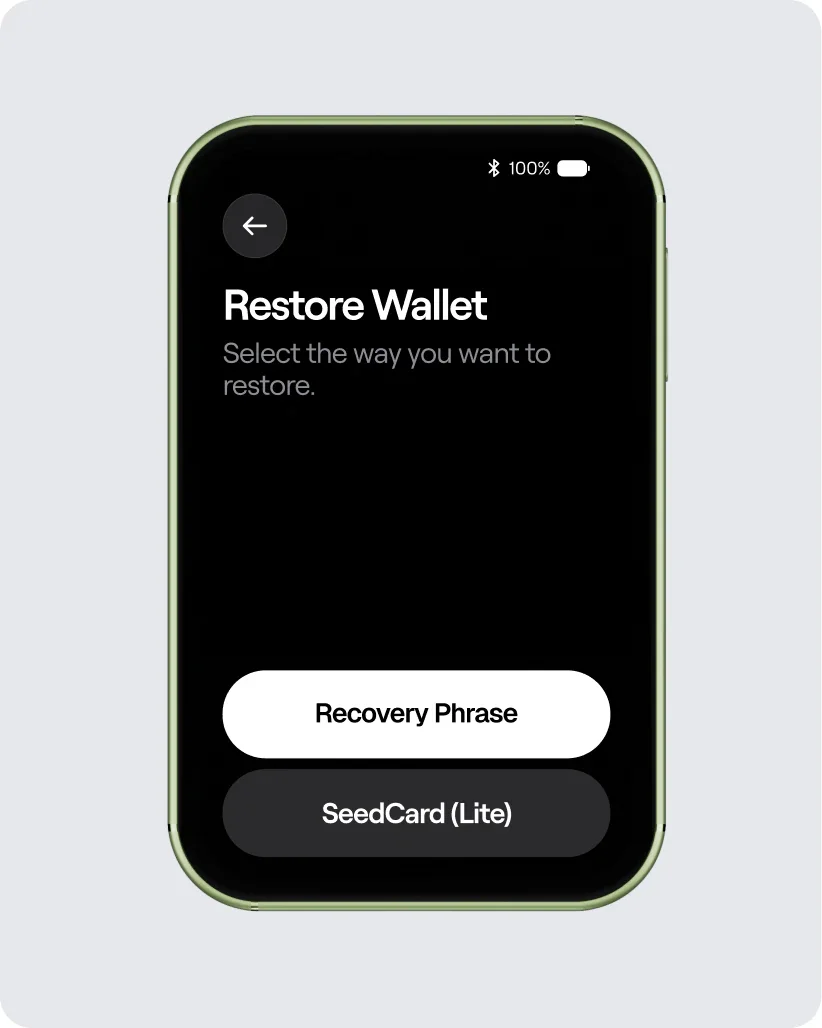
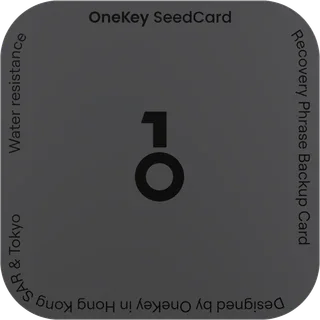
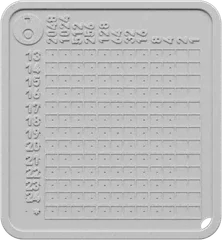
Keep your recovery phrase or SeedCard safe. Restore your wallet on a new device when you need to.
* Dimensions and weight may vary depending on the product manufacturing process.
*Typical laboratory results. Performance varies with temperature, usage, and self-discharge. For long-term storage, keep the device in a cool, dry place at 40%–60% charge.
Which one is right for you?
| OneKey Pro 2 | OneKey Neo | OneKey Classic 1S | |
|---|---|---|---|
| At a glance | |||
| Secure Element certification | 4 × EAL 6+ Chips | 2 × EAL 6+ Chips | 1 × EAL 6+ Chips |
| Display | 3.54" Color touchscreen | 3.54" Color touchscreen | 1.54" High-Contrast Monochrome Display |
| Display details | Full-color AMOLED touchscreen 1024 × 604 resolution Up to 800 nits brightness Corning® Gorilla® Glass 5 | Full-color AMOLED touchscreen 1024 × 604 resolution Up to 800 nits brightness Corning® Gorilla® Glass 5 | Monochrome OLED 128 × 64 resolution Anti-glare (AG) polarizer |
| Controls | Multitouch touchscreen | Multitouch touchscreen | Buttons |
| Portfolio overview | Yes | Yes | — |
| OneKey SeedCard | Yes | Yes | — |
| Air-Gap Signing | Camera-based QR signing | — | — |
| Fingerprint | Fingerprint | — | — |
| Haptic Feedback | Haptic Feedback | Haptic Feedback | — |
| Battery | 700 mAh · Wireless charging | 700 mAh · Wireless charging | 110 mAh |
| Apple Find My | Yes | — | — |
| NFT | NFT | NFT | NFT |
| Coins and tokens | 30,000+ supported | 30,000+ supported | 30,000+ supported |
| Security | |||
| SignGuard | SignGuard proactive risk detection | SignGuard proactive risk detection | SignGuard proactive risk detection |
| Clear Signing | Full transaction details on the device | Full transaction details on the device | Review offline. Confirm with buttons. |
| Digital key | Passkeys and TOTP 2FA TOTP 2FA coming soon | Passkeys and TOTP 2FA TOTP 2FA coming soon | — |
| Connectivity | USB-C · Bluetooth · QR codes · NFC | USB-C · Bluetooth · NFC | USB-C · Bluetooth |
| Quantum-Ready architecture | Hardware-level secure boot Quantum-ready architecture | Hardware-level secure boot Quantum-ready architecture | Hardware-level secure boot Quantum-ready architecture |
| Open source | Open-source security and design | Open-source security and design | Open-source security and design |
| Randomness testing | Export random source data for NIST SP 800-22 statistical testing | Export random source data for NIST SP 800-22 statistical testing | Export random source data for NIST SP 800-22 statistical testing |
| Technical Specifications | |||
| Materials | Frosted glass back Polished aluminum frame | Fiberglass back Anodized aluminum frame | High-strength PC+ABS polymer |
| Size and Weight | 84.9 × 53.2 × 6.2 mm 51 g | 84.9 × 53.2 × 6.1 mm 48 g | 86 × 52 × 5.2 mm 20.5 g |
| Display | 3.54-inch color AMOLED touchscreen 1024 × 604 resolution Up to 800 nits brightness Capacitive multitouch | 3.54-inch color AMOLED touchscreen 1024 × 604 resolution Up to 800 nits brightness Capacitive multitouch | Monochrome OLED 128 × 64 resolution Anti-glare (AG) polarizer Review and confirm with buttons |
| Temperature | Operating: 0–45 °C (32–113 °F) Storage: −10–45 °C (14–113 °F) | Operating: 0–45 °C (32–113 °F) Storage: −10–45 °C (14–113 °F) | Operating: 0–45 °C (32–113 °F) Storage: −20–30 °C (−4–86 °F) |
| * Dimensions and weight may vary depending on the product manufacturing process. | |||
| Battery | |||
| Battery and cycle life | 700 mAh lithium-ion polymer battery Nominal voltage: 3.85 V At least 500 cycles with at least 80% capacity remaining | 700 mAh lithium-ion polymer battery Nominal voltage: 3.85 V At least 500 cycles with at least 80% capacity remaining | 110 mAh lithium-ion polymer battery Nominal voltage: 3.7 V Full-charge voltage: 4.20 V At least 300 cycles with at least 80% capacity remaining |
| Charging and storage | Wireless charging USB-C charging (compatible with 5 V / 2 A) Can still power on after approximately 7 months stored fully charged and switched off* | Wireless charging USB-C charging (compatible with 5 V / 2 A) Can still power on after approximately 7 months stored fully charged and switched off* | USB-C charging (5 V / 2 A) Can still power on after approximately 7 months of storage from a full charge* |
| *Typical laboratory results. Performance varies with temperature, usage, and self-discharge. For long-term storage, keep the device in a cool, dry place at 40%–60% charge. | |||
| Backup and recovery | |||
| Backup and recovery | 12- or 24-word recovery phrases 20-word SLIP-39 backup shares | 12- or 24-word recovery phrases 20-word SLIP-39 backup shares | 12- or 24-word recovery phrases |
| Compatibility | |||
| USB-C | Send, receive, stake, and trade | Send, receive, stake, and trade | Send, receive, stake, and trade |
| Desktop | Windows 10+ macOS 10.11+ Ubuntu 12.04+, Fedora 21+, Debian 8+ | Windows 10+ macOS 10.11+ Ubuntu 12.04+, Fedora 21+, Debian 8+ | Windows 10+ macOS 10.11+ Ubuntu 12.04+, Fedora 21+, Debian 8+ |
| Mobile | iOS 14.0+ Android 8.0+ | iOS 14.0+ Android 8.0+ | iOS 14.0+ Android 8.0+ |
| Privacy | |||
| Coin Control for greater privacy | Coming soon | Coming soon | Coming soon |
| Tor for identity protection | Coming soon | Coming soon | Coming soon |
A name, a nickname, or a line that means something to you. Engrave it on your Neo. The only one of its kind in the world, as unique as you are.
From everyday users to leading voices in crypto, people have good things to say about OneKey.
“Onekey hardware wallet is very good too. 👍”
“Top 6 Crypto Cold Wallets — 1. @OneKeyHQ”
“I’m still using the OneKey Pro. The experience has been great.”
“A gift from the @OneKeyHQ team on 2024 that I’m still using today. One of my favorite hardware wallets. Thank you, OneKey.”
“onekey classic is probably best for just normal storage, easy to use and sign… high quality screen, has own battery… bluetooth for phone… prob the best for $79”
“I’m going with the gold OneKey—and paying out of my own pocket for the real thing!”
“Tier List of Cold Wallets — A Tier — @OneKeyHQ OneKey Pro”
“OneKey: fully open source, Chinese-friendly, supports 30,000+ coins and tokens, and offers great value for money—my top choice for personal use.”
“OneKey really is the easiest hardware wallet to use, and its extension has fewer bugs. I tried another brand before, and it took me forever to get it working.”
If you want a hardware wallet that’s easy to use every day and easy to carry, in colors and a style that feel like you, Neo is a great fit. Two EAL6+ Secure Elements share the job of protecting critical data. Clear Signing helps you understand transactions, and SignGuard looks for risk before you confirm. Your own style, with the confidence to manage your assets seriously.
Yes, with step-by-step guidance. safeOS 2 and OneKey App guide you through setup, backup, sending, receiving, and confirmation. Native multichain support means no need to keep installing and removing chain apps. Get your backup done first, then take your time learning the rest.
No. Your assets are recorded on the blockchain. Neo protects the private keys that control them; think of them as a very important key. Private keys are generated, stored, and used for signing inside the Secure Elements, and never travel over a network.
Losing or damaging your device doesn’t mean losing your assets. As long as your backup is safe, you can restore your wallet on a new compatible device using your recovery phrase or SeedCard. That’s why making a careful backup when you first set up matters more than anything.
Having the device doesn’t mean having access. Neo uses a PIN to protect unlocking, and every transaction still needs confirmation on the device. You can also use a passphrase to open a separate hidden wallet and keep different sets of assets apart.
Clear Signing turns transaction data into readable details: addresses, assets, amounts, who you’re authorizing, and which permissions will change. SignGuard screens risky sites, simulates transaction outcomes, and flags suspicious approvals, dangerous contracts, and risks linked to funds. It helps you see more, but the decision stays yours. If something looks unfamiliar, verify first, then confirm.
No. Connecting your device and sending out your private keys are two different things. Bluetooth and USB-C handle everyday connections, and NFC supports SeedCard backup and recovery. Your private keys always stay inside the Secure Elements and never travel over a network, Bluetooth or not.
Yes. Restore an existing wallet with its 12- or 24-word recovery phrase. If you’ve ever entered that phrase on a phone, in a browser, or in a software wallet, we recommend creating a new wallet on Neo and transferring your assets to it. That way, your new private keys stay offline from the moment they’re created.
Choosing OneKey doesn’t mean you’re stuck with OneKey. Standard recovery phrases can be restored in compatible wallets, and all software and firmware are open source, under ongoing scrutiny from SlowMist, Keylabs, the developer community, and white-hat teams. Neo’s quantum-ready architecture also leaves room for future cryptographic standards and security upgrades.
Security updates are guaranteed for at least 5 years from the product’s launch date. Learn more about the EU Cyber Resilience Act.
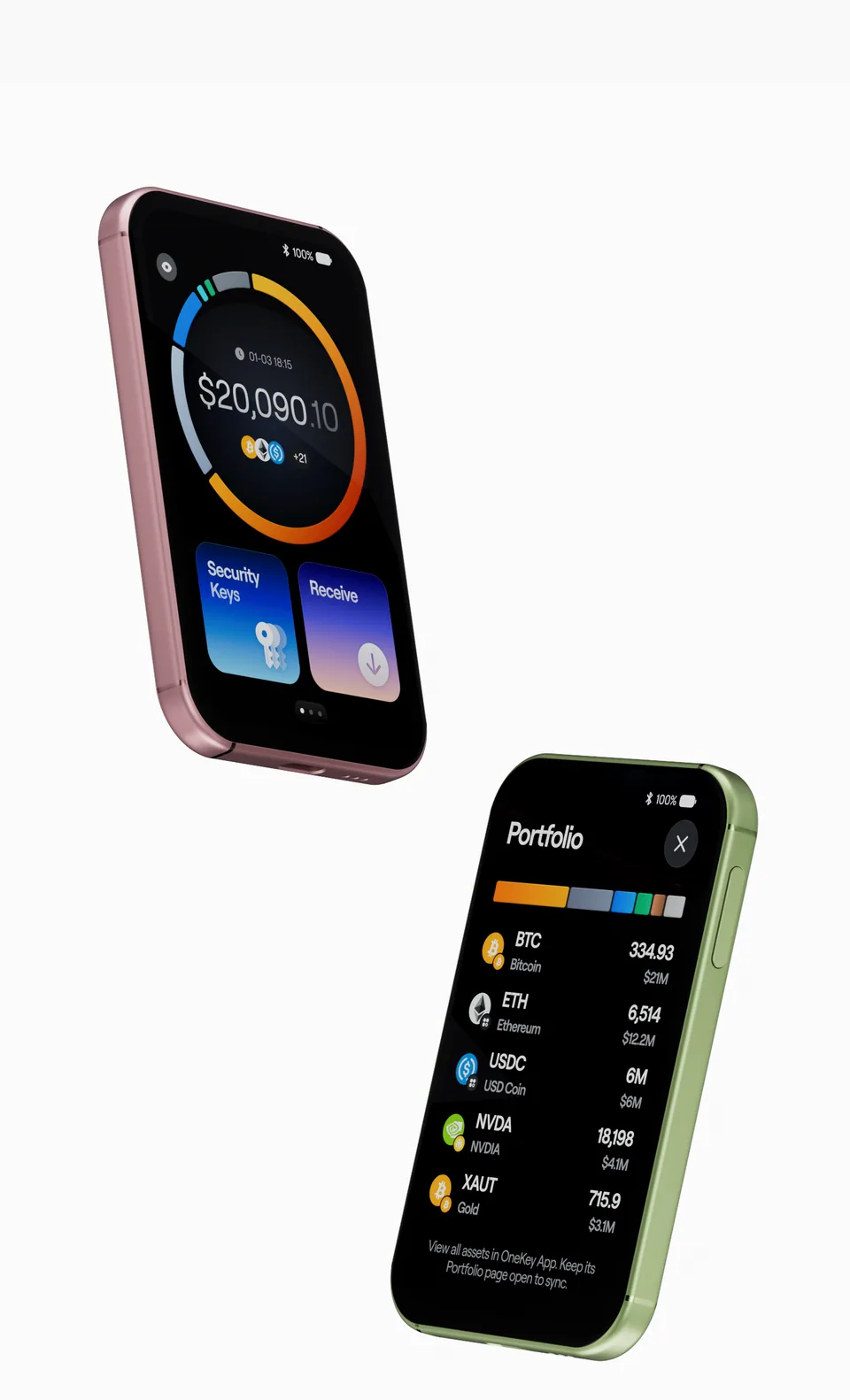







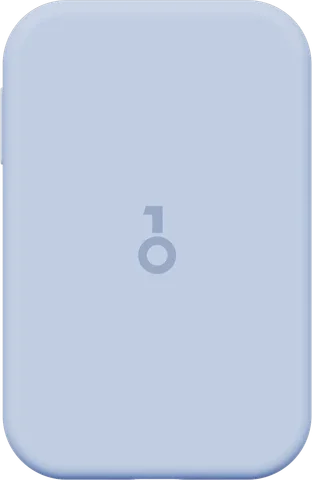
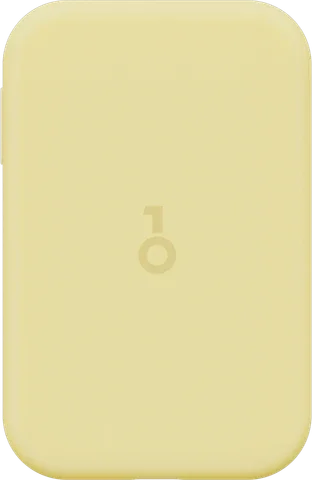
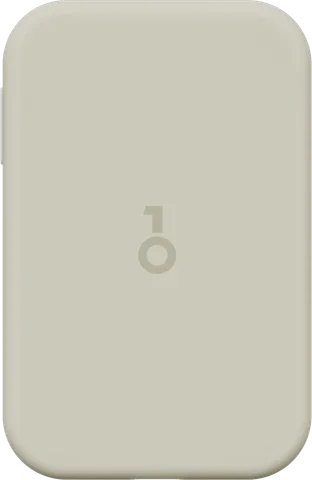
 Four colors. Your style.
 Know what you sign. See risk sooner.
 Two secure elements. Serious protection.
 IP56 protection. Peace of mind on the go.
 One digital key. Unlock your everyday.